


Sony Starlight Sensor IMX415 4K60 USB 3.0 Camera Module with HDR for Video Conferencing Devices

$1.00

Keep participants detailed while gestures remain fluid. Explore IMX415 4K60 USB imaging with standard HDR and optics selected around your conference room.

—————————————————————————————–
Price is for reference only. Please contact us for the latest quotation.

+ −
  • Sony Starlight Sensor IMX415 4K60 USB 3.0 Camera Module with HDR for Video Conferencing Devices

    $1.00

    Request a Call Back

    • Sony Starlight Sensor IMX415 4K60 USB 3.0 Camera Module with HDR for Video Conferencing Devices

      $1.00

      Ask a Question

        ... people are viewing this right now

        Share

      Introduction

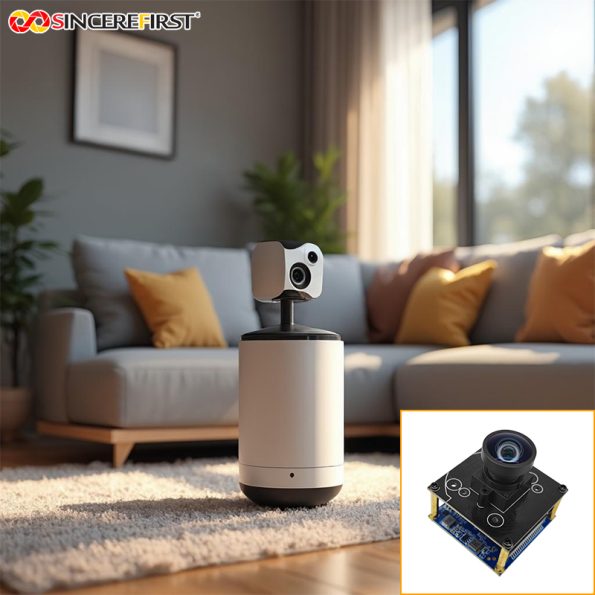
      This IMX415 USB camera combines 4K60 imaging with standard HDR for conferencing and detailed-video equipment. Project lens selection lets the camera view follow the seating area, camera position and participant detail the finished device needs.

      Applications in Real Devices

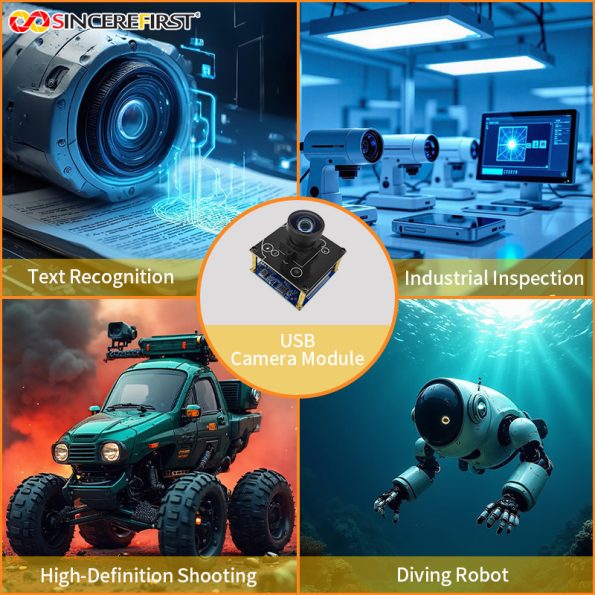
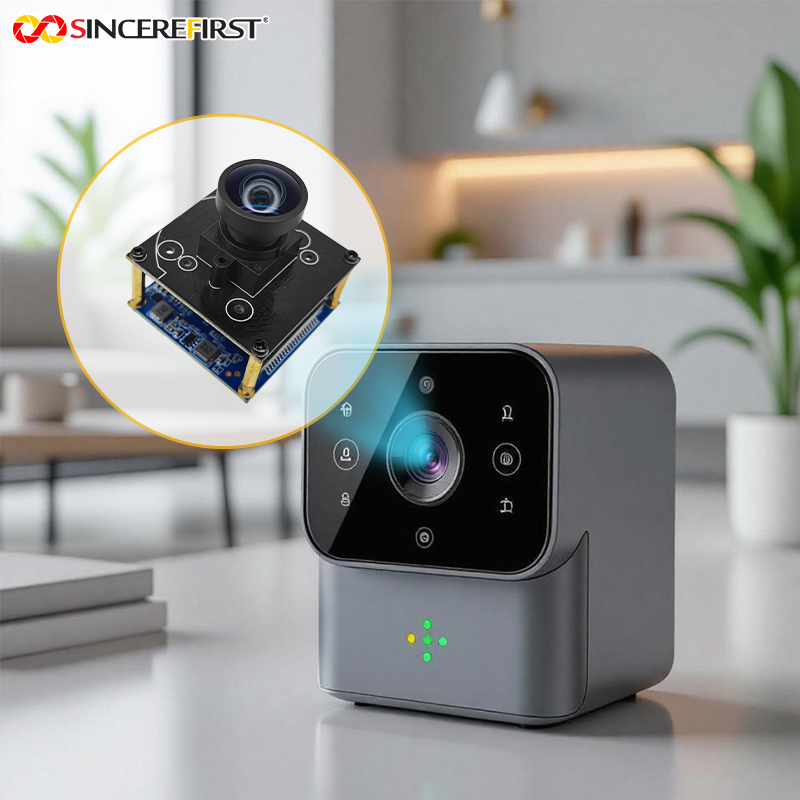
      Video Conferencing Bars and Room Cameras

      A room camera needs to include the intended participants while preserving useful face and gesture detail. 4K imaging supplies a detailed scene, and 60fps captures frequent movement views.

      The seating plan guides the lens so the image is used for people rather than empty surroundings.

      Tennis and Pickleball Recording Units

      A court-side unit needs the playing area and a movement sequence that shows how the action develops. This camera offers a high-resolution USB source for that recording task. Its lens should follow the court position rather than reuse a conference-room view without assessment.

      Overhead Presentation and Demonstration Cameras

      A presentation camera may show documents, hand movements and objects across a tabletop. Detailed imaging makes the content visible while a frequent sequence records handling and demonstration. Fixed Focus suits a defined working area; consider autofocus if subject distance changes substantially.

      Product Appearance Image-Collection Stations

      A production station may need detailed color views across a product surface or several items in an area. This camera supplies a 4K image source for the host’s collection task. Where fast-moving geometry matters more than scene detail, a global shutter configuration is the appropriate comparison.

      Project Evaluation Guide

      • Frame the participants or working content.
        Choose the optical view around the nearest and farthest useful subjects. More scene width is not automatically better if distant faces or small product features become too small in the image.

      • Choose video detail around the full image path.
        Consider 4K60 where the host and finished video use need that source. The supported 1080P60 mode is an option where full-HD detail is sufficient for the task.

      • Select focus and shutter needs independently.
        This is a Fixed Focus camera configuration; choose an autofocus model if normal use needs it. For motion-critical geometry or external triggering, compare the corresponding global shutter models rather than treating 60fps as an equivalent capability.

      How This Module Supports Device Requirements

      Detail for People Across a Room

      The 4K image provides detail within the selected conferencing view. It is useful where a broad seating area still needs informative participant images, provided the lens gives those people enough image space.

      Frequent Views of Gestures and Demonstration

      60fps capture supplies successive images as people gesture or handle objects. It gives the host a movement sequence alongside the scene detail, supporting live video and recording uses.

      HDR for Uneven Room Brightness

      Standard HDR provides a capability for scenes containing bright windows, displays and more shaded subjects. The operating choice can follow the room’s lighting rather than assuming one ordinary exposure suits every scene.

      Choosing This Model Within the High Frame Rate USB Camera Module Series

      Use the room view to choose optics, and compare sensor format, focus behavior or a slim installation where those needs differ:

      Model

      Selection Reason

      SF8A625-88

      Choose IMX415 4K60 USB imaging with standard HDR for a defined conferencing or working view.

      SF8A987-88

      Choose IMX678 4K60 with a larger 1/1.8-inch sensor format and its M12 or C/CS lens directions.

      SF-OC2688-415-V1.0

      Choose VCM autofocus and 4K30 USB 2.0 where subject distance changes during use.

      SF-C2013USB-6010-1080P60-CHN-D90 V1.0

      Choose a slim 50×10mm full-HD board where a narrow display bezel outweighs the need for 4K.

      Key Specifications

      Specification

      Details

      Model

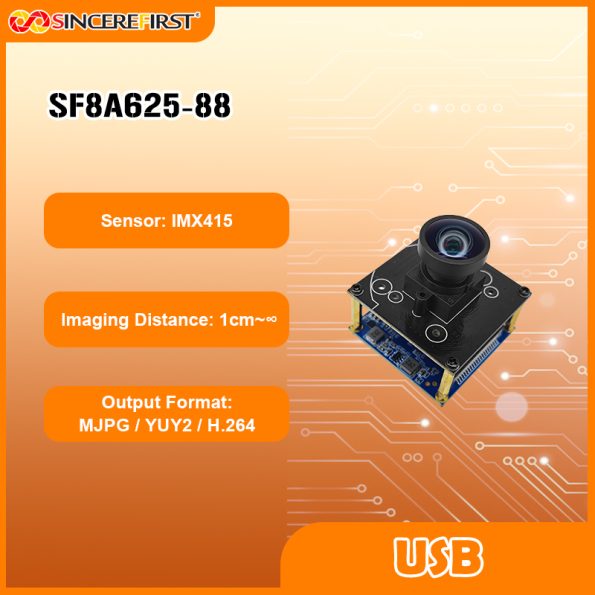
      SF8A625-88

      Product Name

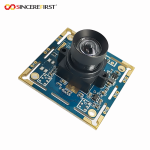
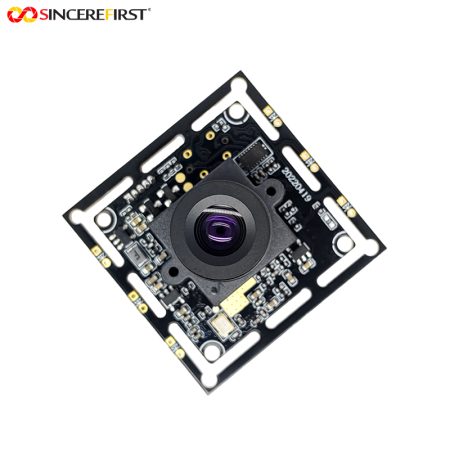
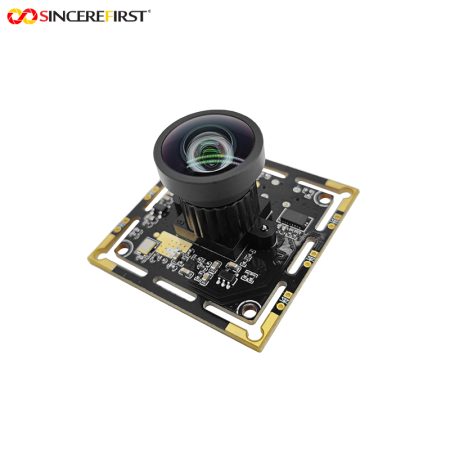
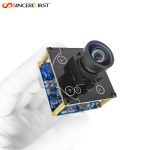
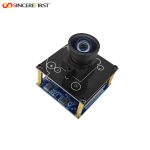
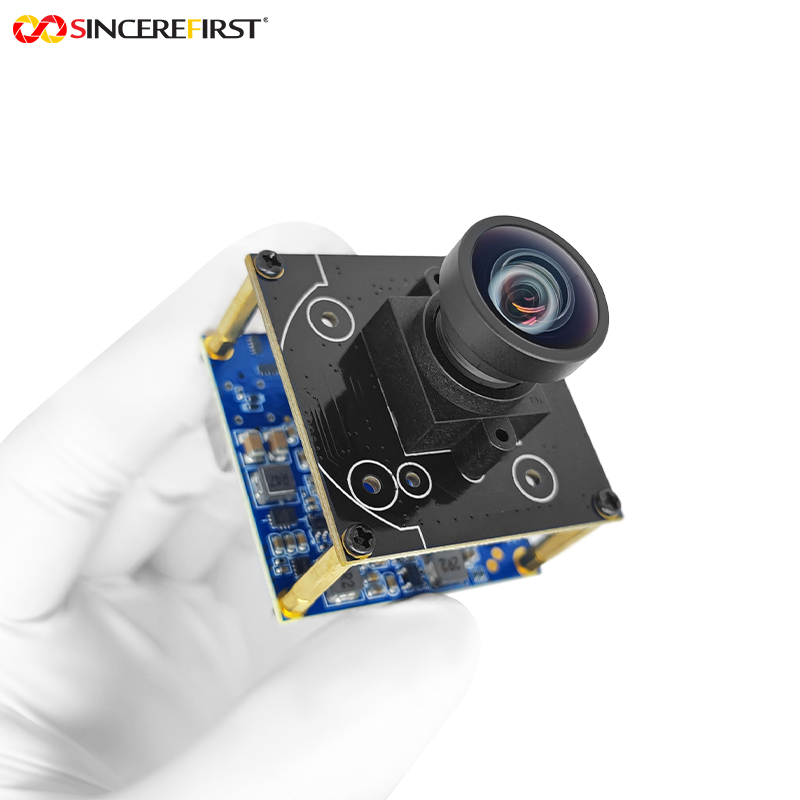
      Sony IMX415 4K60 USB 3.0 Camera Module

      Sensor

      Sony IMX415 CMOS

      Resolution

      8MP / 3840×2160

      Video Output

      3840×2160 at 60fps

      Sensor Size

      1/2.8 inch

      Pixel Size

      1.45×1.45μm

      Feature

      STARVIS, HDR

      Output Format

      MJPG / YUY2 / H.264

      Focus

      Fixed Focus

      Focus Range

      1cm–Infinity

      Structure

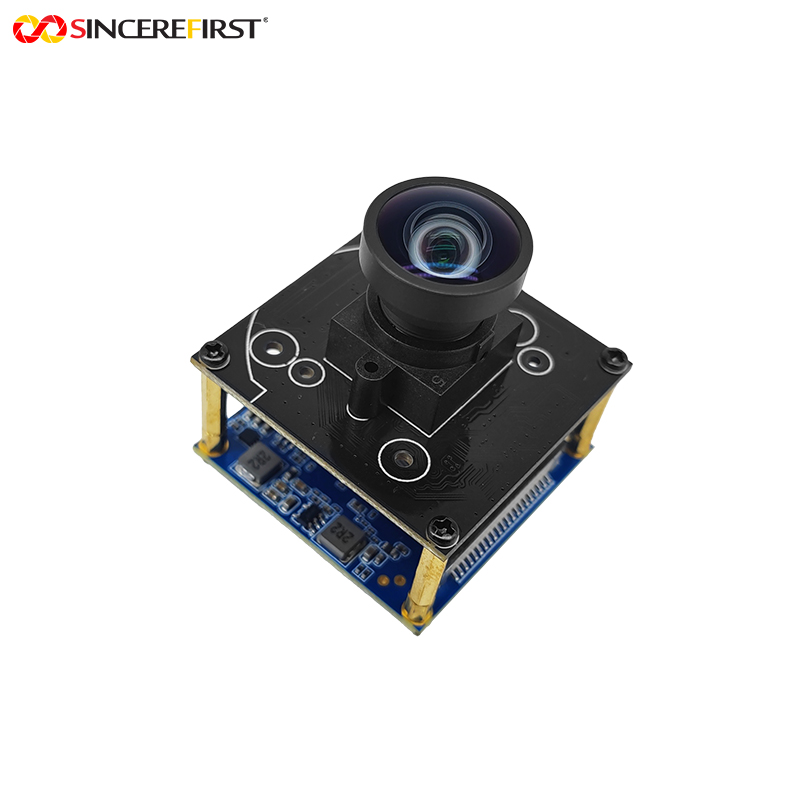
      Double-layer PCB Board

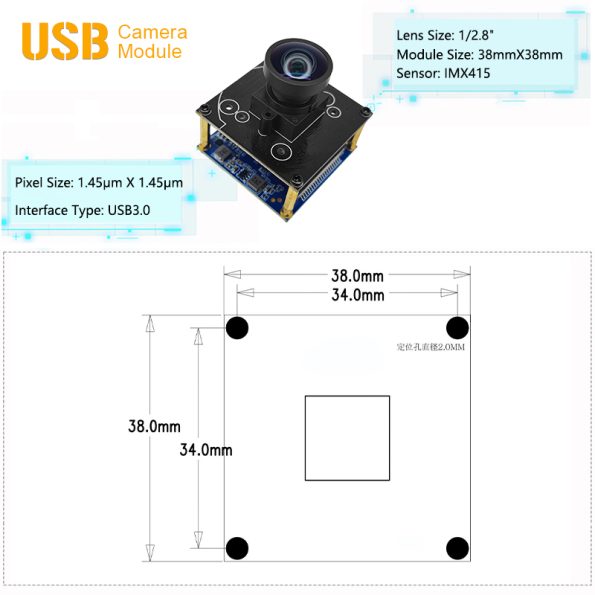
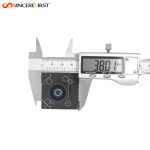
      Module Size

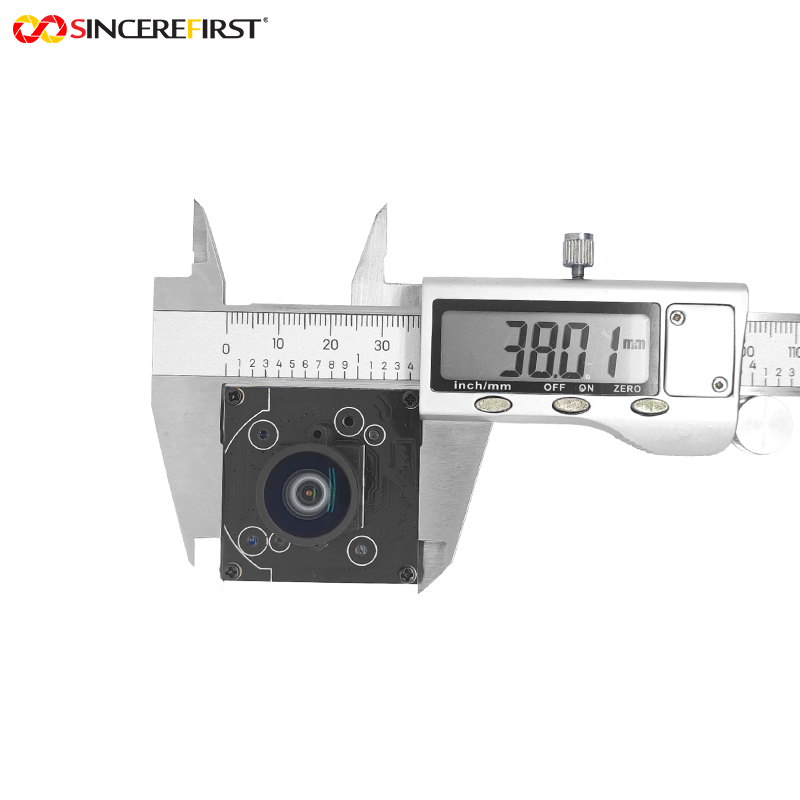
      38×38mm

      Protocol

      UVC

      Interface

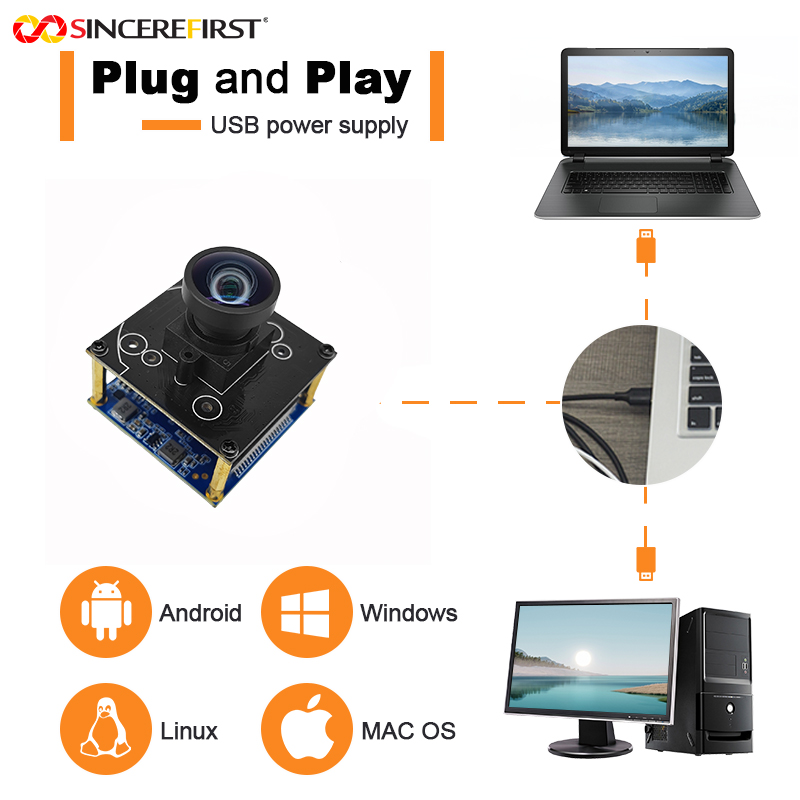
      USB 3.0 Type-C

      SincereFirst Customization

      Seating-Area and Presentation Optics

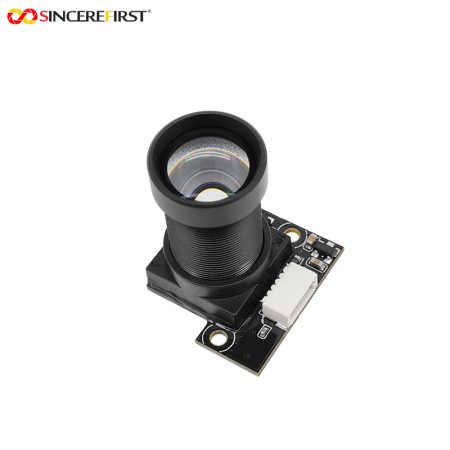
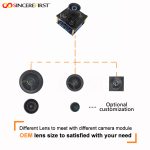
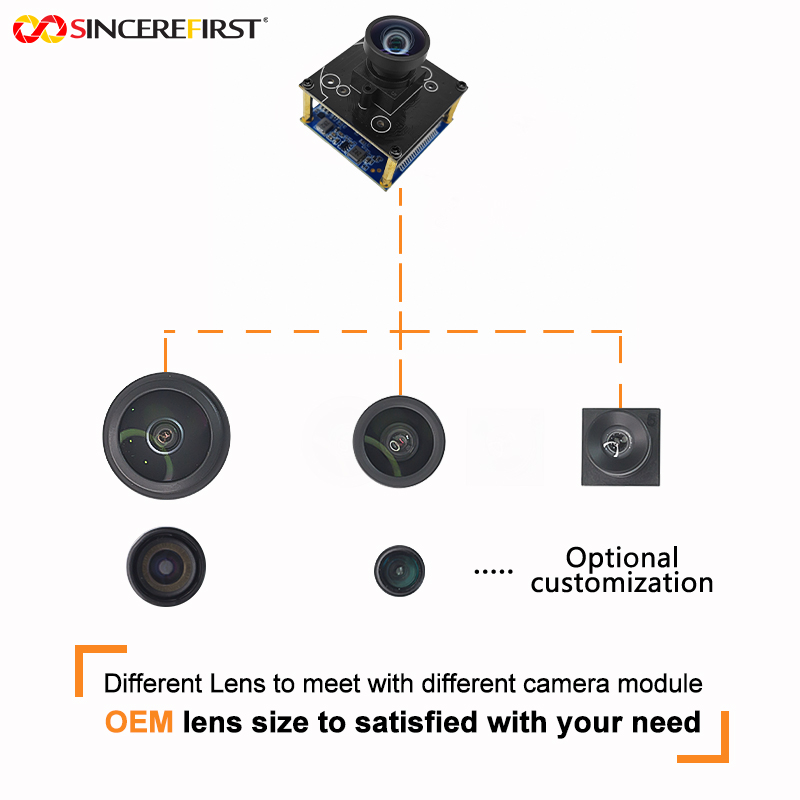
      Focal length, FOV, focus, distortion requirements and IR-cut or IR-pass filters can be evaluated around the people or content to be shown. The nearest seat and farthest participant should be considered together.

      Conferencing-Bar or Display-Camera Assembly

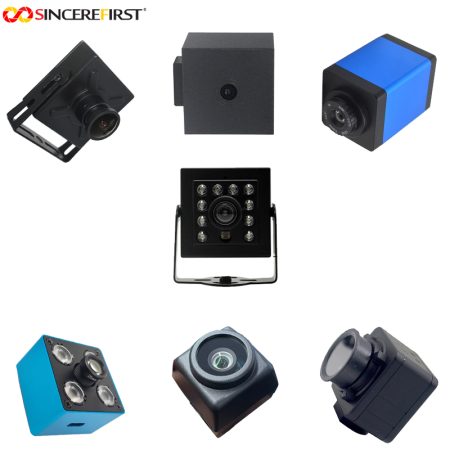
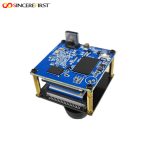
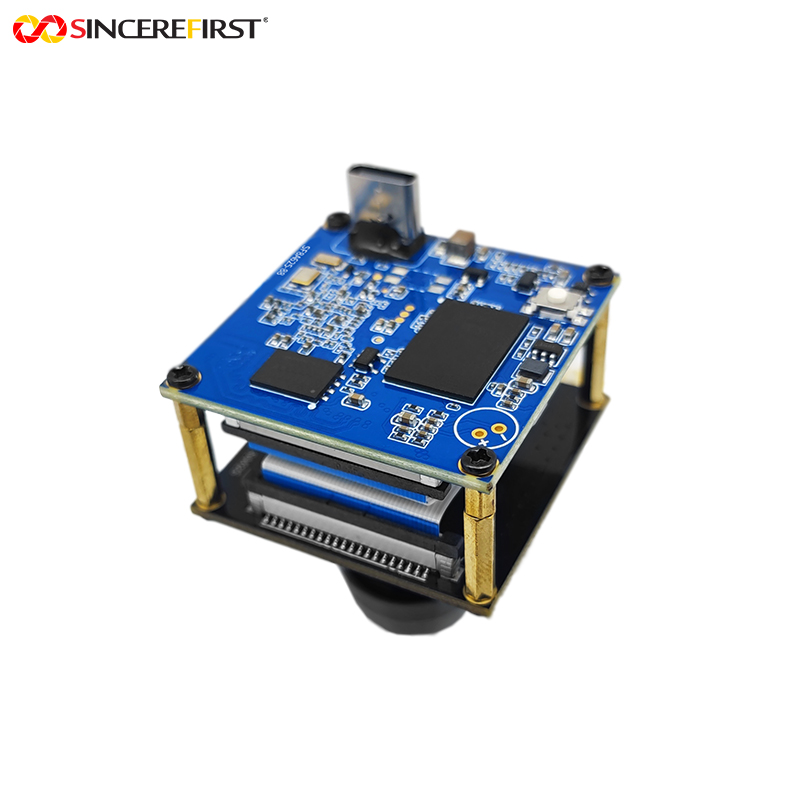
      The 38×38mm double-layer board provides the standard starting layout. Board adaptation, mounting holes, connectors and cable length can be assessed around the device enclosure and lens opening.

      Host Power and Lighting Coordination

      USB protocol requirements, power and any project illumination coordination can be evaluated with the conferencing or recording electronics. The camera configuration should follow the device’s available power and actual room-light conditions.

      Image Tuning for the Conference or Recording Host

      For a conference or demonstration system, SincereFirst can assess image tuning and compatibility with the application’s acquisition and recording path. Resolution and frame-rate configuration are evaluated within the hardware limits so the source settings serve the finished video use.

      Final configuration should be validated with the actual host platform, enclosure, optics, software, and lighting environment before sampling.

      FAQ

      Does a 4K60 camera guarantee a 4K60 online meeting?

      No. The camera supplies the source image; the host, conferencing application, encoding and connection determine what is transmitted. Evaluate that complete path so the chosen source mode supports the intended meeting or recording use.

      Can the camera be placed behind a tinted conference-bar cover?

      The cover becomes part of the optical path and can affect light transmission, color and reflections. Evaluate its material and opening with the selected lens before fixing the enclosure, rather than assuming the uncovered camera image will be unchanged.

      Choose the Conference View Around the People in the Room

      Share the seating layout, camera location and intended video path with SincereFirst. We can help select the optics and assess the camera assembly and host configuration for sampling.

      Send Inquiry

        Close
        Close My Cart
        Close Recently Viewed
        Close
        Close
        Categories