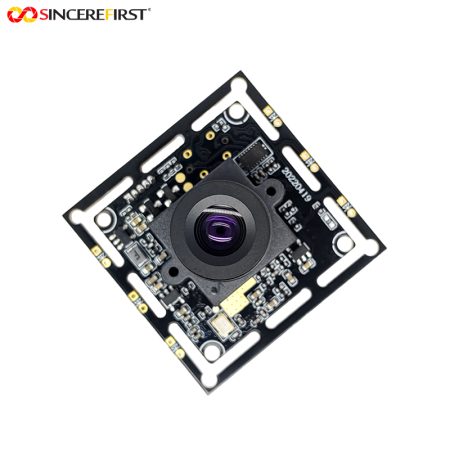

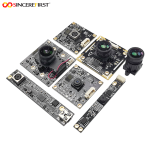
Sony IMX989 50MP 4K AF USB 3.0 Camera Module for Document Capture and Inspection

$1.00

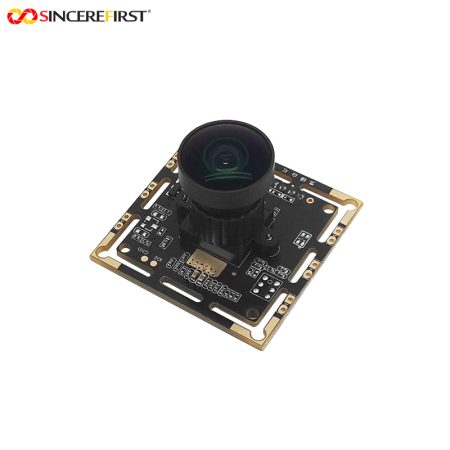
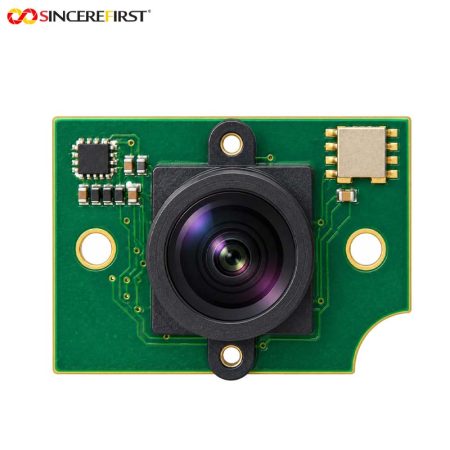
Keep small text and product details in view with an IMX989 USB camera. Choose autofocus or manual focus for document capture and inspection devices.

—————————————————————————————–
Price is for reference only. Please contact us for the latest quotation.

+ −
  • Sony IMX989 50MP 4K AF USB 3.0 Camera Module for Document Capture and Inspection
    $1.00

    Request a Call Back

    • Sony IMX989 50MP 4K AF USB 3.0 Camera Module for Document Capture and Inspection

      $1.00

      Ask a Question

        ... people are viewing this right now

        Share

      Introduction

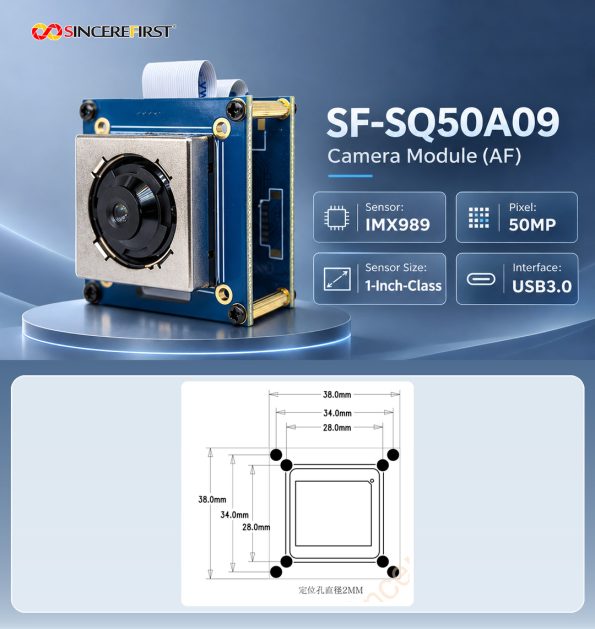
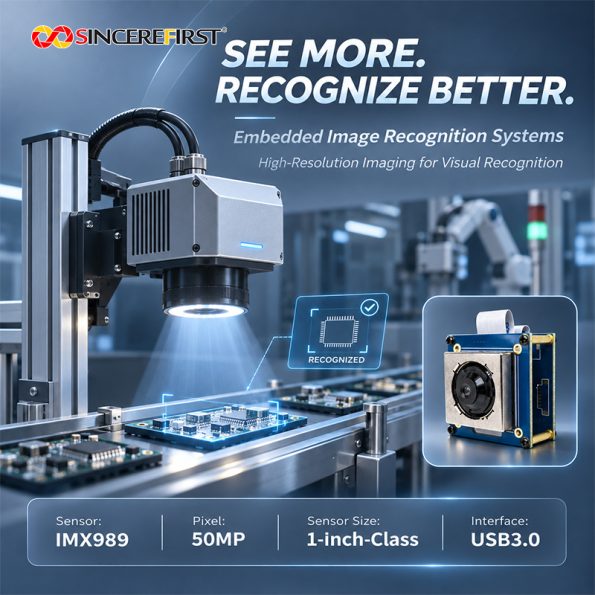
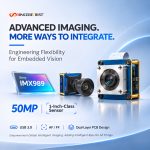
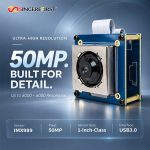
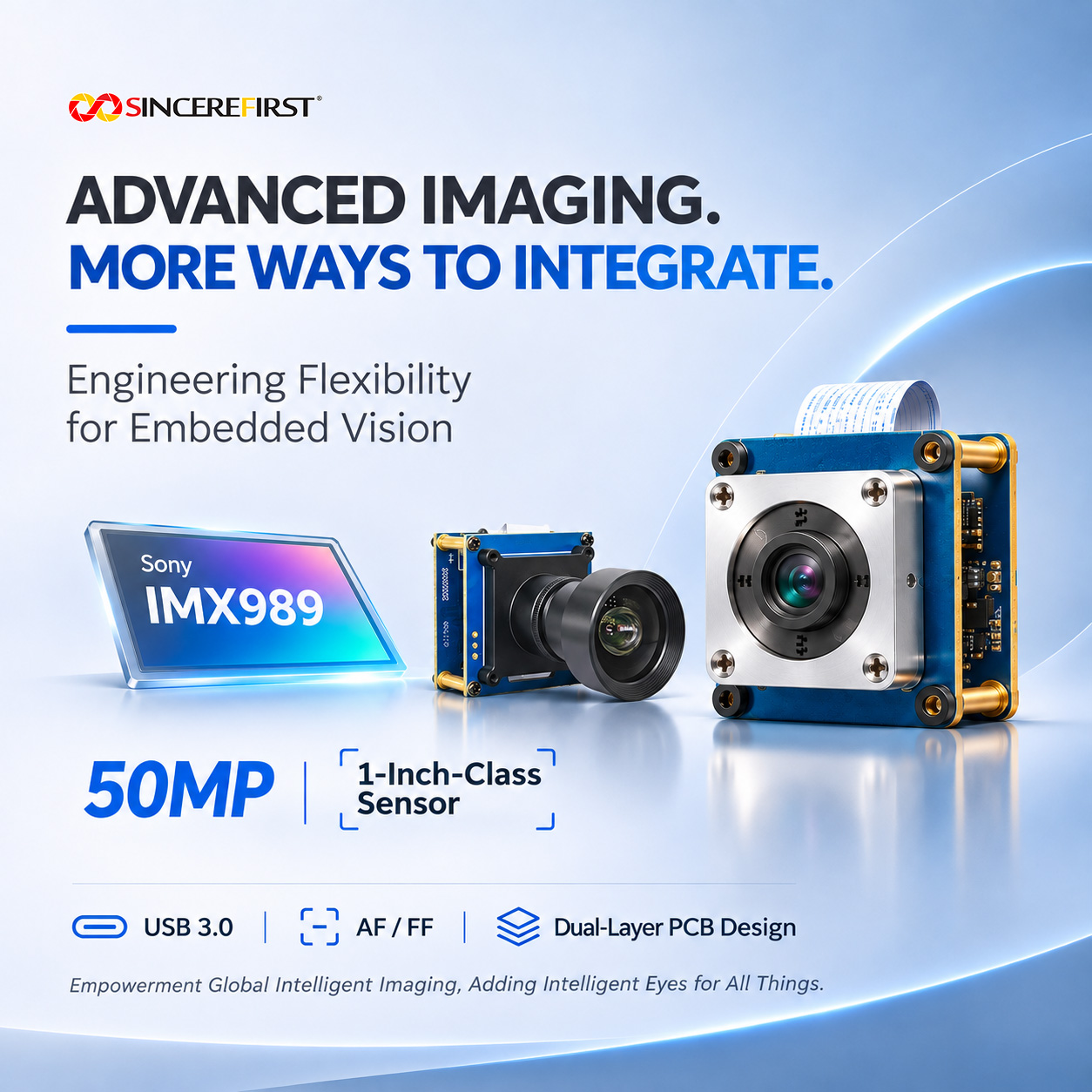
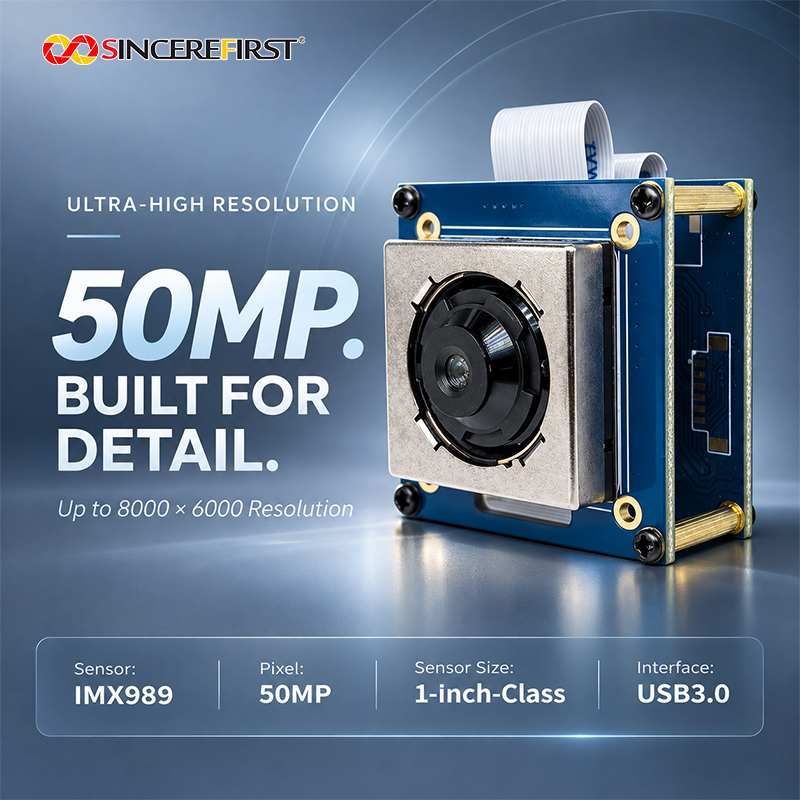
      Built around the 1-inch-class IMX989 sensor, this USB camera offers 8000×6000 image capture for devices that need to examine small details within a larger view. Autofocus and manual-focus versions address changing or fixed working distances, while a separate 4K30 mode serves live viewing and video. HDR is supported for scenes containing both bright and dark areas.

      Applications in Real Devices

      Desktop Assisted Reading Devices

      A reading device needs to show small print without forcing the user to reposition every line beneath the camera.

      A detailed page image gives the host material to enlarge or process, while an autofocus configuration suits users who change the document height or place different objects beneath the reading head. The camera supplies images; reading and text interpretation belong to the host application.

      Overhead Document and Book Capture Stations

      An overhead station must retain text and illustrations across the page, including details that may be examined after capture. The high-resolution mode is relevant when a document can remain still for acquisition. For a stand with a repeatable page position, the manual-focus version offers a configuration that can be set around that working geometry.

      Bench Inspection and Product Documentation Equipment

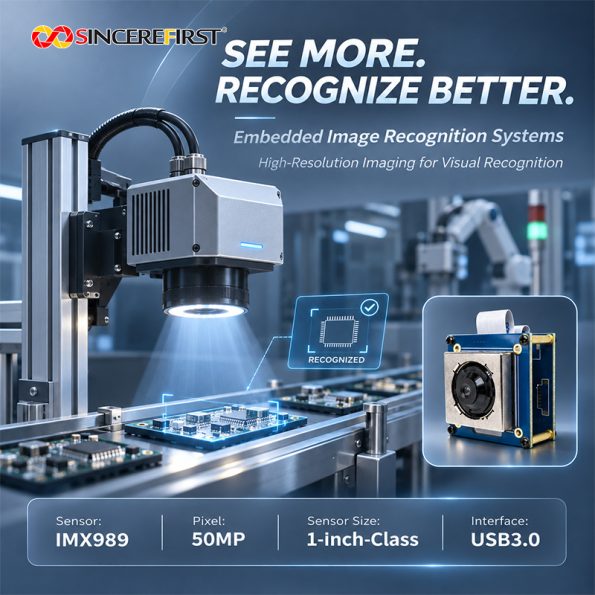
      An operator may need an overall product record and a closer look at a marking, connector or surface feature within it. Detailed images support that review without changing the camera position for every region. The smallest required feature and the installed lens determine whether one view is sufficient for the inspection task.

      Product Demonstration and Visual Presentation Terminals

      A demonstration terminal may alternate between showing a complete object and examining its labels or texture. Live video helps with positioning and presentation, while a higher-resolution capture can serve subsequent detail review. This workflow uses different camera modes for different stages, rather than expecting maximum-resolution capture to behave like the live video stream.

      Project Evaluation Guide

      • Choose the capture pace around the task.
        This camera is worth considering for detailed views of stationary or deliberately positioned subjects. If the requirement is full-resolution continuous video at 30fps, the supported 8000×6000 mode does not meet it; use the mode table below to judge the acquisition pace.

      • Establish target detail across the complete view.
        Define the smallest print or feature and the area that must fit in one image. Confirm that the selected lens resolves that feature across the required area at the installed distance; sensor pixel count alone does not establish reading or defect-detection performance.

      • Choose the focus version around subject movement in depth.
        Autofocus is relevant when document height or object distance changes. Manual focus suits a repeatable inspection position. Use a representative scene containing the near and far details that must remain usable, rather than treating the stated imaging-distance range as one simultaneous depth of field.

      How This Module Supports Device Requirements

      Retain Detail Beyond the Live View

      The 8000×6000 mode provides a larger image grid than the 4K video mode, giving a host more samples across a page or product for enlargement and detail review.

      It is most useful when the optics, lighting and subject stability allow that extra sampling to contribute visible information.

      Configure Focus for How the Device Is Used

      The autofocus and manual-focus versions let the camera choice follow the device workflow. A reading head facing changing subject heights has a different focus requirement from an inspection fixture that repeatedly presents the same surface at the same distance.

      Address Bright and Dark Areas Within One Scene

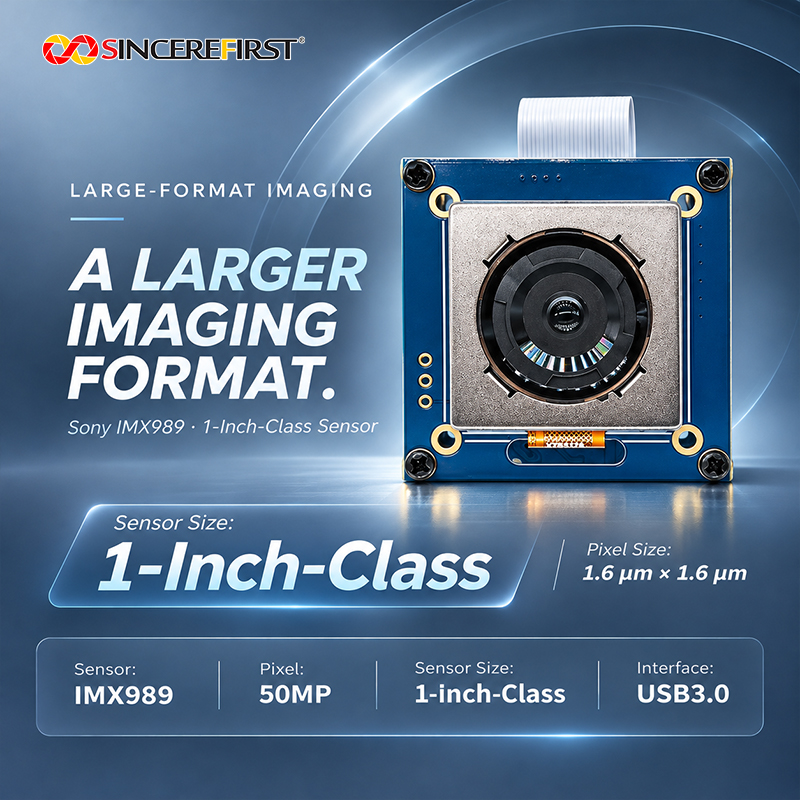
      The camera’s supported HDR function is relevant when a scene contains a bright surface and darker surrounding detail. It provides an imaging option to assess with the actual subject and lighting; it does not remove glare or establish performance under every lighting condition. The sensor also provides a 1-inch-class, 1.6μm-pixel foundation for the selected optical configuration.

      Key Specifications

      Specification

      Details

      Model

      SF-SQ50A09

      Product Name

      Sony IMX989 4K AF USB 3.0 Camera Module

      Sensor

      Sony IMX989 CMOS

      Resolution

      50MP / 8000×6000

      Video Output

      3840×2160 at 30fps

      Sensor Size

      1-inch class

      Pixel Size

      1.6×1.6μm

      Feature

      4-in-1 pixel binning; Octa-PD

      Output Format

      MJPG / YUY2

      Focus

      Autofocus / Fixed Focus

      Focus Range

      10cm–Infinity

      Structure

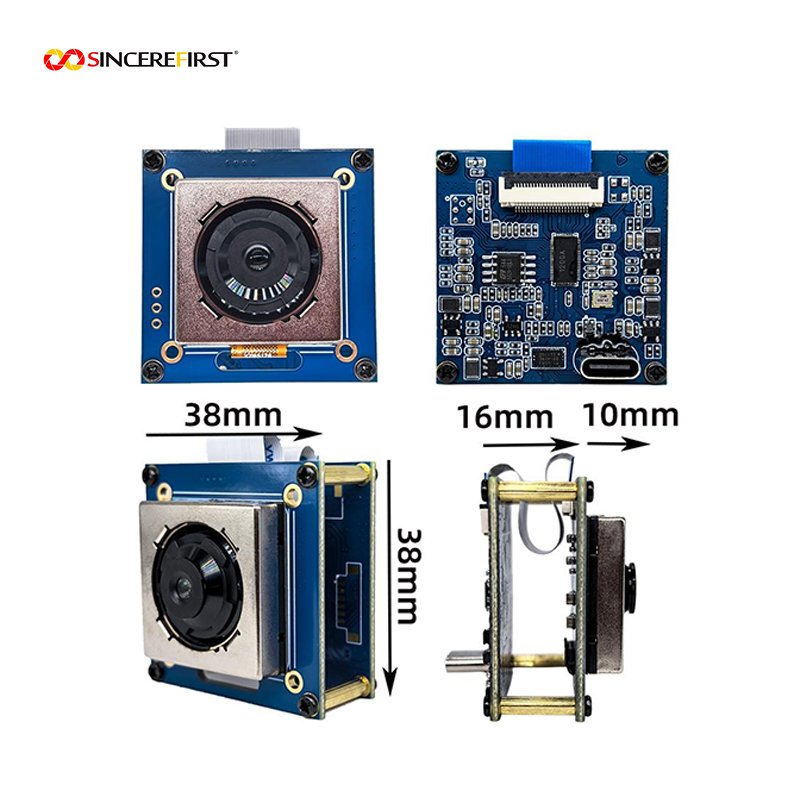
      Double-layer PCB Board

      Module Size

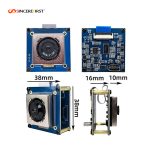
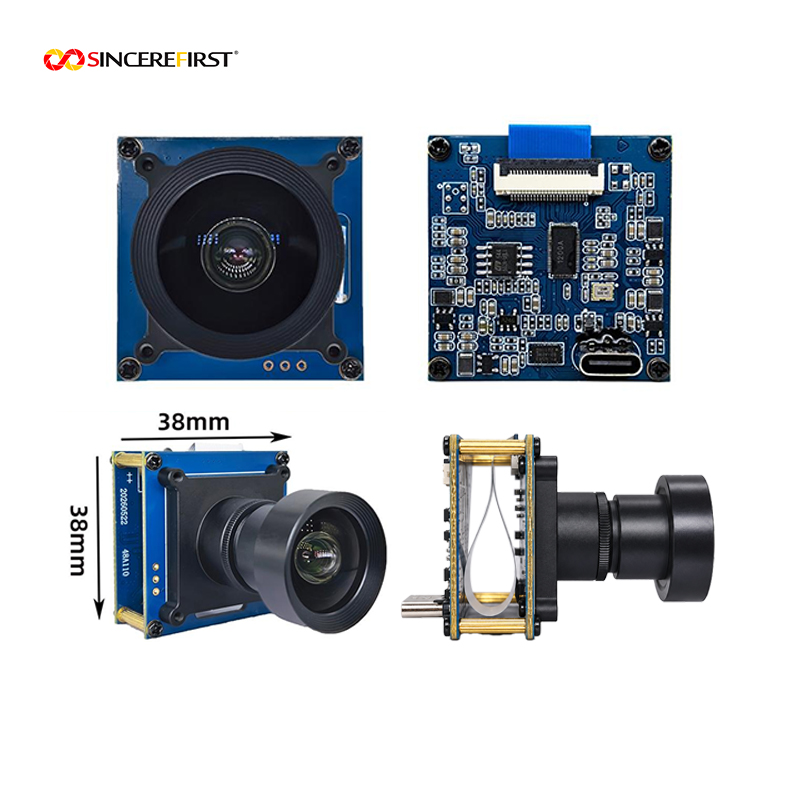
      38×38mm

      Protocol

      UVC

      Interface

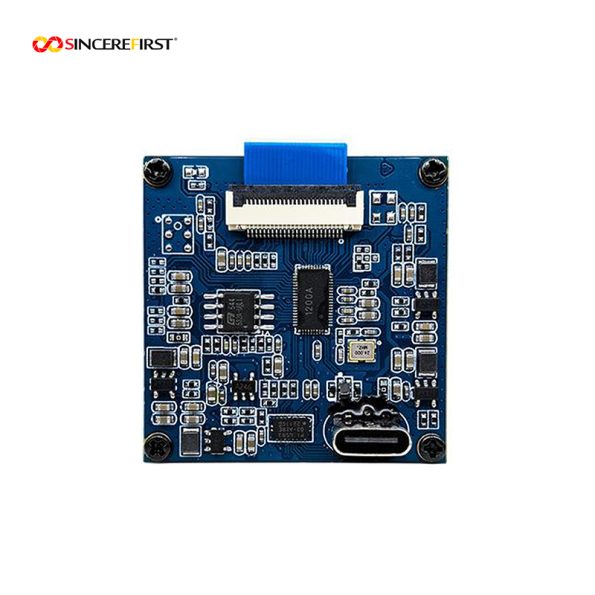
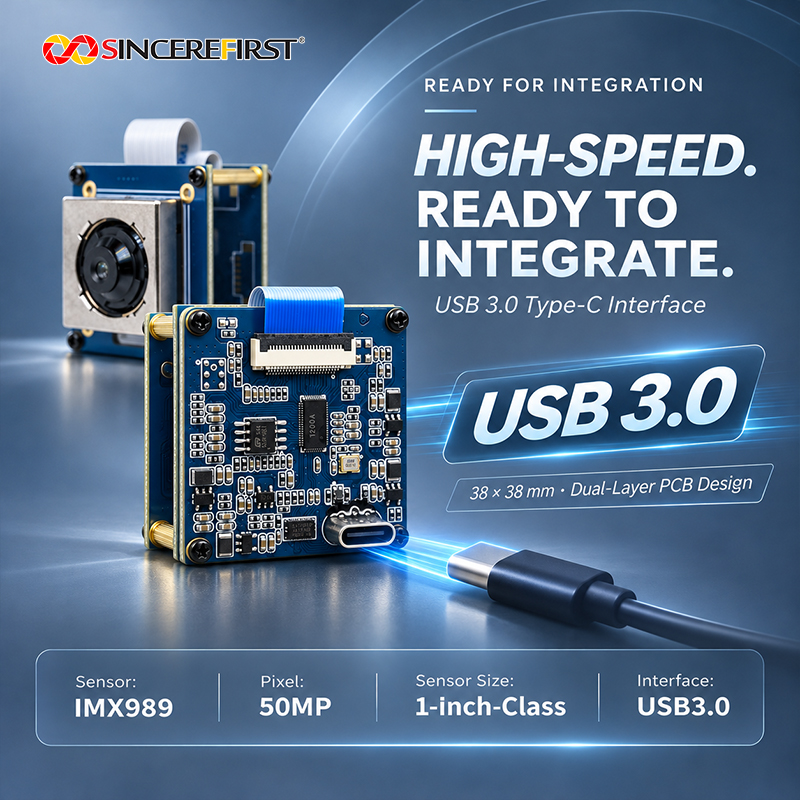
      USB 3.0 Type-C

      SincereFirst Customization

      Optical Configuration for the Working Area

      SincereFirst can assess the lens and focus configuration around page size, object height and the smallest visible feature. A project requiring consistent corner detail or a particular viewing area should bring those requirements into optical selection, alongside the AF or manual-focus version.

      Mounting, Connector and Cable Fit

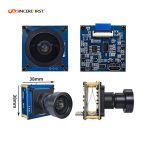
      The standard assembly uses a 38×38mm double-layer board with USB Type-C. Mounting positions, connector access, cable length and board adaptation can be assessed where the reading head or inspection enclosure constrains installation.

      Power and Illumination Coordination

      SincereFirst can assess power and lighting integration around the selected hardware. A reflective page, a recessed marking and a textured surface call for different lighting arrangements; the camera configuration should be developed with that arrangement in view.

      Image Settings and Host Integration

      UVC and C++ image-acquisition sample code provide starting points for host integration. Image tuning and supported output settings can be assessed for the intended preview and capture workflow, within the camera platform’s capabilities.

      Final configuration should be validated with the actual host platform, enclosure, optics, software, and lighting environment before sampling.

      FAQ

      What is the difference between the 50MP designation and 8000×6000 output?

      50MP identifies the sensor/product class. The module’s largest listed output is 8000×6000, which contains 48 million pixels. Use that delivered image size when planning image coverage, storage or host processing; do not assume a separate 50-million-pixel USB output mode.

      Does the IMX989’s Octa-PD technology mean this USB camera uses phase-detection autofocus?

      Octa-PD is a sensor technology. It does not by itself establish the autofocus method implemented by the USB camera. An autofocus version is available, but its suitability should be judged with the project’s subject and distance changes rather than by assuming a particular focusing algorithm or speed from the sensor name.

      Can one document device use 4K live viewing and higher-resolution detail capture?

      The camera offers both 4K30 and 8000×6000 output modes, so both requirements can be considered within one device design. The host application needs to manage the selected mode and the capture sequence. If users must preview continuously while a detailed image is acquired, include that workflow in sample evaluation: the listed modes alone do not establish simultaneous streams or the time needed to change modes.

      Plan the Detail Your Device Needs to Capture

      Share a representative page or product image, the required viewing area and how the subject distance changes during use. SincereFirst can help select the focus version and optical configuration, then assess the installation and capture workflow for sampling.

      Send Inquiry

        Close
        Close My Cart
        Close Recently Viewed
        Close
        Close
        Categories