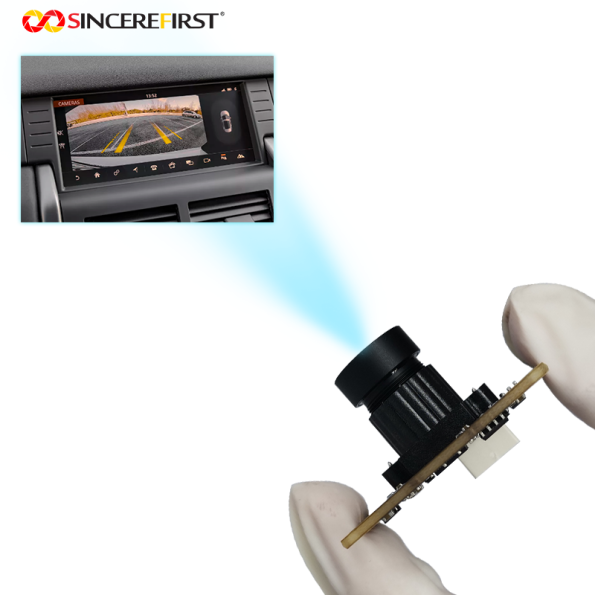

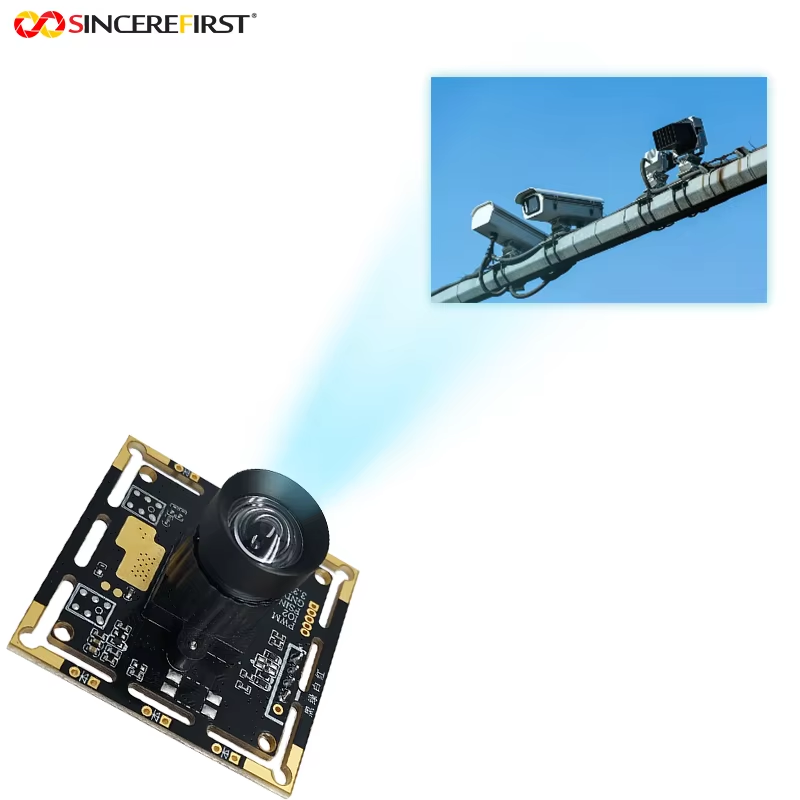
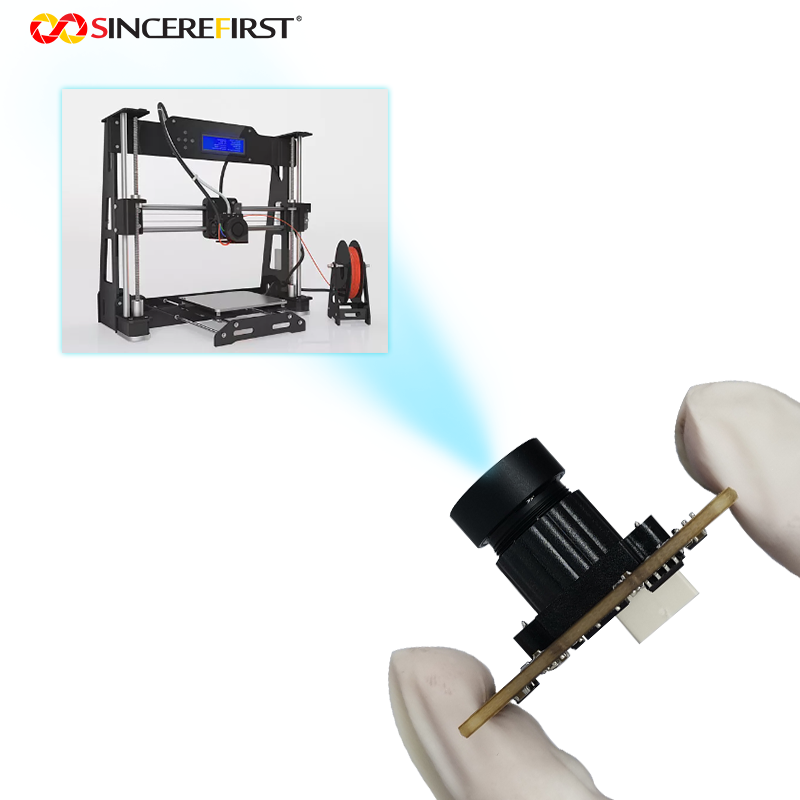
OV2312 2MP 60fps Color Global Shutter USB Camera Module for Production Inspection

$1.00

Keep moving-product shape and color useful for inspection. Explore OV2312 2MP global shutter capture with lens and industrial-shell choices for your machine.

—————————————————————————————–
Price is for reference only. Please contact us for the latest quotation.

+ −
  • OV2312 2MP 60fps Color Global Shutter USB Camera Module for Production Inspection
    $1.00

    Request a Call Back

    • OV2312 2MP 60fps Color Global Shutter USB Camera Module for Production Inspection
      $1.00

      Ask a Question

        ... people are viewing this right now

        Share

      Introduction

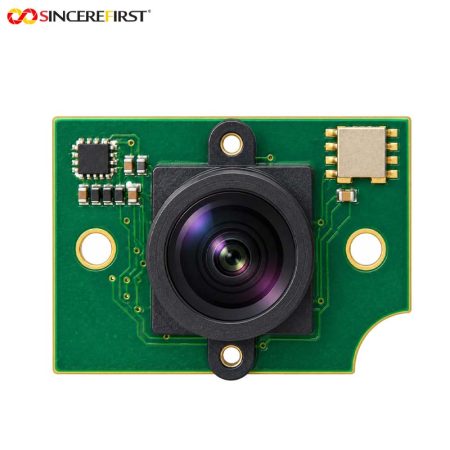
      The OV2312 USB camera combines 1600×1300 color imaging with global shutter capture at 60fps for inspection equipment. It serves tasks that need product detail and moving-target shape together, with lens and industrial-shell options for different machine positions.

      Applications in Real Devices

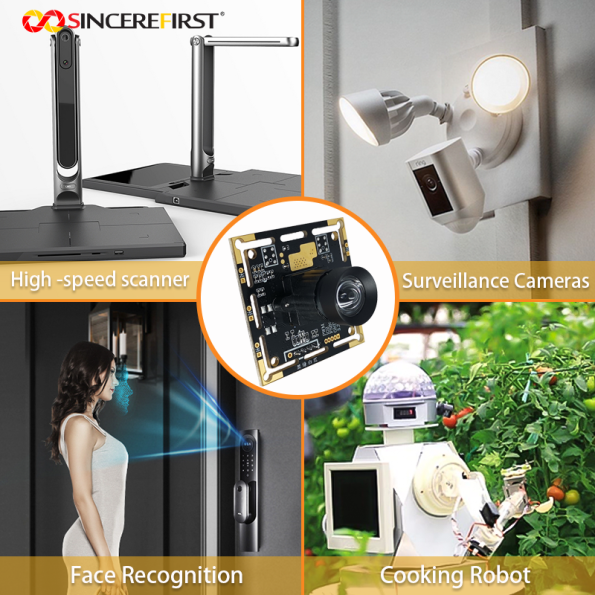
      Product Appearance and Assembly Inspection Stations

       An assembly station needs to show the feature that distinguishes an acceptable product from one requiring attention. The color image records appearance, while global shutter helps preserve geometry if the item is still moving. The inspection area should be framed around that feature rather than the largest possible scene.

      Vegetable and Food Sorting Machines

      A sorting camera may need to retain both product shape and visible appearance before the item leaves the inspection area. This configuration provides color global shutter images for that task. Lens choice follows the product size and sorting width so the host receives an informative view of each item.

      Multi-Camera Foot Scanners

      A scanning platform collects views of the foot surface from several positions. Color capture records surface appearance, while global shutter is relevant to small movement during acquisition. Each camera’s view and focus should follow the scanner layout and required surface detail.

      Package Outline and Position Inspection Cameras

      An inspection point can use product edges and orientation to check how a package moves through a machine. Global shutter helps keep those edges useful in motion. This application concerns the visible outline and position; any requirement to read small labels needs a separate detail assessment.

      Robot Gripper Inspection Cameras

      A camera near a gripper can observe whether a part is present and how it is oriented. Color and shape information provide useful inputs to the robot’s inspection software. The available stand-off distance and lens space guide whether a bare board or a separately mounted camera package is more practical.

      Project Evaluation Guide

      • Match detail to the full inspection area.
        Use the 1600×1300 image where the decisive product feature remains distinguishable at the required coverage. Choose a more concentrated view or higher resolution when small details disappear across a wide area.

      • Decide how much of the product’s movement must be sampled.
        Consider 60fps global shutter capture when it supplies enough useful views during the pass. If the viewing window is shorter and demands more samples, compare the faster global shutter models.

      • Select the camera package around access and mounting.
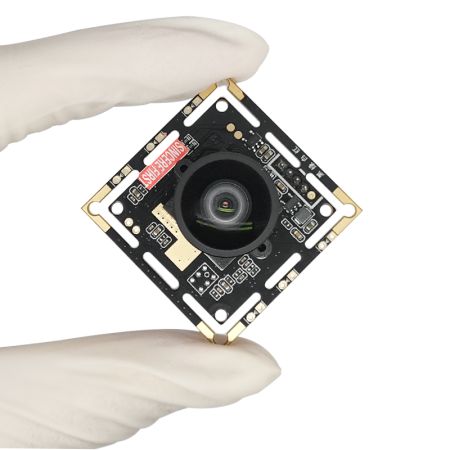
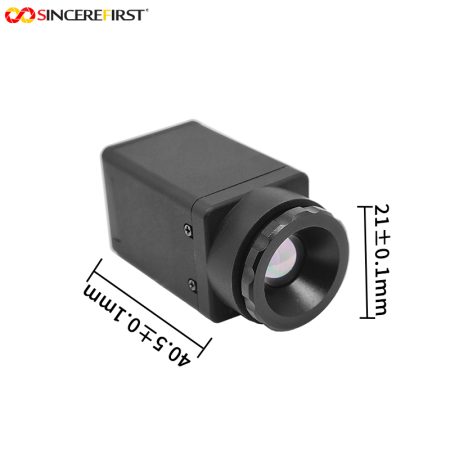
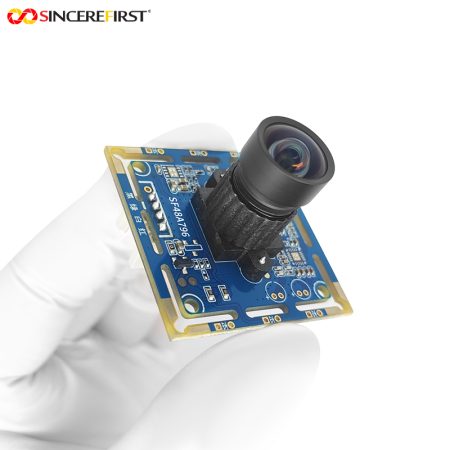
        A bare board suits an existing camera compartment; an optional industrial shell suits a separate camera position. Neither choice alone establishes an environmental protection rating.

      How This Module Supports Device Requirements

      Product Detail for Appearance Decisions

      The 2MP color image allocates more image samples to the target than VGA capture at comparable framing. It is useful when an inspection task must examine appearance information as well as locate the product.

      Shape Preservation While the Item Moves

      Global shutter avoids rolling-shutter skew in moving-target images. This helps keep edges and relative feature positions useful to an inspection or scanning process.

      A Camera Package Chosen for the Machine

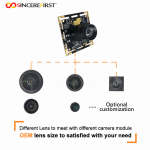
      Project lens choices and optional industrial shells allow the optical view and mounting arrangement to be considered together. The configuration can follow the inspection position instead of forcing the machine around one camera package.

      Choosing This Model Within the High Frame Rate USB Camera Module Series

      This model emphasizes inspection detail and packaging choices; compare capture speed and triggering separately:

      Model

      Selection Reason

      SF2A123

      Choose 2MP color global shutter at 60fps with project lens and industrial-shell options.

      SF1.3A142-GS-USB

      Choose a faster 190fps color sequence where 1.3MP detail is sufficient.

      SF2A543

      Choose 1080P100 global shutter when full-HD motion sampling is the stronger priority.

      SF2A543-3.0

      Choose the USB 3.0 external-trigger configuration when the controller must initiate capture.

      Key Specifications

      Specification

      Details

      Model

      SF2A123

      Product Name

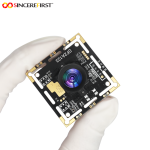
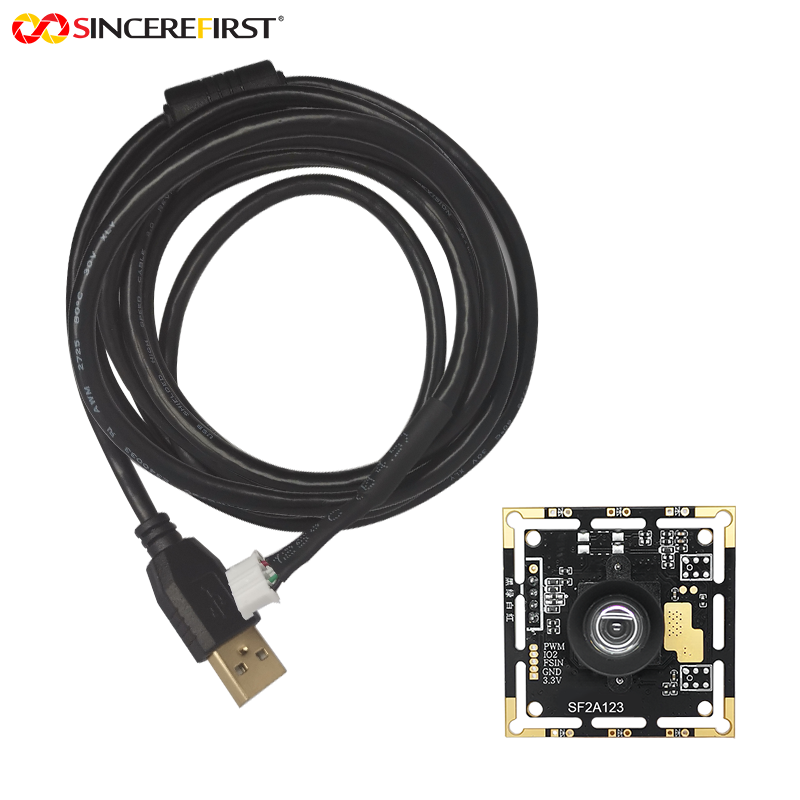
      OV2312 2MP 60fps Color Global Shutter USB Camera Module

      Sensor

      OmniVision OV2312 CMOS

      Resolution

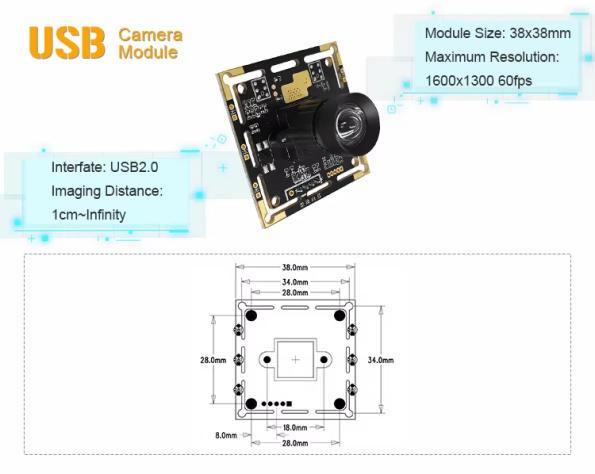
      2MP / 1600×1300

      Video Output

      1600×1300 at 60fps

      Sensor Size

      1/2.9 inch

      Pixel Size

      3.0×3.0μm

      Shutter

      Global Shutter

      Output Format

      MJPG / YUY2

      Focus

      Fixed Focus

      Focus Range

      1cm–Infinity

      Module Size

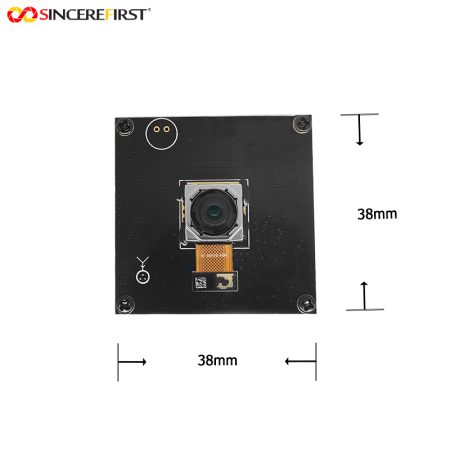
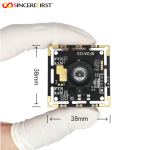
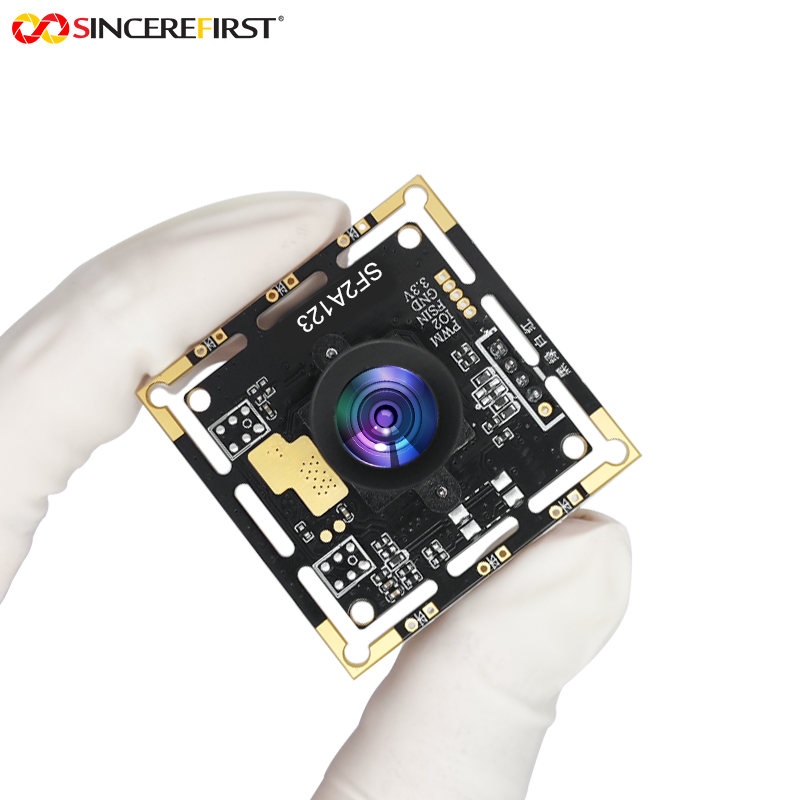
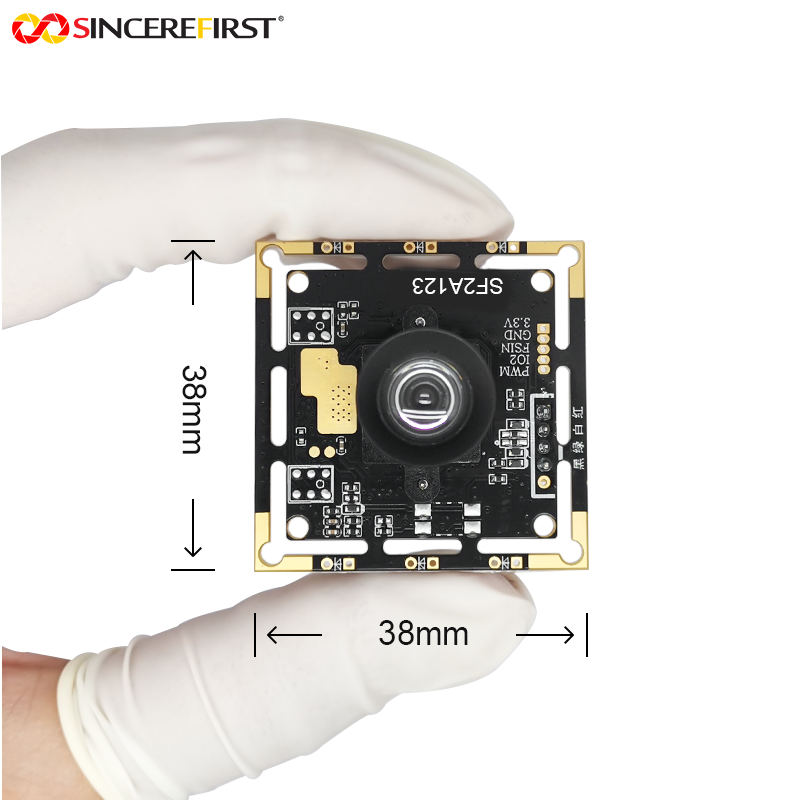
      38×38mm

      Protocol

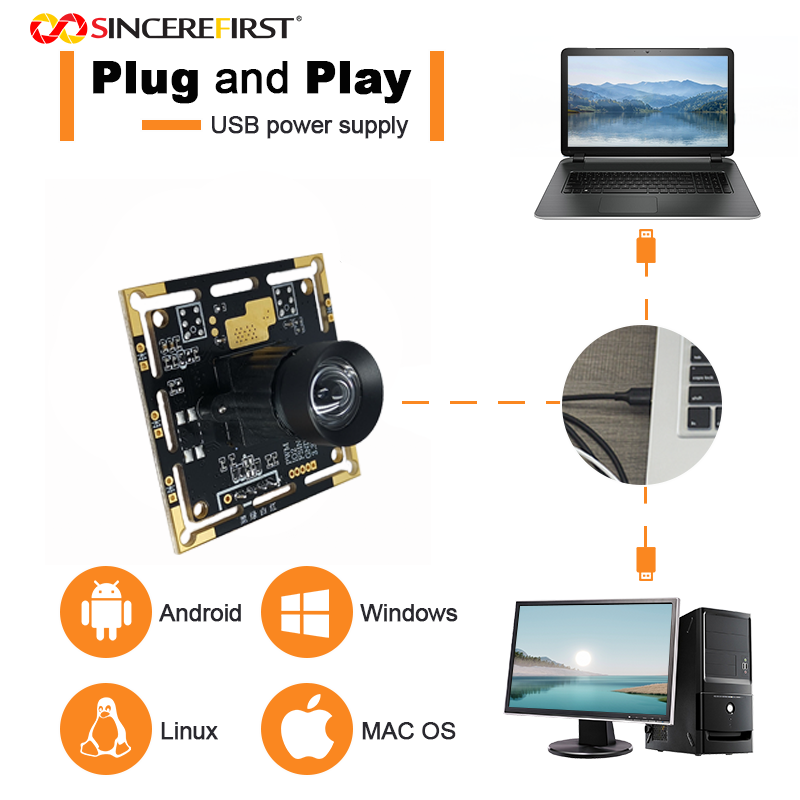
      UVC

      Interface

      USB 2.0

      Options

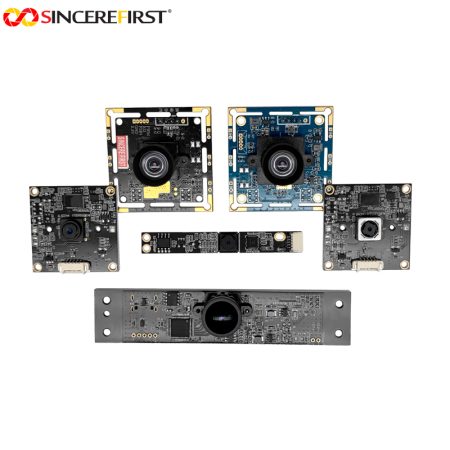
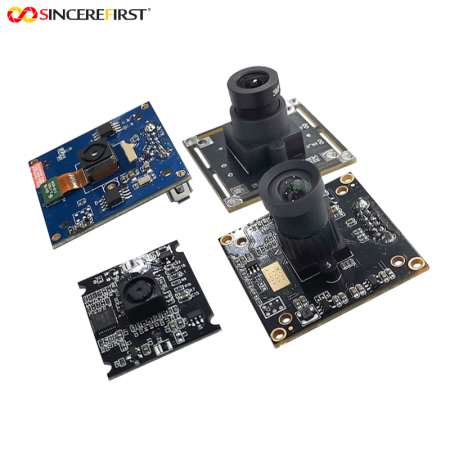
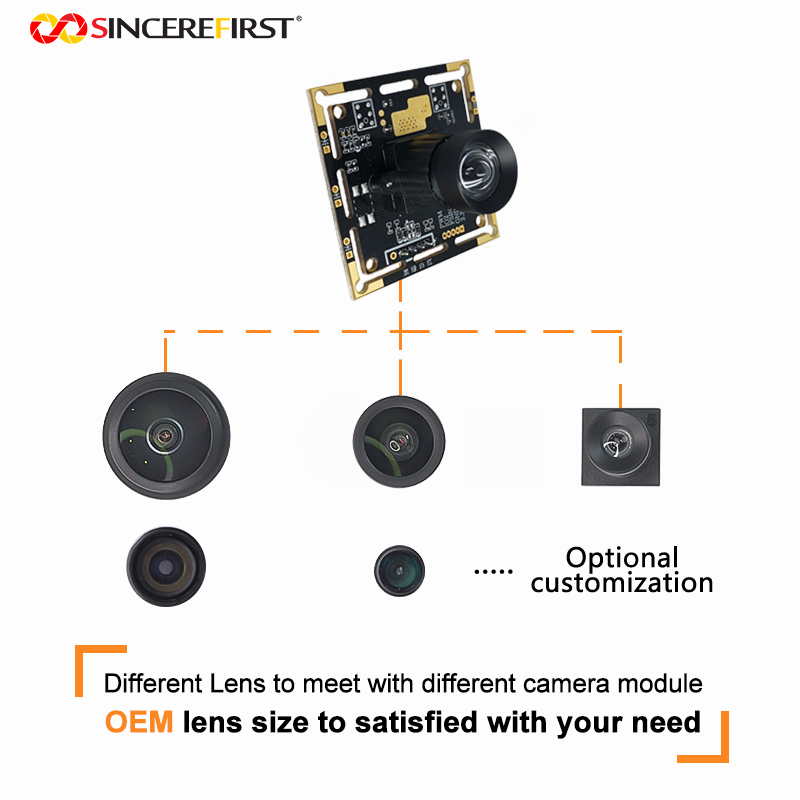
      Industrial shells and project lens configurations

      SincereFirst Customization

      Lens and Filter Configuration for the Inspection Area

      M12 and C/CS lens directions can be discussed around feature size, target distance and scene width. Focus, distortion requirements and filter choices can be evaluated with the actual product view.

      Industrial Shell, Board and Connection Layout

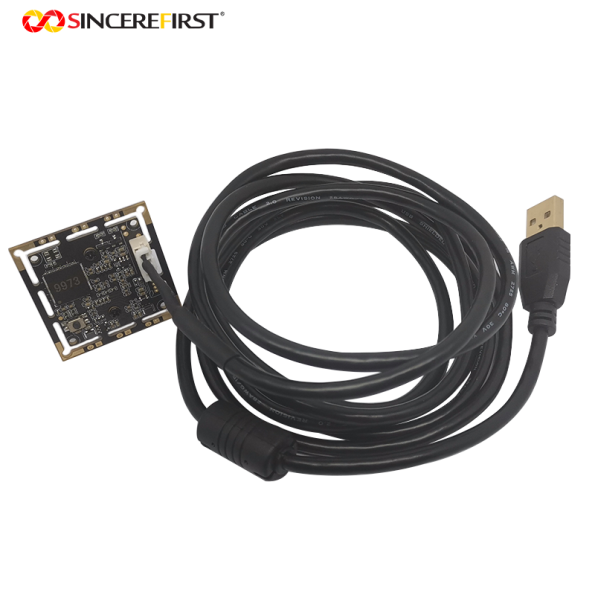
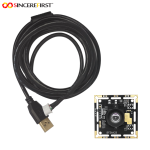
      SincereFirst can evaluate the camera assembly, mounting holes, connector arrangement and cable length for the machine position. The industrial shell is an option, with its geometry selected around installation and lens access.

      Capture-Control and Illumination Requirements

      Power, USB protocol requirements, lighting integration and hardware-trigger customization can be assessed for the inspection sequence. Define the intended capture event so the electrical scope is clear before choosing the sample.

      Image Tuning for the Inspection Software

      Image tuning can be evaluated using the actual product surface and feature the inspection host needs to distinguish. Resolution, frame-rate and compatibility requirements can then be reviewed around that image task within the camera’s hardware limits.

      Final configuration should be validated with the actual host platform, enclosure, optics, software, and lighting environment before sampling.

      FAQ

      Can I keep the lens from the camera already fitted to my inspection machine?

      Reuse depends on its mount, sensor coverage and the resulting view at the existing distance. A similar megapixel count does not guarantee the same framing. SincereFirst can assess the lens details against the target area before you change the camera assembly.

      Can hardware-triggered capture be added to the machine’s existing sequence?

      Hardware triggering requires customization on this configuration. State how the machine initiates capture when discussing the project; if a standard external-trigger camera is essential, use the Series comparison to select the appropriate model.

      Choose the Image and Camera Package Around the Inspection Point

      Show SincereFirst the product feature, mounting position and existing camera arrangement. We can help assess the optics, package and capture requirements for an inspection sample.

      Send Inquiry

        Close
        Close My Cart
        Close Recently Viewed
        Close
        Close
        Categories