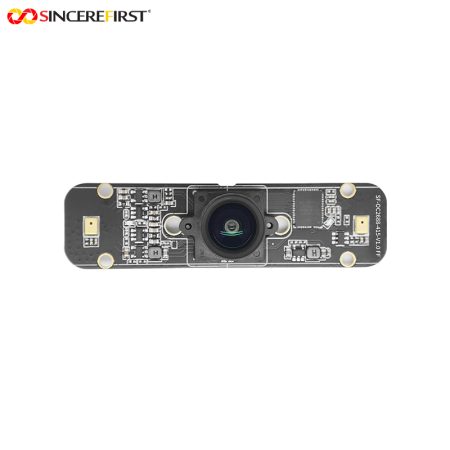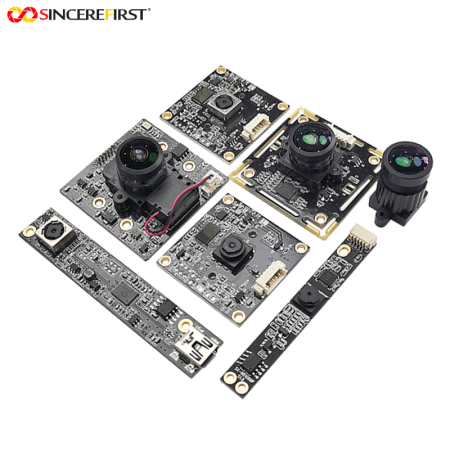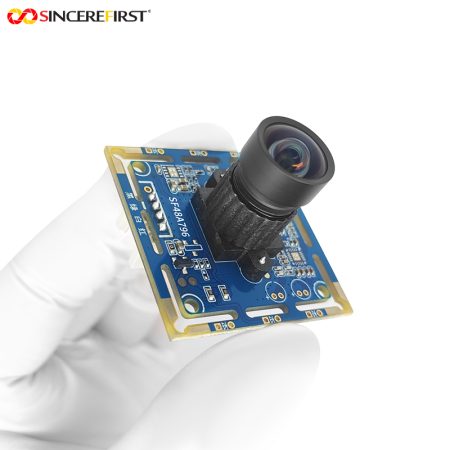

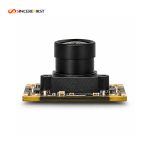
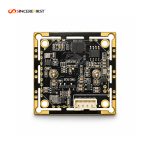
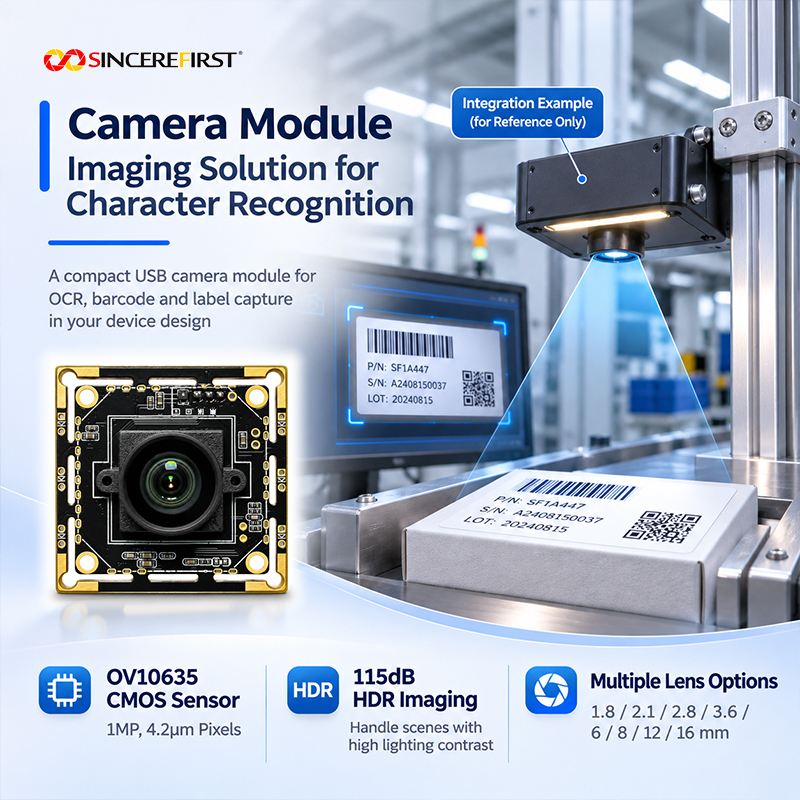
OV10635 CMOS Sensor 720p HDR UVC Camera Module for Configurable Terminal Optics

$1.00

Choose an OV10635 lens for the user zone at a fixed payment terminal and compare 720p MJPG at 30 fps with YUY2 at 10 fps on the same HDR UVC camera board.

—————————————————————————————–
Price is for reference only. Please contact us for the latest quotation.

+ −
  • OV10635 CMOS Sensor 720p HDR UVC Camera Module for Configurable Terminal Optics
    $1.00

    Request a Call Back

    • OV10635 CMOS Sensor 720p HDR UVC Camera Module for Configurable Terminal Optics

      $1.00

      Ask a Question

        ... people are viewing this right now

        Share

      Introduction

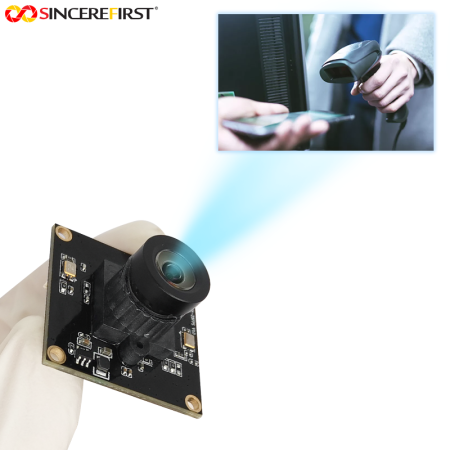
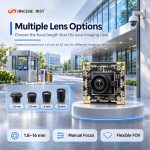
      For a fixed terminal, the camera position is often settled before the lens is chosen. The OV10635 provides several focal-length options on the same 720p USB board, so the engineer can frame a defined user zone without moving the controller or enlarging the opening. Manual focus lets the lens be set at the installation distance. The host’s format choice then determines whether the 720p stream runs at 30 or 10 fps.

      Applications in Real Devices

      Restaurant POS terminals

      At a restaurant ordering counter, the useful view may be one customer at a fixed spot.

      Choose the lens against that area and check face detail with the bright menu screen on.

      Parking access terminals

      A parking pedestal may need a wider view of approaching drivers at different distances. Set focus at the expected stopping position and check edge coverage with a vehicle in place.

      Vending-machine customer viewing

      A camera alongside a wide display can put an approaching customer near the frame edge. Try the candidate lens at the machine’s nearest operating distance and check whether the bezel obscures the user’s face.

      Project Evaluation Guide

      • How wide is the user zone at its nearest point?
        Mark its two edges and place the smallest required detail at the farthest position. Choose a focal length that keeps the near subject in frame while giving that distant detail enough of the 720p image.

      • Can the host decode MJPG?
        At 720p it delivers 30 fps, while YUY2 delivers 10 fps. For a slowly changing counter scene either may suit the application. A live operator following movement should assess the actual update interval before committing to YUY2.

      • How will focus be set after assembly?
        Manual focus needs access during setup. If the finished panel covers the lens, establish the working distance and adjust focus before closing the housing.

      How This Module Supports Device Requirements

      Framing from a fixed terminal position

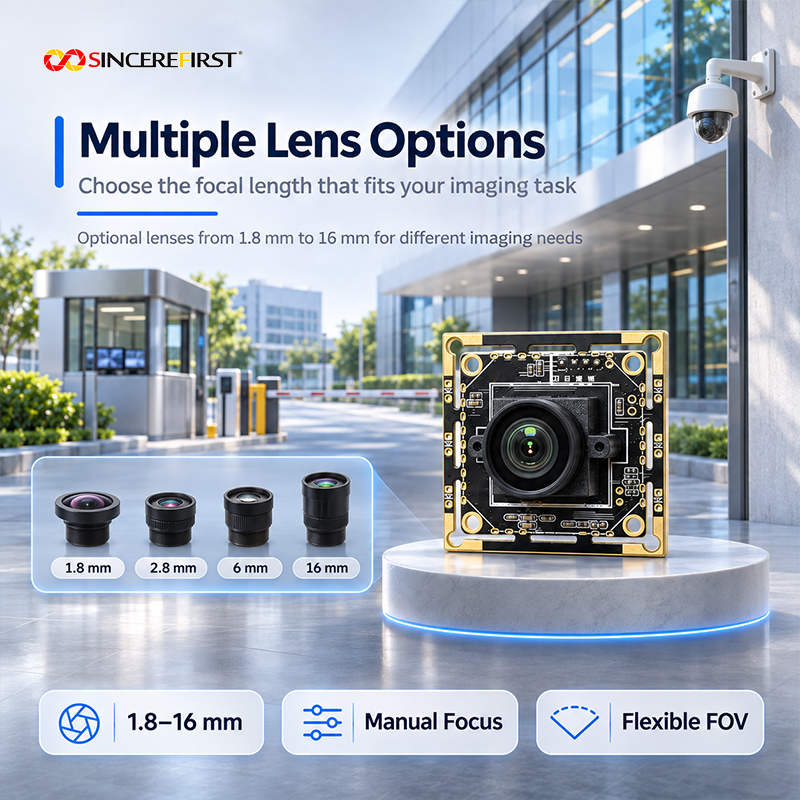
      The available focal lengths span 1.8 to 16 mm. A shorter focal length can include a wider approach area, while a longer one gives a distant face more of the available pixels when the standing zone is well defined.

      A repeatable focus plane

      Manual adjustment lets the installer set the lens around the normal interaction distance. That setting remains useful for a fixed counter or pedestal where the subject occupies a predictable zone.

      Mixed-light video through UVC

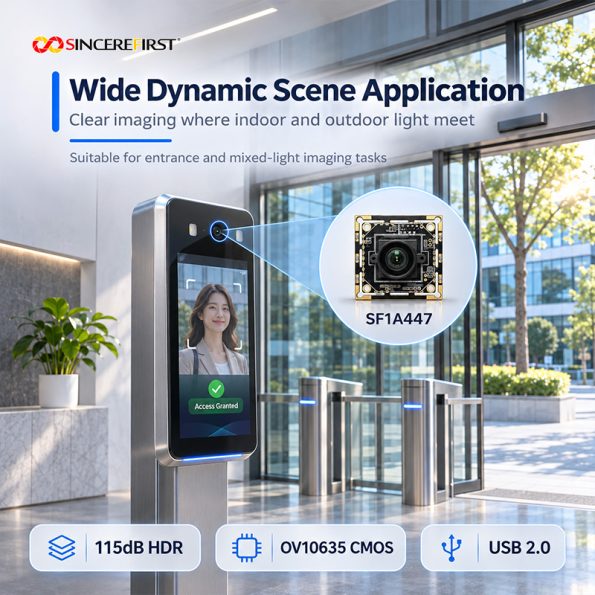
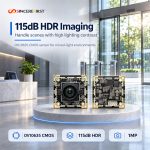
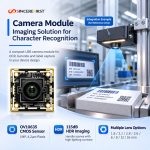
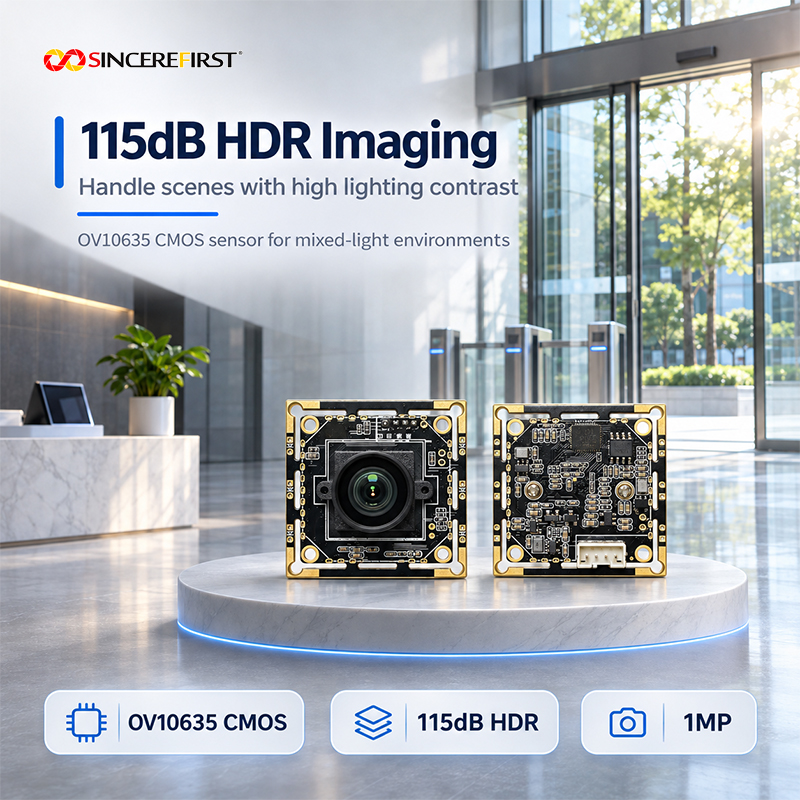
      The OV10635 provides HDR imaging with a specified 115 dB dynamic range and a USB 2.0 UVC connection. For a counter beside a bright window, the meaningful sample is the user’s face and the window area visible together at the intended settings.

      Choosing This Model the Within HDR / WDR Camera Module Series

      Model

      Key Configuration

      Selection Reason

      SF1A447

      720p30 MJPG · UVC · manual focus · lens choices

      Use the focal-length options to frame the customer zone while retaining the 38 mm terminal board.

      SF-C1013USB-9515-FF V1.0

      720p30 MJPEG · H85° · 95 × 15 mm · strobe out

      Use the long board when the bezel is narrow or the external light needs camera timing.

      SF2A143

      1080p30 MJPG · HDR/WDR · USB 2.0 UVC

      Choose 1080p UVC when the required detail exceeds the terminal’s 720p image.

      View all HDR / WDRcamera modules

      Key Specifications

      Specification

      Details

      Model

      SF1A447

      Product Name

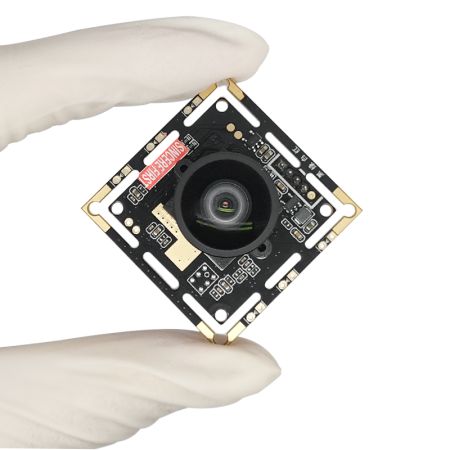
      OV10635 720p HDR UVC Camera Module

      Image Sensor

      OMNIVISION OV10635 CMOS Sensor

      Resolution

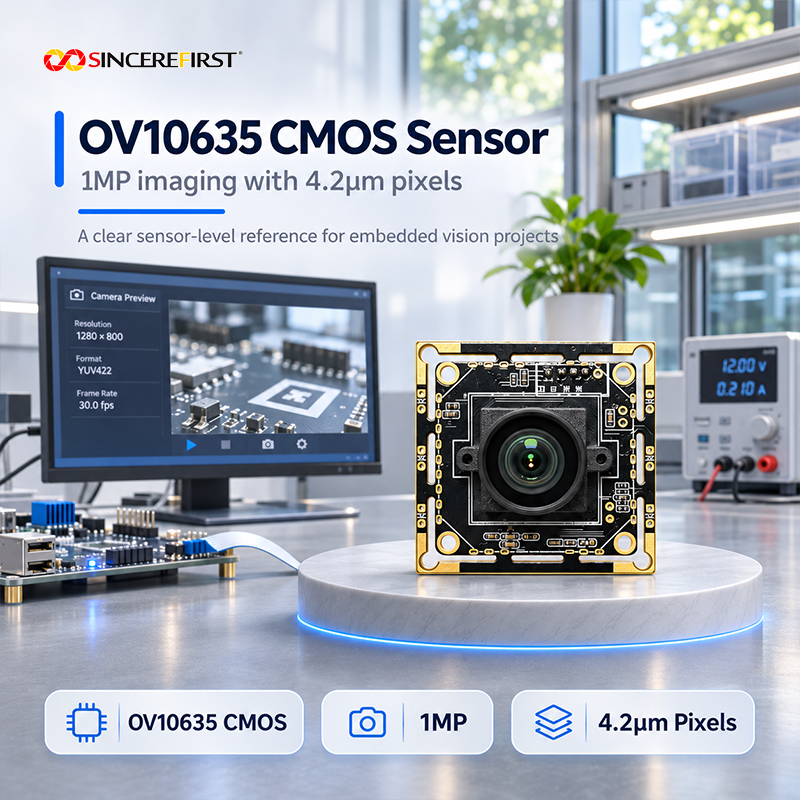
      1MP / 1280×720

      Video Output

      1280×720 at 30FPS

      Sensor Size

      1/22.7-inch

      Pixel Size

      4.2×4.2 μm

      Feature

      HDR

      Specified Dynamic Range

      115 dB

      Output Format

      MJPG, YUY2

      Focus

      Fixed Focus

      Focusing Range

      1cm to infinity

      Lens Options

      1.8 / 2.1 / 2.8 / 3.6 / 6 / 8 / 12 / 16 mm

      Option

      Shell

      Module Size

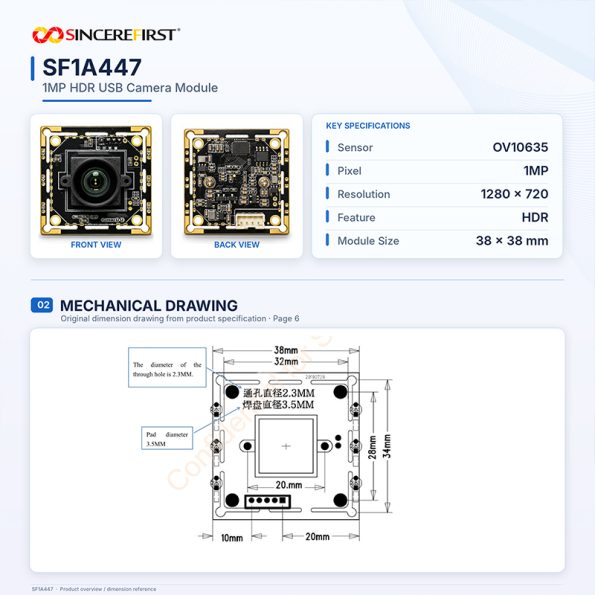
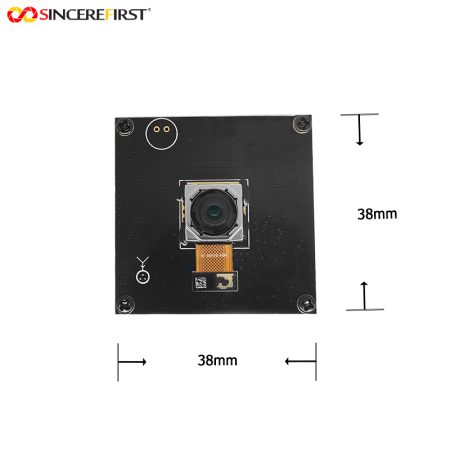
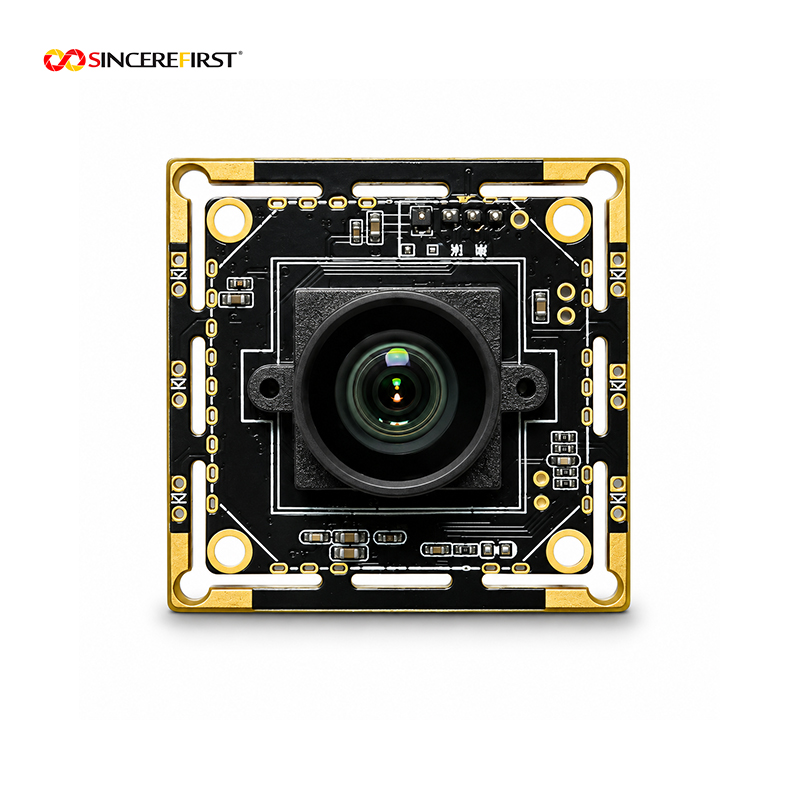
      38 × 38 mm

      Interface

      USB 2.0, UVC

      SincereFirst Customization

      Select the lens before the bracket

      Give SincereFirst the camera position, nearest user distance and required scene width. We can narrow the documented focal-length choices and assess edge coverage through the bezel.

      Set the production focus

      If terminals share a fixed geometry, we can assess a common focus setting from the near and far user positions. Check both on the housed sample under the actual display lighting.

      Choose the assembly

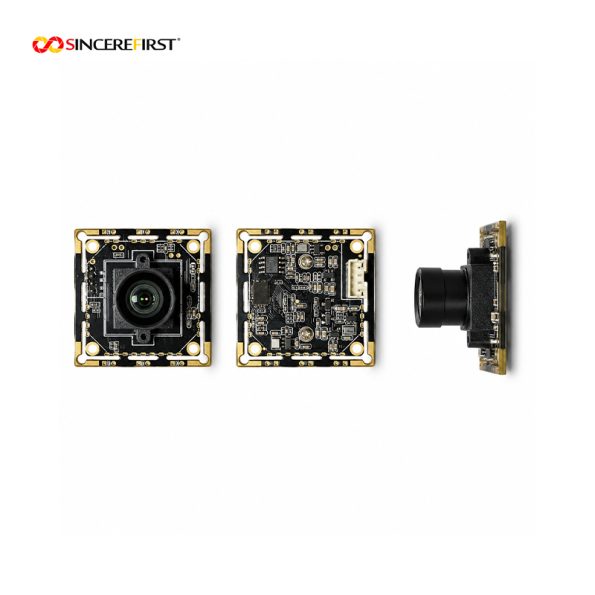
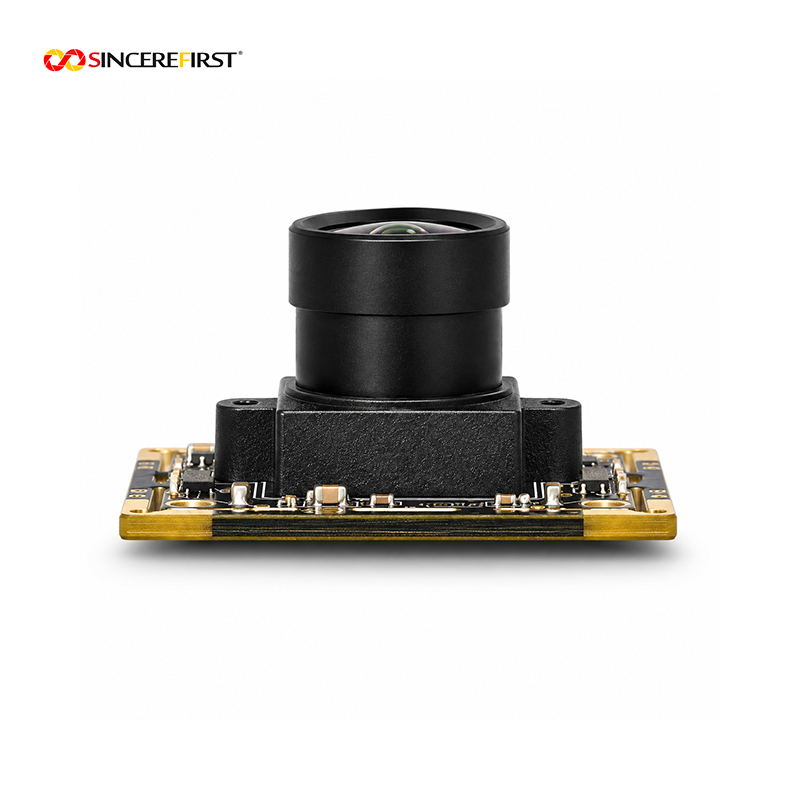
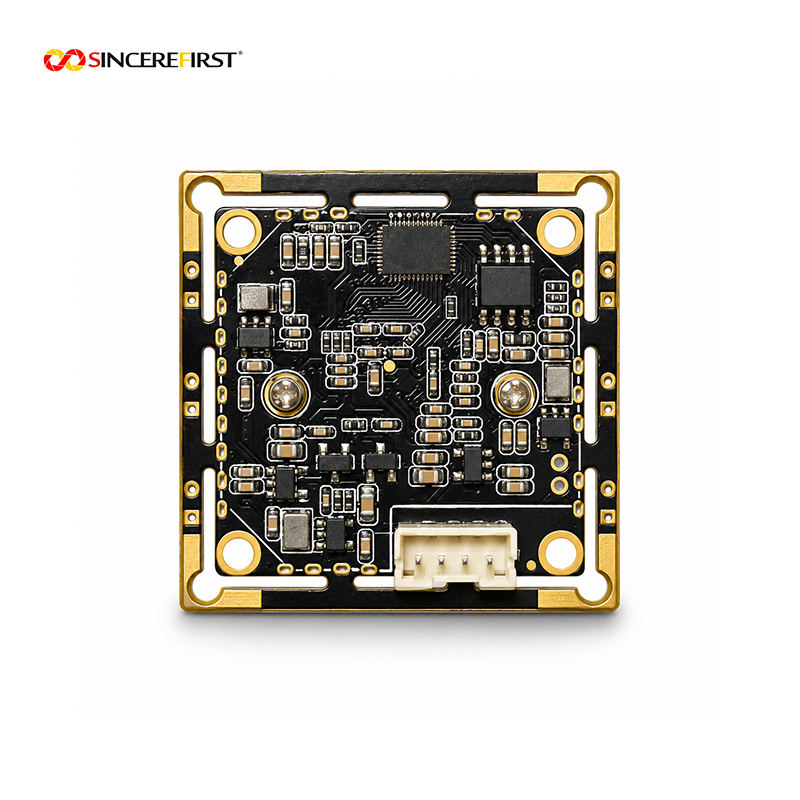
      The board is 38 × 38 mm and a housing is optional. We can review the appropriate outline and cable exit for an open-board installation or a separately mounted camera.

      Final configuration should be validated with the actual host platform, enclosure, optics, software, and lighting environment before sampling.

      FAQ

      Will the entire range from 1 cm to infinity be sharp in one image?

      The range describes where focus can be set. After selecting the focal length, set focus for the installation and check sharpness at the near and far limits of the customer zone.

      How should we choose between two candidate focal lengths?

      Mark the required width at the nearest and farthest user positions. Compare a sample from each lens there, including detail on the face near the frame edge.

      Why does my 720p preview slow down when I switch to YUY2?

      The board lists 720p at 10 fps in YUY2 and 30 fps in MJPG. Check the format the application actually requests and whether the processor can decode MJPG at the required cadence.

      Discuss Lens Selection for Your Terminal

      Use Send Inquiry to share the interaction-zone width or nearest user distance. SincereFirst can review a focal length and focus setting for the available camera position.

      Send Inquiry

        Close
        Close My Cart
        Close Recently Viewed
        Close
        Close
        Categories