
A camera module that performs well on an engineer’s bench can fail a product requirement once frame rate, cable length, host loading, and lighting conditions enter the equation. The USB 2.0 versus USB 3.0 decision is therefore not simply a connector choice. It determines how much image data can reach the host, how much compression is required, and how much design margin an OEM has before moving into validation and production.
For embedded vision products, the right interface is the one that meets the real image pipeline requirement with predictable cost, availability, and integration effort. USB 2.0 remains a practical option for many compact cameras. USB 3.0 is often the better engineering choice when high-resolution, high-frame-rate, or low-latency imaging is central to the device.
USB 2.0 Versus USB 3.0: The Core Difference
USB 2.0 has a theoretical signaling rate of 480 Mbps. In a real camera system, protocol overhead, host behavior, cable quality, and UVC transfer mode reduce the usable payload well below that figure. A practical planning range is often around 35 to 45 MB/s, although the exact result depends on the host controller and implementation.
USB 3.0, commonly associated with USB 3.2 Gen 1, raises the theoretical rate to 5 Gbps. Its usable payload is substantially higher, commonly several hundred MB/s in a well-designed system. That capacity changes what the camera can deliver: higher resolutions, faster frame rates, less compression, and more headroom for uncompressed or lightly compressed video formats.
The naming deserves attention during component selection. Suppliers and host-platform documentation may use USB 3.0, USB 3.1 Gen 1, or USB 3.2 Gen 1 for the same 5 Gbps class. Procurement teams should confirm the actual supported data rate and host interface rather than relying on the marketing label alone.
Bandwidth Determines Image Quality Options
A camera sends pixels, not just video. The required bandwidth depends on resolution, frames per second, pixel format, bit depth, and whether the stream is compressed. A 1080p camera running at 30 fps can work comfortably over USB 2.0 when using MJPEG or H.264 compression. It may also support lower-bandwidth YUY2 configurations, depending on the frame rate and host capability.
The calculation becomes less forgiving as requirements increase. Uncompressed 1080p at 30 fps in YUY2 requires roughly 124 MB/s before transport overhead, already far beyond what USB 2.0 can sustain. A 5 MP, 8 MP, or 4K camera adds substantially more data. In these cases, USB 3.0 enables formats that preserve more image information and reduce compression artifacts that can affect machine vision algorithms.
Compression is not automatically a compromise. It is useful when a device needs efficient storage, remote transmission, or broad compatibility with standard operating systems. However, compressed video may introduce latency, consume CPU or hardware-decoder resources, and obscure fine details needed for barcode reading, defect inspection, measurement, or clinical imaging. If the application depends on consistent pixel-level analysis, the interface must be selected around the required raw or near-raw image stream.
When USB 2.0 Is the Better Fit
USB 2.0 remains appropriate when the camera requirement is modest and cost discipline matters. Typical examples include 720p or 1080p UVC cameras for access control terminals, consumer smart devices, video intercoms, document capture, and basic telemedicine peripherals. It is also useful when the host platform only exposes USB 2.0 or when long established software compatibility is the primary requirement.
A USB 2.0 module can simplify a product when compressed 1080p30 video is sufficient. The ecosystem is mature, cables and connectors are widely available, and many processors support the interface without an additional high-speed routing burden. For a high-volume product with fixed imaging requirements, these advantages can be commercially meaningful.
The constraint is headroom. If the product roadmap may move from 1080p to 4K, add a higher frame rate, or shift from video viewing to automated image analysis, USB 2.0 can become a limiting architecture decision. Designing to the minimum acceptable throughput often creates expensive revisions later.
When USB 3.0 Justifies Its Cost
USB 3.0 is the stronger choice for industrial automation, robotics, laboratory equipment, advanced security cameras, and medical imaging devices that need high-resolution or high-frame-rate capture. The additional bandwidth supports larger sensors and gives engineers more flexibility in pixel format selection.
For example, an inspection camera may need 1080p at 60 fps, 4K video, or a multi-megapixel stream for visual analysis. A robot may require lower latency so that image acquisition, inference, and motion control remain closely synchronized. USB 3.0 provides the transfer capacity needed to preserve detail without forcing an aggressive compression strategy.
It also supports better future-proofing. A product team can qualify a camera module and host architecture with margin for sensor upgrades, firmware features, or alternate operating modes. This does not mean every design should default to USB 3.0. It means the incremental interface cost should be weighed against the cost of replacing an under-specified platform after tooling and certification are complete.
Power Delivery Is Useful, but Not a Full Power Strategy
A standard USB 2.0 port is generally specified to provide up to 500 mA at 5 V after enumeration, while a standard USB 3.0 port can provide up to 900 mA. That additional current can help support higher-performance camera modules, onboard image signal processors, autofocus functions, or integrated illumination.
Still, designers should not treat the USB port as an unlimited supply. Available current depends on the host hardware, operating system behavior, cable resistance, and power-management design. LED illumination, heaters, motors, and high-output infrared lighting can quickly exceed a safe bus-powered budget. A camera module may need an external supply or a separately engineered power path even when its data interface is USB 3.0.
For production designs, validate startup current, peak current during streaming, voltage drop at the module, and behavior through host sleep and reset states. These details are especially relevant for medical, industrial, and outdoor equipment where failures cannot be solved by asking the operator to reconnect a cable.
Cable Length, EMI, and Mechanical Design Matter
Passive USB 2.0 cables are commonly used up to about 5 meters, while passive USB 3.0 links are more sensitive to loss and are often kept shorter, frequently around 3 meters depending on cable quality and environmental conditions. Longer runs may require active cables, extenders, hubs, or a different camera interface architecture.
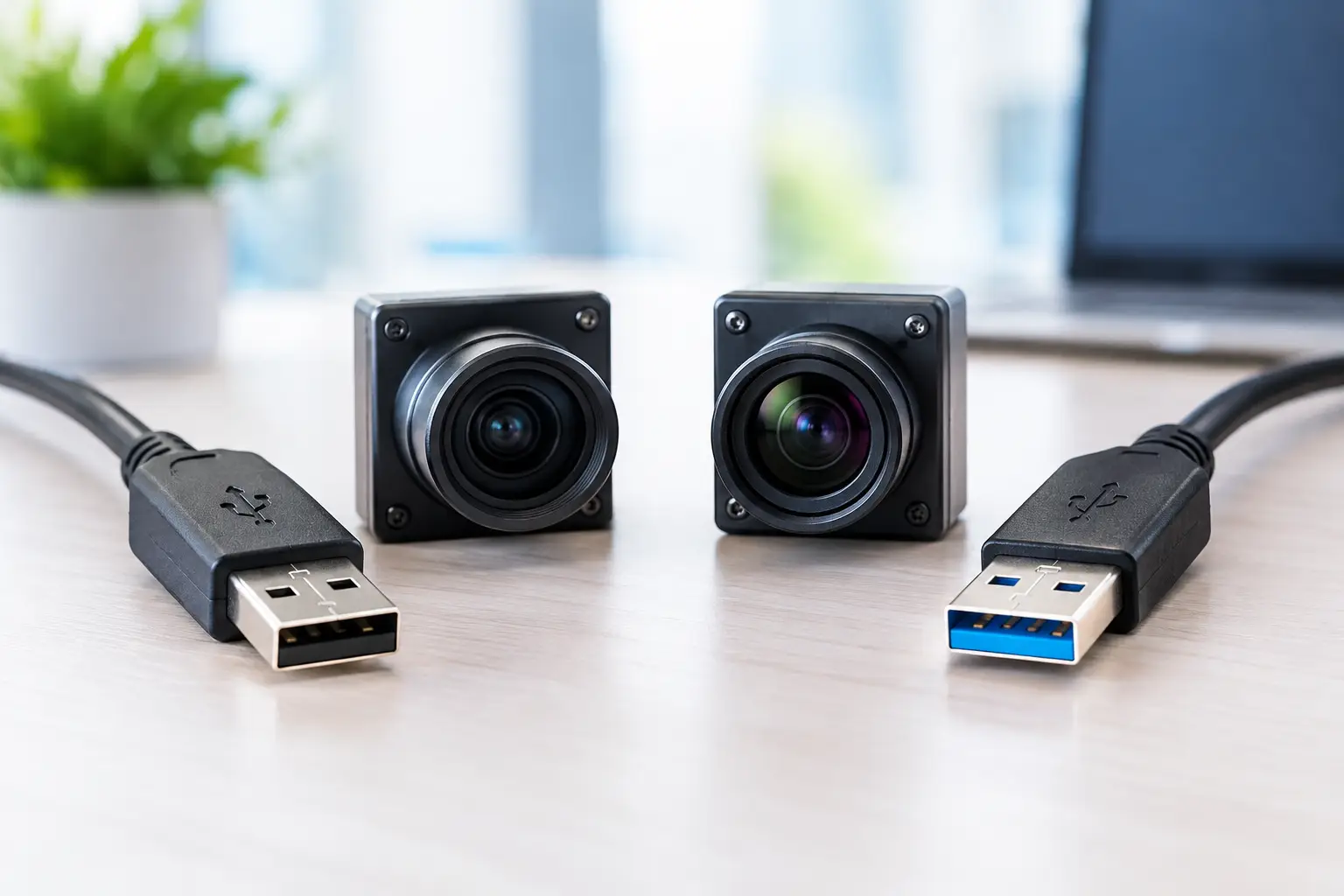
USB 3.0’s higher signaling rate demands more disciplined routing, shielding, connector selection, and electromagnetic compatibility testing. Poor cable assemblies can cause dropped frames, intermittent enumeration, or degraded operation that appears only in a noisy factory environment. The blue insert often associated with USB 3.0 is not a performance guarantee.
Mechanical requirements deserve the same attention. Repeated plugging, vibration, cable strain, and enclosure access all affect connector selection. USB Type-A, Micro-B, Type-C, and board-level cable assemblies serve different product constraints. A compact module should be evaluated as part of the complete imaging system, not as an isolated specification line.
UVC Compatibility and Host Processing
Both USB 2.0 and USB 3.0 camera modules can use the USB Video Class, or UVC, standard. UVC can reduce driver-development effort and improve compatibility across Windows, Linux, Android, and other supported host environments. But UVC compatibility does not remove the need for system validation.
The host must still process the incoming stream, decode compressed video when applicable, manage memory bandwidth, and run the intended vision software. A USB 3.0 camera connected to a USB 2.0 port will generally fall back to USB 2.0 behavior, which may reduce available resolutions or frame rates. Similarly, a host with multiple cameras must share controller bandwidth rather than assuming each port receives the full theoretical rate.
For multi-camera systems, validate simultaneous streaming early. Confirm controller topology, aggregate bandwidth, CPU utilization, synchronization needs, and recovery behavior after a camera reconnects. These are common integration points where a good single-camera demonstration does not translate into a reliable commercial device.
Specify the Camera Module Around the Application
The most effective sourcing process starts with a complete operating target: sensor resolution, field of view, frame rate, pixel format, lighting, cable length, host platform, operating temperature, enclosure constraints, and expected annual volume. With that information, an engineering team can determine whether USB 2.0 meets the requirement or whether USB 3.0 provides necessary margin.
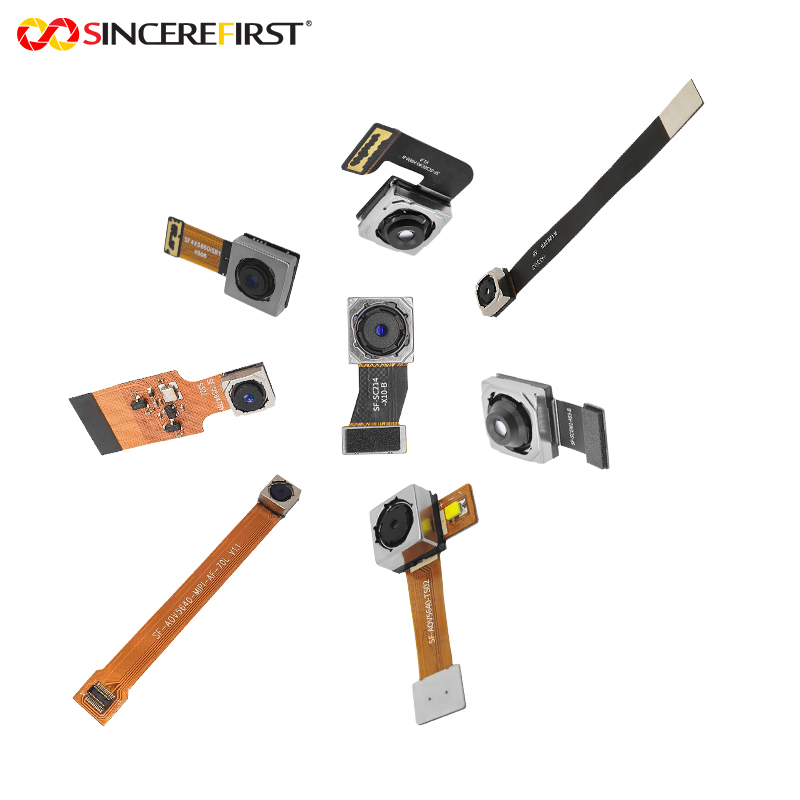
For customized imaging projects, module-level work may include sensor selection, lens matching, fixed-focus or autofocus configuration, FPC or cable design, UVC firmware settings, connector orientation, and image tuning. Manufacturing capability matters after the design is selected. Stable optical alignment, controlled assembly, consistent testing, and traceable quality processes are what turn a sample into a repeatable production camera.
SincereFirst supports USB camera module development for OEM and industrial applications where interface choice, optical performance, and production readiness must be engineered together. The right starting point is not a preference for the newest interface. It is a measurable image requirement and a camera module design that can meet it repeatedly on every production unit.