
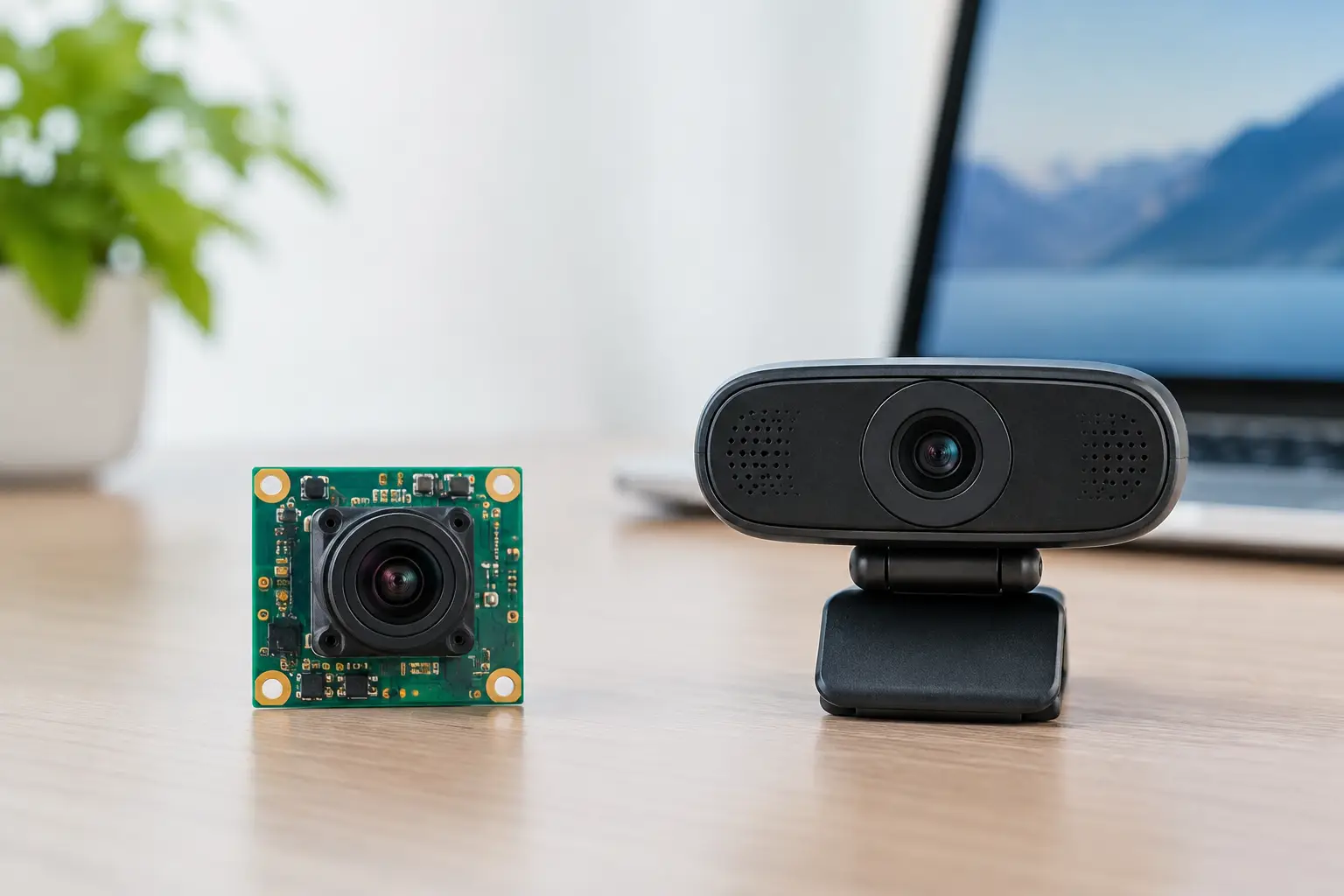
A board camera versus webcam decision is rarely about which product has the higher advertised resolution. For an OEM building a robot, medical device, industrial terminal, smart appliance, or security product, the real question is whether the camera can fit the enclosure, connect to the selected processor, meet image-quality targets, and remain available through production ramp. A webcam is a finished USB peripheral. A board camera is an imaging component designed to become part of your product.
That distinction affects engineering ownership, time to prototype, cost structure, reliability, regulatory planning, and long-term supply. Neither option is automatically better. The correct choice depends on whether imaging is a temporary convenience feature or a core function that must be engineered around your application.
Board Camera Versus Webcam: The Fundamental Difference
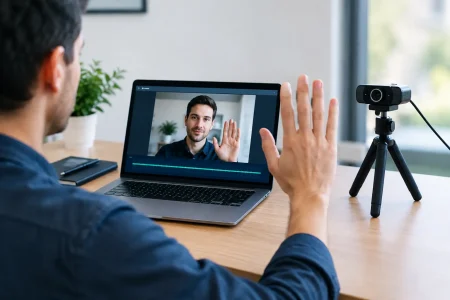
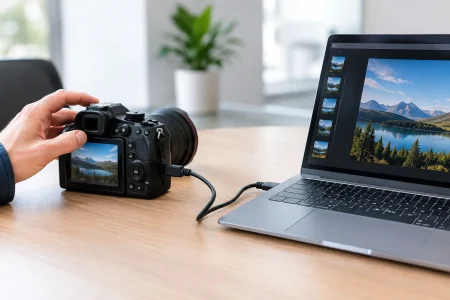
A webcam is a self-contained camera product. It typically includes an image sensor, lens, processor, USB interface, enclosure, cable, and sometimes microphones, LEDs, buttons, or privacy shutters. Most models operate through USB Video Class, or UVC, which allows a host computer to recognize the camera without a custom driver. For desktop conferencing, quick proof-of-concept work, and non-embedded installations, this simplicity is valuable.
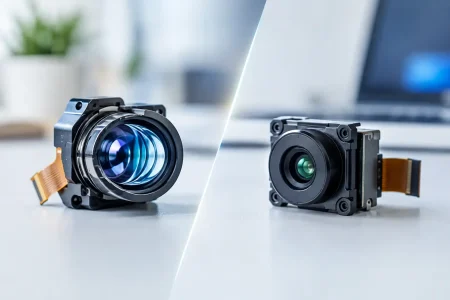
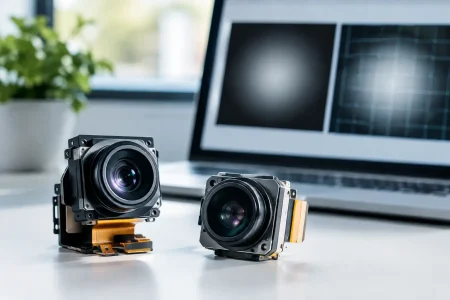
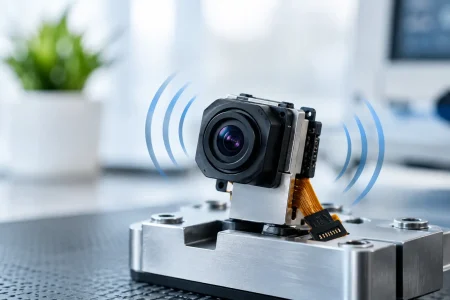
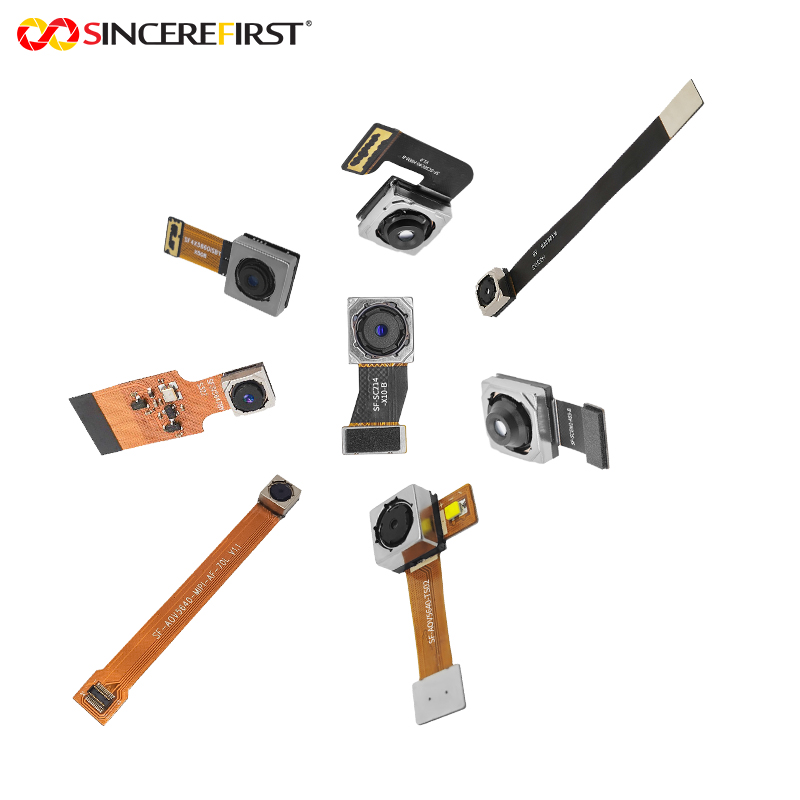
A board camera module is the camera assembly without the consumer-oriented outer product. It commonly includes a sensor, lens, flexible printed circuit or PCB assembly, and an interface such as MIPI CSI-2, USB, DVP, or LVDS. It may be supplied as a compact fixed-focus module, a board-level USB camera, or a customized assembly with a specific cable length, connector, field of view, and mounting arrangement.
The webcam makes integration easy by standardizing the product. The board camera gives the device manufacturer more control by moving important decisions into the design stage. That control is especially valuable when camera placement, optical geometry, heat, vibration, power consumption, or industrial design constraints cannot be treated as afterthoughts.
When a Webcam Is the Better Engineering Choice
A webcam is often the practical answer when the project needs a working camera quickly and physical integration is not critical. A software team validating video analytics, telehealth workflows, or remote-support functionality may use a UVC webcam to establish a baseline before committing to custom hardware. The host can be a PC, industrial computer, single-board computer, or display terminal with standard USB support.
It can also be appropriate for low-volume equipment where the camera sits outside the primary enclosure. A laboratory workstation, operator station, or temporary inspection setup may benefit from an off-the-shelf webcam because replacement is simple and development risk is low.
However, product teams should examine the limitations before treating a webcam as a production component. Its enclosure consumes space. The cable and connector orientation may conflict with the mechanical design. Autofocus behavior, automatic exposure, white balance, and internal image processing are usually controlled by the webcam supplier rather than tailored to a specific scene. A webcam may deliver acceptable images for people in an office while producing inconsistent results on reflective metal, moving parts, low-light scenes, or close-range documents.
Long-term availability is another concern. Consumer webcam models can change frequently, even when the optical and mechanical characteristics appear similar. For a commercial product with a multi-year lifecycle, a substituted webcam can create unexpected qualification work.
Where Board Cameras Create a Stronger Product
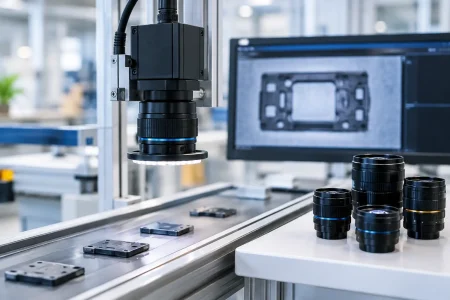
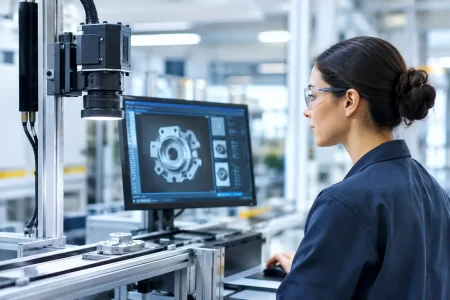
A board camera becomes the stronger choice when image capture is integral to the device rather than an accessory attached to it. In a compact robot, the camera may need to sit behind a protective cover at a precise angle. In a medical handheld device, the module may require a small footprint, controlled illumination, fixed working distance, and stable image behavior. In an automated inspection system, the lens selection and sensor performance may determine whether defects are detected reliably.
Board-level designs allow engineers to select the elements that matter to the actual use case. Resolution is one factor, but it is not enough. Sensor size, pixel size, frame rate, shutter type, dynamic range, near-infrared sensitivity, lens distortion, focus range, and signal-to-noise performance can all affect results.
For motion-heavy applications, a global shutter sensor may be preferable to a rolling shutter sensor because it reduces geometric distortion. For barcode reading or inspection, the required field of view and depth of field may favor a fixed-focus lens with carefully calculated optics. For outdoor equipment, wide dynamic range and infrared-cut filter selection may be more important than maximum megapixels.
A custom or semi-custom board camera can also simplify the rest of the device. The module can be shaped around the available space, connected with an FPC cable of the required length, and mounted using defined screw holes, adhesive points, or a dedicated bracket. This reduces the compromises that occur when a finished peripheral is forced into an enclosure never designed for it.
Interface Choice Drives More Than Connectivity
The interface is one of the first decisions in a board camera project because it affects processor selection, bandwidth, cable routing, software effort, and system architecture.
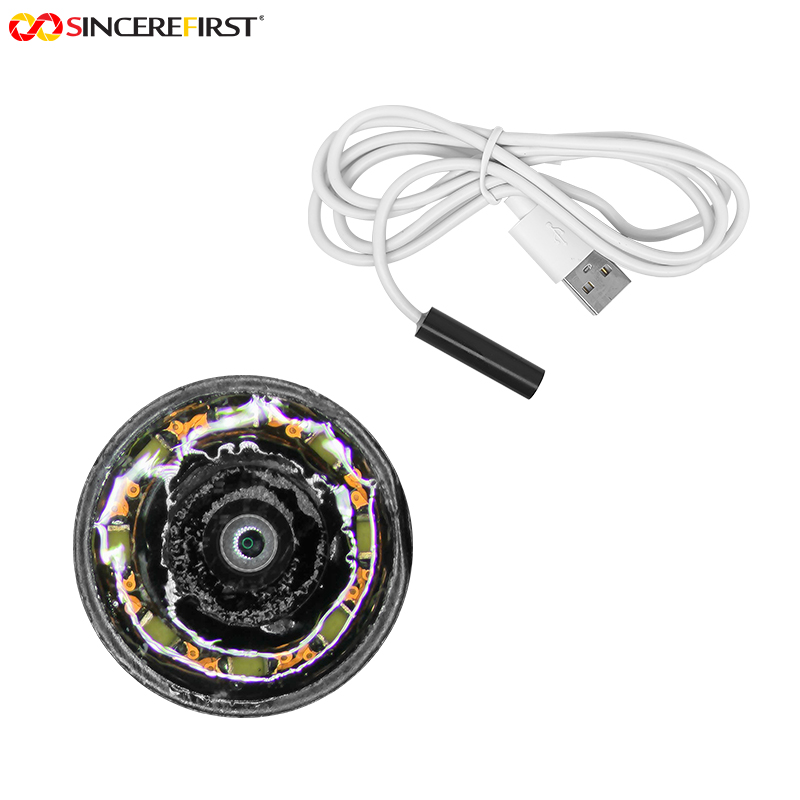
USB camera modules are familiar because they can use UVC support and connect to many computing platforms with limited integration effort. USB 2.0 is often sufficient for moderate-resolution video and cost-sensitive devices, while USB 3.0 supports higher bandwidth for higher resolutions, faster frame rates, or less-compressed video. A USB module can offer much of the plug-and-play benefit associated with webcams while preserving board-level mechanical flexibility.
MIPI CSI-2 camera modules are common in embedded Linux, Android, and edge AI hardware. They connect efficiently to application processors and system-on-chip platforms, often with lower latency and power consumption than USB. The trade-off is that MIPI integration demands closer coordination among the camera supplier, processor platform, kernel or driver environment, and hardware team. Signal integrity and cable length must also be managed carefully.
DVP modules can remain relevant for simpler processors and legacy embedded platforms. They are generally less suitable for high-resolution, high-frame-rate requirements, but can be effective where architecture, cost, and compatibility favor parallel interfaces.
There is no universal best interface. A UVC USB module may reduce software risk for an industrial terminal, while MIPI may be the correct route for a compact AI camera that must minimize power and enclosure volume. The decision should follow the system architecture, not a camera supplier’s default catalog offering.
Image Quality: Compare Measured Results, Not Marketing Labels
Webcam specifications frequently emphasize 1080p, 4K, autofocus, or AI-enhanced video. Those labels can be useful, but they do not describe performance under the lighting and scene conditions of your finished device. A board camera specification should be evaluated the same way: through measurable requirements and representative image testing.
Start with the target scene. What is the working distance? Is the object stationary or moving? What is the lowest expected illumination? Does the scene contain backlighting, glare, bright windows, infrared sources, or repetitive detail? Is color accuracy essential, or is the system detecting edges and shapes? These questions guide sensor and lens selection far more effectively than selecting the highest resolution available.
A 2MP module with the right lens, exposure control, and lighting can outperform a 12MP webcam in a controlled inspection task. Conversely, a high-resolution sensor may be necessary when software must crop, zoom, or detect small features over a large viewing area. Image quality is a system outcome involving optics, sensor, illumination, processing, enclosure window material, and calibration.
Manufacturing and Lifecycle Considerations
For a prototype, a webcam may be purchased in small quantities and connected in minutes. For commercial deployment, procurement teams need a broader evaluation. They should confirm component lifecycle expectations, revision control, production-test methods, quality documentation, packaging, lead times, and the supplier’s ability to scale without changing critical characteristics.
Board camera sourcing also requires clear ownership of specifications. A useful requirement document defines sensor model or approved alternatives, resolution, frame rate, interface, lens field of view, focus distance, cable and connector requirements, operating temperature, orientation, and cosmetic or mechanical limits. If the module will sit behind cover glass, test with the actual glass early. Reflections, haze, thickness, coating, and spacing can materially change the image.
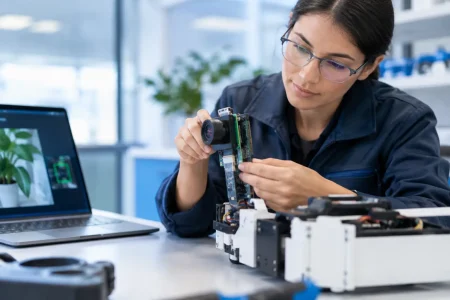
For specialized programs, customization should be controlled rather than open-ended. A supplier should be able to recommend standard, proven modules where possible, then modify the elements that create genuine product value. This may include lens tuning, FPC dimensions, connector direction, LED integration, housing design, image parameter adjustment, or a dedicated production test fixture. SincereFirst supports this approach with standard camera modules and custom imaging development for OEM and industrial applications.
A Practical Decision Framework
Choose a webcam when fast USB deployment, external placement, low engineering effort, and short product life are the primary priorities. It is a sensible development tool and can be a viable production part when its mechanical design and supply stability meet the program requirements.
Choose a board camera when the camera must fit inside the product, imaging performance affects the product’s value, the host platform uses a native camera interface, or the program requires tighter control over optics, mechanics, and lifecycle. A board-level USB module is often a useful middle ground: it preserves UVC convenience while allowing a compact, purpose-built mechanical design.
The most effective first step is to define the scene and system constraints before selecting a form factor. Once the team can state what the camera must see, where it must fit, how it connects, and how long it must remain in production, the right imaging path becomes much clearer.