
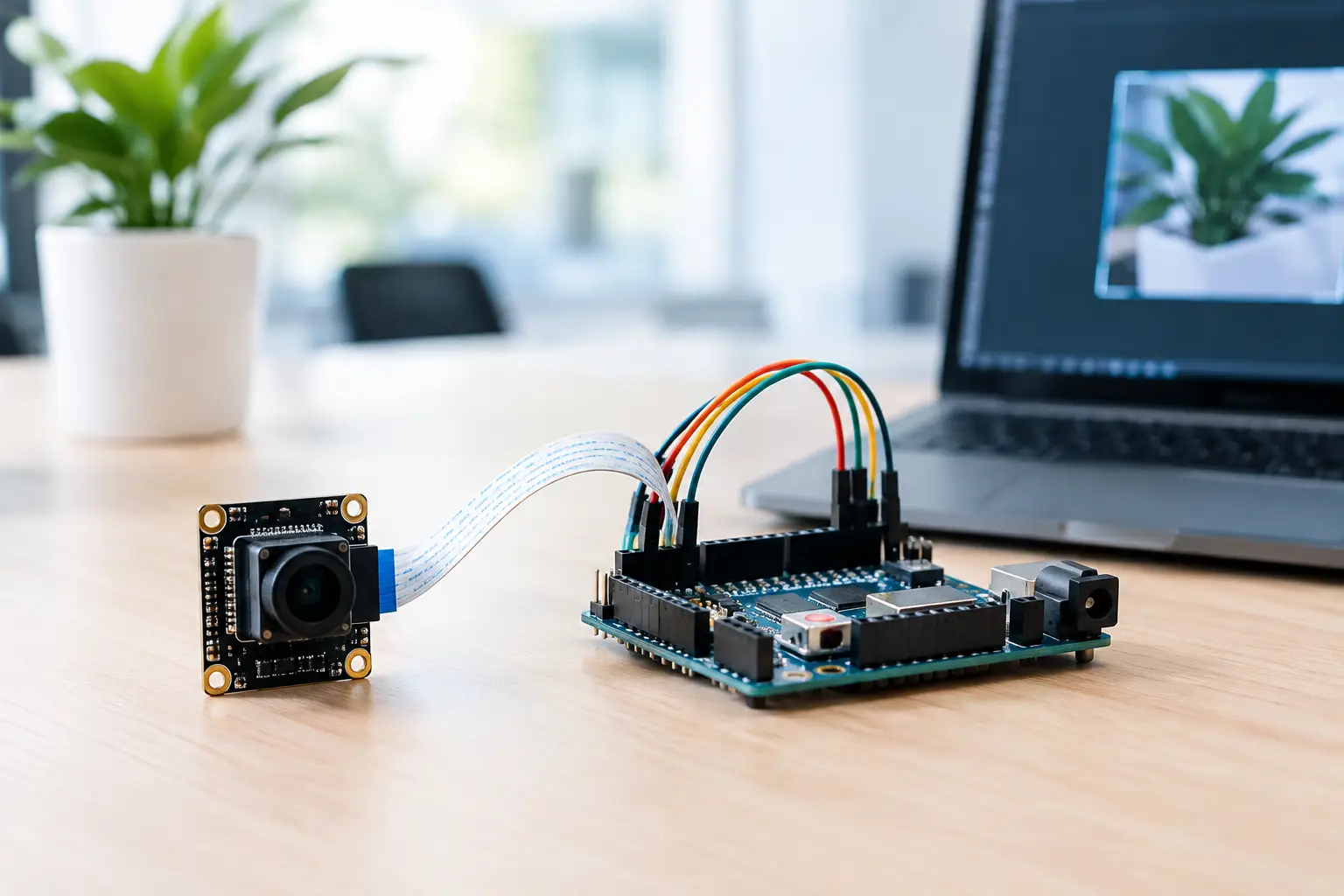
A DVP camera can look straightforward on a schematic: parallel data pins, pixel clock, frame sync, line sync, and an I2C control bus. The difficulty appears when teams integrate DVP cameras with microcontrollers and discover that image data arrives much faster than the MCU can store, process, or transmit it. Successful designs begin by treating the camera, processor, memory, optics, and firmware as one imaging system rather than a collection of compatible parts.
For product teams building smart sensors, handheld instruments, inspection devices, robotics products, or compact security hardware, DVP remains a practical interface. It is widely supported by image-capable microcontrollers, easy to probe during development, and suitable for short board-level connections. Its limits are equally real: parallel routing consumes pins, high-speed timing margins can be narrow, and raw image streams quickly exhaust on-chip memory.
Start With the Image Requirement, Not the Camera Interface
The first decision is not whether the camera uses DVP. It is what the finished product must see, decide, save, or transmit. A barcode reader may need a sharp monochrome or color image at a controlled working distance. A machine-vision trigger camera may need stable exposure under strobe lighting. A portable diagnostic device may prioritize low power, small optics, and low image latency.
These requirements determine sensor resolution, frame rate, shutter type, output format, lens field of view, and image-processing path. Selecting a 5-megapixel sensor because it is readily available can create a memory and bandwidth problem if the microcontroller only needs to classify a simple object at VGA resolution.
Calculate the raw data rate early. An 8-bit grayscale VGA stream at 640 x 480 and 30 frames per second produces about 9.2 MB per second before protocol overhead. RGB565 doubles the bytes per pixel, while RAW10 requires careful packing and often more downstream processing. If the application only needs periodic still images, the system can capture a frame into external memory and process it later. If it needs continuous video, the processor, memory architecture, and output interface must be sized for continuous throughput.
Choose an Output Format the MCU Can Use
DVP sensors commonly output RAW Bayer, YUV, RGB565, or JPEG-compressed data. Each choice shifts work to a different part of the design.
RAW data preserves maximum image information and gives the product team control over demosaicing, color correction, noise reduction, and computer-vision tuning. It is a sensible choice when image quality or algorithm development matters, but many microcontrollers cannot run a full image signal processing pipeline at the required frame rate.
YUV and RGB formats reduce ISP work but increase transfer volume. They are practical when the MCU needs direct pixel access for display, basic detection, or color segmentation. JPEG can dramatically reduce memory and storage demand, especially for still-image capture or wireless transmission. The trade-off is compression artifacts, sensor-side configuration complexity, and less predictable frame sizes.
For many embedded products, a sensor with an onboard ISP and JPEG output is the fastest route to a functional prototype. For industrial products where repeatable measurement is the priority, RAW or carefully controlled YUV output may be the better engineering decision.
Hardware Steps to Integrate DVP Cameras With Microcontrollers
A DVP connection usually includes D0 through D7, or sometimes D0 through D9, plus PCLK, VSYNC, HSYNC or HREF, XCLK, reset, power-down, and I2C control lines. Before committing to a camera module, verify that the selected MCU has a parallel camera interface or a peripheral that can sample the required bus width and pixel-clock rate through DMA.
Pin availability is often the first hidden constraint. A full 8-bit DVP bus, synchronization signals, I2C, reset, clock, and power control can consume more than a dozen pins. That matters on small packages where display, wireless, storage, motors, sensors, and debug interfaces compete for the same GPIO resources. Reassigning camera pins after PCB layout is rarely cheap.
The electrical interface deserves the same attention as the data bus. Confirm I/O voltage compatibility between the camera module and MCU, commonly 1.8 V, 2.8 V, or 3.3 V domains. Do not assume a module labeled as 3.3 V has 3.3 V logic on every pin. Check its power rails, I2C pull-up voltage, XCLK requirement, and whether level shifting is required.
Clock quality also affects image stability. The sensor generally requires an external XCLK within a specified frequency range, while PCLK is generated by the sensor and sampled by the MCU. Keep PCLK and data traces short, route them with controlled return paths, and avoid unnecessary stubs. On compact boards, camera signals should be kept away from switching regulators, antennas, motor lines, and other aggressive noise sources.
Design the Memory Path Before Firmware Begins
DMA is essential for most DVP designs. The MCU camera peripheral should transfer captured bytes directly into RAM with minimal CPU involvement. Yet DMA alone does not solve the memory issue. A single uncompressed VGA RGB565 frame requires roughly 600 KB, which exceeds the internal SRAM of many microcontrollers.
External PSRAM or SDRAM may be necessary for frame buffering. Double buffering helps when one frame is being processed while the next is captured, but it doubles memory requirements. If the application only needs a region of interest, configure the sensor for windowing or crop the image during capture. Reducing resolution at the sensor is more efficient than discarding pixels after they have already crossed the DVP bus.
The same logic applies to frame rate. A 10 fps inspection task may be fully adequate where 30 fps only increases power consumption, memory traffic, and thermal load. Engineering decisions should follow the application timing budget, not a generic video specification.
Firmware Bring-Up: Prove One Layer at a Time
DVP camera integration should be validated in stages. Start by confirming stable power rails and sensor reset behavior. Then use I2C to read the sensor ID and write a known configuration. A correct sensor ID proves that the control path is working, but it does not prove that pixel timing or image data is correct.
Next, output a simple test mode if the sensor supports one, such as color bars or a fixed pattern. This isolates the camera interface from lighting, lens focus, auto exposure, and white-balance variables. Capture a small frame, inspect the buffer, and verify byte order, line length, frame boundaries, and synchronization polarity.
Once data capture is stable, introduce the production sensor mode and verify exposure, gain, output format, and frame timing. Common failures include shifted color channels, repeated lines, partial frames, vertical rolling, and corrupted images that occur only at higher clock rates. These symptoms often point to mismatched PCLK sampling edges, incorrect HREF or VSYNC polarity, insufficient DMA buffering, or an MCU memory bus that cannot keep pace.
Do not leave auto exposure and auto white balance as unexplained defaults. They can be useful in consumer-style imaging, but they may create unwanted variation in industrial inspection, measurement, or controlled-lighting systems. If image consistency matters, establish exposure limits, gain limits, color settings, and startup behavior as part of the product specification.
Match the Module, Lens, and Mechanics to the Product
A camera sensor is only one contributor to usable image quality. Lens focal length, field of view, focus tolerance, distortion, illumination, cover glass, and mechanical alignment can have a larger impact than a modest resolution increase. A wide-angle lens may fit more of the scene, but barrel distortion can complicate measurement. A narrow field of view can improve pixel density on a target, but it requires tighter mechanical positioning.
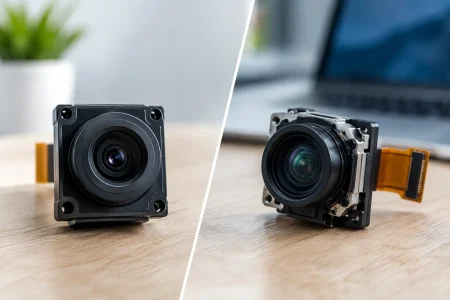
Module selection should also account for connector style, FPC length, module thickness, operating temperature, and assembly process. A lab prototype connected by a long flexible cable may work acceptably at low frame rates but fail in production because of noise, stress, or connector retention. If the camera will be installed in a moving robot, medical handpiece, or outdoor enclosure, cable flex, vibration, sealing, and thermal behavior must be reviewed before tooling is released.
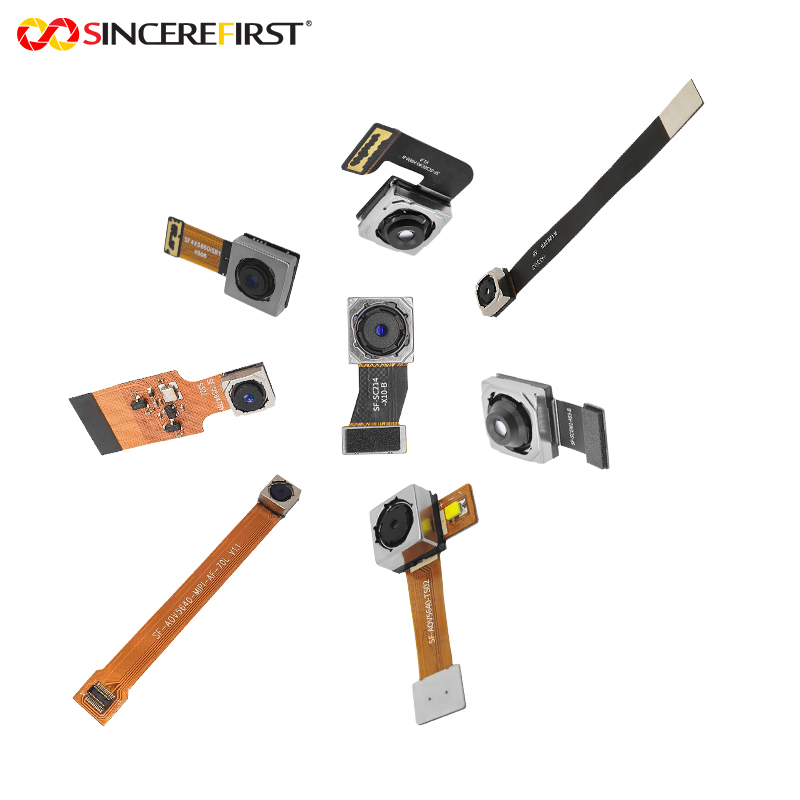
SincereFirst supports this stage with DVP camera modules and custom imaging development that can align sensor choice, optics, mechanical constraints, and production requirements. For OEM teams, the value of early supplier involvement is not simply faster samples. It is reducing the risk of redesign after the camera has become a fixed dependency in the product architecture.
Plan for Manufacturing Validation, Not Just a Working Prototype
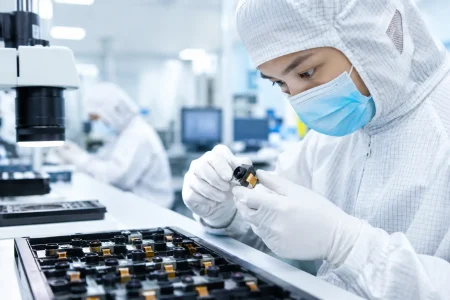
A camera design that captures images on an engineer’s bench is not yet ready for volume manufacturing. Production validation should define how each unit will be checked for sensor communication, image output, lens focus, dust or contamination, color behavior where relevant, and module placement. The test process should identify whether a defect comes from the sensor, lens, FPC, connector, power circuit, or firmware configuration.
The right level of test depends on the application. A consumer IoT device may use automated functional checks and sample-based optical inspection. A medical or industrial system may require traceability, calibrated image targets, tighter focus criteria, and documented configuration control. The critical point is to specify acceptance criteria before production ramps, not after field returns reveal variation.
When the image requirement, data path, optics, and production test plan agree from the beginning, DVP integration becomes a controlled engineering task rather than a series of firmware workarounds. Build the first prototype around measurable timing and image-quality targets, then let those targets guide every revision that follows.