
A camera module may capture excellent images in free-run mode and still fail the application when the image must correspond to an exact event. A robot needs a frame when a part reaches the inspection point. A medical device may need an image at a precisely timed actuator position. A production line may need every camera exposed under the same strobe pulse. So, which interface supports triggers? The practical answer is that triggering is usually a camera sensor, module hardware, and firmware capability – not a data-interface capability alone.
For embedded camera selection, the interface determines how image data and control commands move between the module and the host. Trigger performance depends on whether the module provides a physical trigger input or output, whether the image sensor supports external synchronization, and whether the board design preserves timing integrity. Procurement teams should therefore evaluate trigger requirements before selecting MIPI, USB, DVP, or another camera connection.
Which Interface Supports Triggers Most Reliably?
A physical hardware trigger can be implemented alongside nearly any camera data interface, including MIPI CSI-2, USB, DVP, and Ethernet-based machine vision interfaces. The key distinction is where the trigger signal travels.
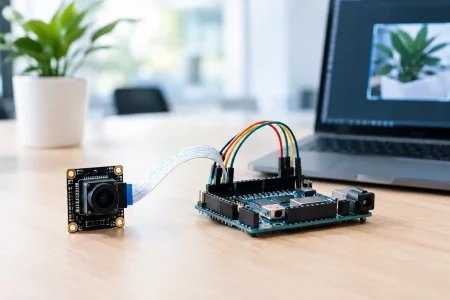
MIPI CSI-2 and DVP camera modules commonly use dedicated GPIO pins for trigger-in, trigger-out, flash, reset, frame sync, or external clock functions. The video interface carries pixel data, while a separate electrical line carries the timing event. This arrangement is often the strongest choice for compact embedded products that need low latency and repeatable timing.
USB camera modules can also support triggers, but the result varies considerably. A standard UVC camera may offer software-controlled capture settings through the host operating system, yet it usually cannot provide deterministic, microsecond-level capture timing. A customized USB module can include a dedicated trigger wire and firmware support, but the USB link itself is not the trigger path. This distinction matters when a buyer sees the term “trigger camera” in a specification.
GigE Vision and USB3 Vision cameras are commonly used in industrial machine vision because their control frameworks can support trigger configuration, action commands, and synchronized operation. Even then, the most accurate event timing generally comes from an opto-isolated hardware input or a direct GPIO connection rather than a command sent across the network or USB bus.
The Trigger Requirement Comes Before the Interface
The first engineering question is not “Does MIPI support triggers?” It is “What timing result must the system achieve?” A module designed for a consumer device may only need a capture command from the application processor. An automated inspection cell may require sub-millisecond repeatability, exposure control, and a strobe output tied to the sensor’s exposure window.
Software triggering is suitable when timing tolerance is broad. The host sends a command, the camera receives it, firmware prepares the sensor, and a frame is captured. Latency can vary because of operating-system scheduling, bus traffic, driver behavior, and camera pipeline state. For documentation, asset capture, or user-operated equipment, that variability may be acceptable.
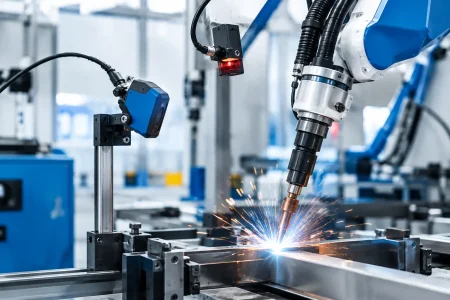
Hardware triggering is the better design when the image must align with motion, illumination, or another machine event. A pulse reaches the sensor or camera controller through a dedicated input. The module begins exposure according to a defined delay and timing specification. This reduces uncertainty and makes system validation more straightforward.
In high-speed applications, ask for trigger latency, latency variation, minimum pulse width, supported voltage level, input circuit type, and the relationship between the trigger edge and actual exposure start. A specification that only says “external trigger supported” is not enough for a production-grade design.
MIPI CSI-2 Modules: Best for Integrated Embedded Timing
MIPI CSI-2 is a preferred image-data interface for mobile devices, robotics, edge AI equipment, medical instruments, and compact industrial products. It supports high data rates with low power consumption and connects efficiently to processors, ISP platforms, and FPGA-based host boards. But CSI-2 lanes transport image packets, not the external trigger pulse.
A trigger-capable MIPI camera module normally needs additional pins in the FPC or board-to-board connector. These can connect to the sensor’s FSIN pin, a module microcontroller, or a dedicated synchronization circuit. The host processor, PLC, encoder, or external illumination controller then drives the trigger line.
This architecture offers precise local control, but it places responsibility on the complete hardware design. The chosen connector must expose the required GPIO signals. The host board must provide the correct voltage and edge quality. The operating system and camera driver must recognize triggered capture behavior, particularly if the sensor stops streaming between events.
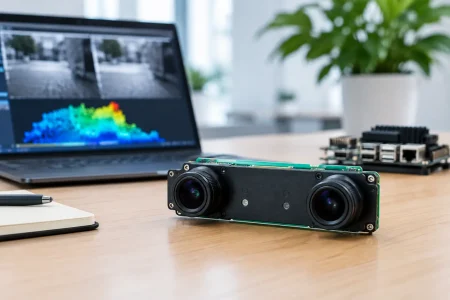
For multi-camera systems, verify whether the selected sensor supports external frame synchronization and whether one module can provide a stable trigger output to others. Cameras with nominally identical resolutions may have very different sync capabilities.
DVP Modules: Direct Control for Legacy and FPGA Designs
DVP, also called parallel camera interface, remains relevant in certain industrial controllers, legacy embedded platforms, and FPGA designs. Because DVP uses discrete pixel clock, synchronization, and data lines, it can be practical where engineers require direct visibility into frame timing.
Like MIPI, DVP does not inherently create trigger capability. A separate trigger input is still required. However, DVP systems can be easier to integrate with custom logic where the FPGA controls illumination, encoder inputs, frame capture, and processing in one timing domain. The trade-off is a larger pin count, lower practical bandwidth than modern high-speed serial interfaces, and more demanding PCB routing.
DVP is a sensible choice when an existing design already uses parallel capture or when an FPGA-centered architecture values direct signal control over compact cable and connector requirements.
USB Cameras: Trigger Support Depends on the Module Design
USB is attractive because it is widely supported, easy to prototype, and available in USB 2.0, USB 3.0, and UVC module formats. It is a strong option for inspection stations, laboratory tools, kiosks, and portable equipment where cable length and host compatibility matter.
For a basic UVC camera, the host can start or stop streaming, request settings changes, and acquire frames in software. That should not be confused with a deterministic external trigger. USB bus timing, host load, and UVC driver behavior can introduce timing variation that makes it unsuitable for fast moving objects or tightly synchronized lighting.
A customized USB module can solve this limitation when the camera includes a separate trigger input. The module receives the external pulse locally, controls the sensor exposure, and transfers the completed frame over USB afterward. This approach gives the system the convenience of USB image delivery without relying on USB as the real-time trigger mechanism.
Buyers should also confirm whether the trigger applies to every frame, a single frame, burst capture, or a gated exposure mode. These functions depend on sensor registers and module firmware, not simply on USB 2.0 or USB 3.0 selection.
Design Details That Decide Whether Triggering Works
Trigger integration often fails at the connector or firmware stage rather than at the interface decision. A camera module may use a sensor with a frame-sync pin, but the standard FPC layout may not route that pin to the customer-accessible connector. In other cases, the trigger input is available but only supports a narrow voltage range that does not match a 24 V industrial sensor or PLC output.
For industrial equipment, opto-isolation, level shifting, debounce behavior, electromagnetic interference protection, and cable grounding deserve early review. A clean trigger signal at the lab bench can become unreliable near motors, solenoids, and switching power supplies. The trigger circuit must also be designed around the selected sensor’s electrical limits.
Illumination timing needs equal attention. A trigger-capable camera may provide a flash output indicating exposure activity, or it may accept an external strobe signal. If motion blur is a concern, the light pulse must overlap the effective exposure window with sufficient margin. Short exposure time, high-intensity lighting, and accurate timing generally matter more than interface bandwidth.
A Practical Specification for Camera Module Sourcing
When requesting a trigger-capable module, provide the application timing rather than asking only for a “trigger interface.” State the target interface, resolution, frame rate, lens constraints, operating distance, illumination method, and environmental conditions. Then define the trigger source, electrical level, trigger-to-exposure tolerance, required output signals, and whether one or multiple cameras must synchronize.
For example, an embedded robotics customer may request a MIPI CSI-2 module with an external 3.3 V FSIN input, fixed exposure on each pulse, a frame-active output, and an FPC that routes all required control pins. A factory inspection customer may need a USB 3.0 camera module with a 24 V isolated trigger input, strobe output, and firmware configured for one image per encoder event. These are different products even if they use the same image sensor.
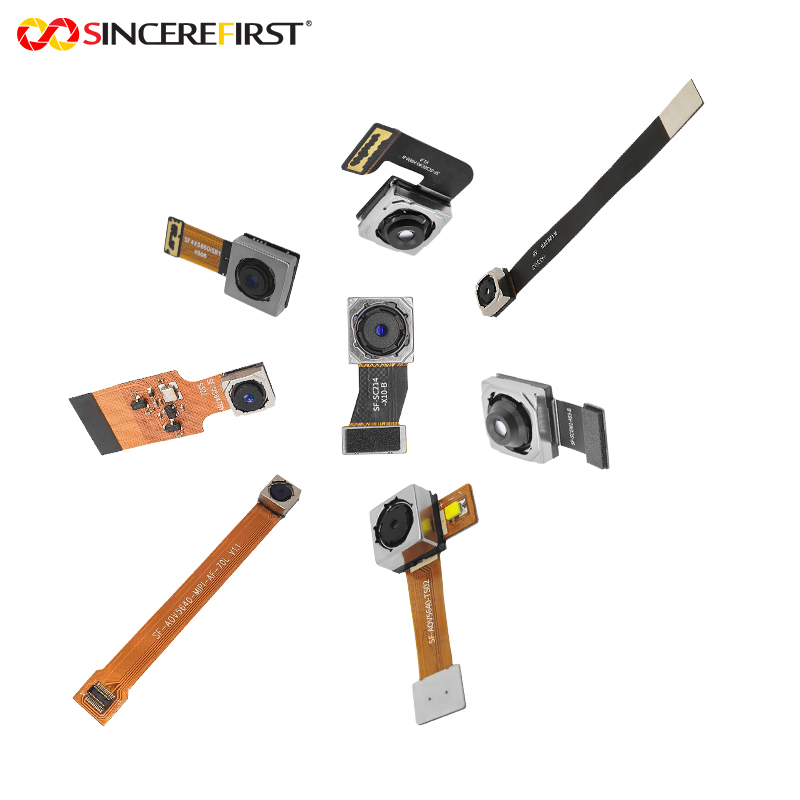
SincereFirst can evaluate the sensor, optical stack, connector routing, firmware behavior, and manufacturing process together, which is essential when a trigger function must work reliably beyond the prototype stage.
The best interface is the one that fits the host architecture and bandwidth requirement, while the trigger path is designed as a separate, verified timing system. Treat those as two connected engineering decisions, and the camera module is far more likely to perform correctly on the production line.