
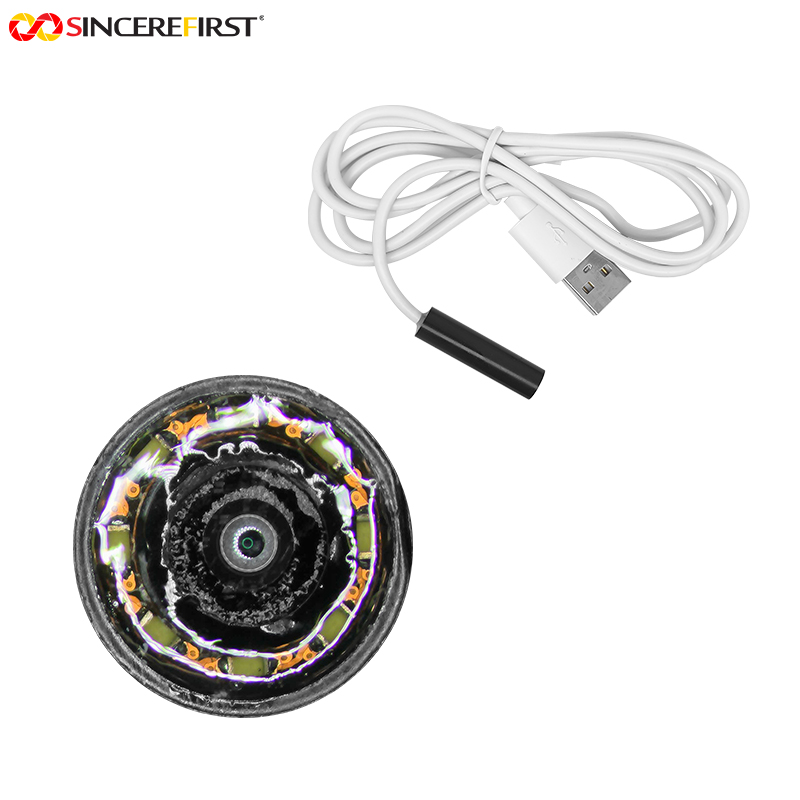
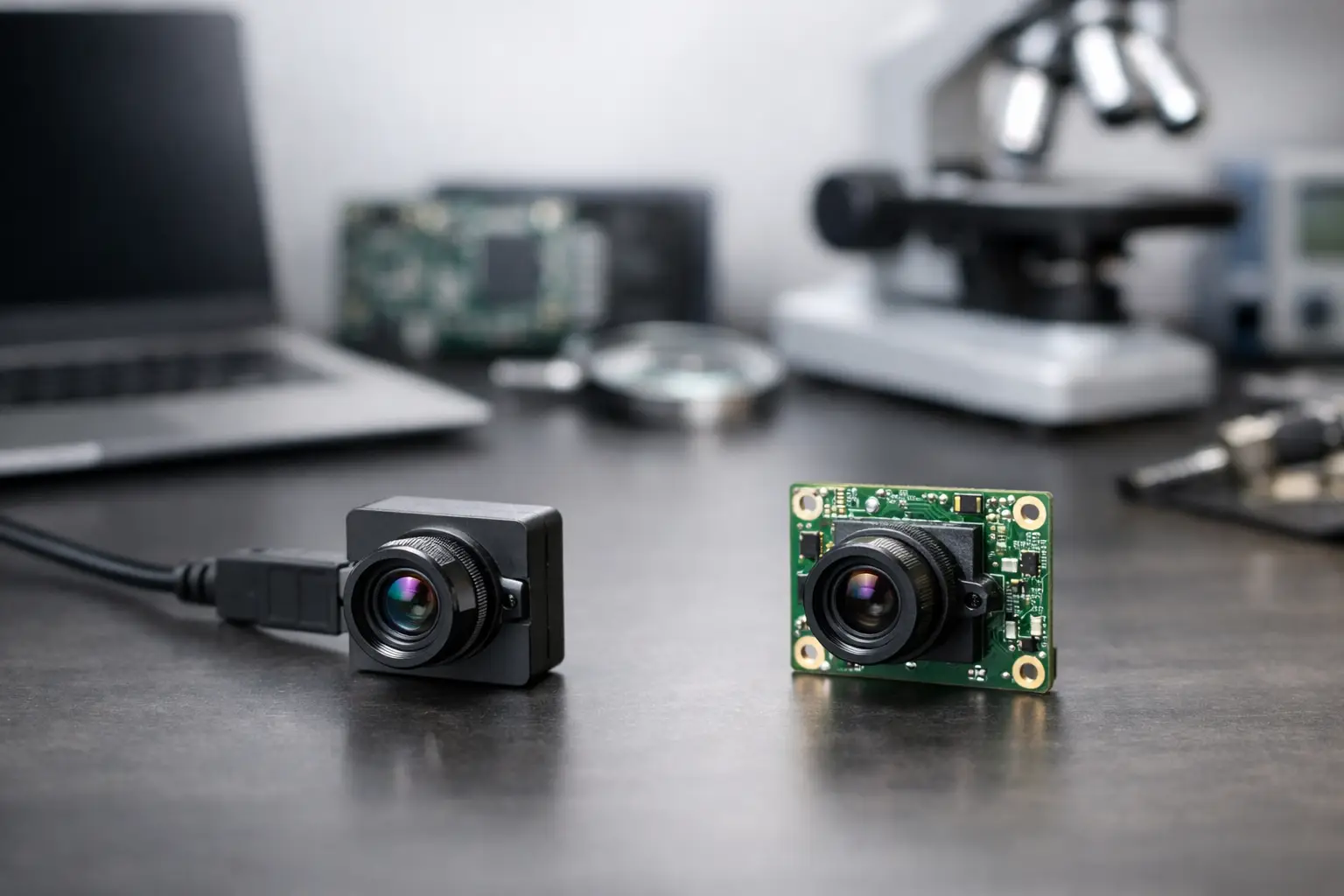
A camera module can use a USB connector and still create very different integration work depending on whether it follows the USB Video Class standard. That distinction is at the center of USB versus UVC modules. For OEMs building robots, diagnostic equipment, security terminals, smart agricultural devices, or industrial systems, the question is not simply which option is better. It is whether plug-and-play interoperability or deeper control over the imaging pipeline is the better fit for the product.
A precise answer starts with one correction: USB and UVC are not parallel interfaces. USB is the physical and transport interface. UVC, short for USB Video Class, is a standardized device class that runs over USB. A USB camera module may be UVC compliant, or it may use USB transport with a proprietary driver, SDK, or command protocol.
USB Versus UVC Modules: The Core Difference
A USB camera module describes how the camera connects to the host. The module can use USB 2.0 or USB 3.0, with the interface carrying image data, control commands, and sometimes power through one connection. USB modules are widely used because they simplify cabling and connect easily to PCs, embedded computers, industrial tablets, and other host platforms with available USB ports.
A UVC camera module is a USB camera that follows USB-IF video-class conventions. Its descriptors tell the host what formats, frame sizes, frame rates, and controls are available. Operating systems such as Windows, Linux, macOS, Android, and many embedded Linux distributions can often recognize a compliant UVC device through their native camera framework, eliminating the need for a dedicated camera driver.
This means UVC is often the fastest route to basic camera bring-up. Connect the module, enumerate the device, and access video through the operating system’s standard camera interface. But “standard” does not mean every capability is automatically exposed or identically handled on every host. Compression formats, high-frame-rate modes, autofocus controls, HDR behavior, and vendor extension controls still require verification on the target hardware and operating system.
A non-UVC USB module also uses USB, but it may expose a proprietary communication method. That approach can require a supplied driver, middleware, or software development kit. It introduces more integration work, yet it can provide access to functions that a generic UVC implementation does not present cleanly.
Why UVC Is Common in Fast-Moving OEM Programs
For products that need a conventional live video feed with broad host compatibility, UVC is usually the practical choice. An engineering team can evaluate image quality quickly using standard applications or native system APIs. This reduces the early software burden and makes field replacement simpler when the hardware platform is already designed around USB cameras.
UVC is particularly well suited to video conferencing hardware, access-control terminals, document scanners, classroom devices, USB inspection cameras, point-of-sale systems, and compact machine vision products that run on standard PCs or embedded Linux computers. It is also attractive when an integrator needs a camera to work across several host configurations without maintaining a separate driver package for each deployment.
From a procurement perspective, a well-defined UVC requirement can reduce qualification risk. The buyer can specify resolution, frame rate, sensor performance, lens field of view, focus method, USB version, output format, cable length, and mechanical dimensions, then verify operation using an agreed host environment. That creates a clearer acceptance path from samples to production.
Still, a UVC label alone is not a complete specification. A 4K UVC module, for example, may use MJPEG, H.264, H.265, or uncompressed output. Each option affects host CPU load, latency, bandwidth, image quality, and software compatibility. Engineers should confirm the formats supported at each requested resolution and frame rate rather than assuming that a high-resolution module will deliver every mode in every application.
When a Standard USB Camera Needs More Than UVC
A proprietary USB implementation can make sense when the application demands tightly managed behavior beyond standard streaming and basic camera controls. Examples include specialized medical imaging systems, multi-camera synchronization, computational imaging, calibrated measurement systems, and industrial equipment with custom illumination control.
The available control path matters. Standard UVC controls may cover exposure, gain, white balance, brightness, contrast, focus, and similar parameters. A product team may also need direct access to sensor registers, external trigger settings, strobe timing, onboard image signal processor tuning, advanced noise reduction, region-of-interest capture, metadata, or proprietary calibration data. These functions can be handled through UVC extension units in some cases, but that still requires host-side software designed to use them.
For a controlled appliance where the OEM owns the complete hardware and software stack, a proprietary SDK can be an acceptable and even advantageous choice. The team can optimize camera startup, data handling, image processing, and diagnostics around one defined platform. The trade-off is lifecycle responsibility. Drivers and SDKs must be maintained through host operating system updates, processor revisions, cybersecurity reviews, and customer support requirements.
Bandwidth Is an Interface Decision, Not a Marketing Label
USB 2.0 and USB 3.0 materially affect what a camera module can deliver. USB 2.0 is often sufficient for lower-resolution video, compressed streams, or applications where modest frame rates are acceptable. It remains a cost-effective option for many 720p and 1080p designs, depending on the selected output format and performance target.
USB 3.0 provides much more headroom for uncompressed video, higher resolutions, higher frame rates, and lower compression dependency. This is valuable for machine vision and inspection tasks where artifacts from compression can compromise analysis. It can also reduce host processing requirements when an uncompressed format is practical for the system.
Actual throughput is always lower than the theoretical interface maximum. Cable quality, connector design, host controller behavior, hub topology, power conditions, operating system scheduling, and competing peripherals all affect sustained performance. A camera that performs well in a bench test with a short cable may behave differently inside a finished machine with multiple USB devices and a longer routed harness.
For this reason, the correct specification is not simply “USB 3.0 camera” or “UVC camera.” It should define the required stream: sensor resolution, active output resolution, frame rate, pixel format or compression, expected latency, number of simultaneous cameras, host platform, and cable configuration. That level of detail prevents late-stage surprises.
Image Quality Depends on the Whole Module
Neither USB nor UVC determines image quality by itself. Image performance comes from the sensor, lens, optical alignment, image signal processor, firmware tuning, illumination, mechanical structure, and the final operating environment.
A UVC module with the right sensor and carefully tuned ISP can be an excellent solution for an embedded device. Conversely, a USB 3.0 module with impressive bandwidth will not solve poor low-light sensitivity, lens distortion, motion blur, rolling-shutter artifacts, or inaccurate color reproduction. In industrial and medical projects, these image characteristics should be evaluated against actual targets, working distances, lighting conditions, and temperature ranges.
Customization is often where standard catalog modules reach their limit. An OEM may require a specific lens mount, field of view, IR filter configuration, board shape, flex cable length, connector orientation, enclosure fit, LED arrangement, or firmware default. The preferred interface should support the product requirement, but the optical and mechanical design must be developed around the end-use condition.
Questions to Resolve Before Selecting a Module
The fastest way to choose between a UVC implementation and a more specialized USB design is to define the host relationship. Will the device connect to varied customer PCs, or only to an OEM-controlled embedded platform? Does the application need a standard camera feed, or does it need sensor-level control and synchronized system events? Is the image stream intended for human viewing, algorithmic inspection, or both?
The team should also establish whether native operating system support is a hard requirement. If deployment must be simple across Windows and Linux systems, UVC has a strong advantage. If the camera is part of a fixed industrial appliance with validated application software, a custom USB protocol may be feasible when it delivers a measurable technical benefit.
Qualification should include more than camera enumeration. Test startup behavior, stream recovery after disconnects, exposure stability under changing light, thermal operation, cable and connector retention, electromagnetic conditions, and sustained operation with the final host processor. For multi-unit production, evaluate sample-to-sample consistency as well as first-sample image quality.
Building for Production Rather Than a Demo
The right camera architecture is the one that balances software effort, imaging performance, supply continuity, and manufacturability. UVC offers a clear path when interoperability and fast integration lead the requirement. A specialized USB module is justified when advanced control, custom functionality, or system-level optimization creates enough value to support the additional software commitment.
SincereFirst supports both standard USB and UVC camera module development, with customization across sensors, optics, firmware, mechanical structures, and production requirements. The most productive starting point is a defined use case and a measurable image target. When the interface decision is tied to the host, stream requirement, and final operating conditions, the camera module becomes a dependable production component rather than a promising lab demo.