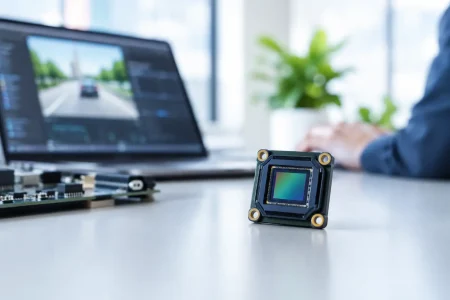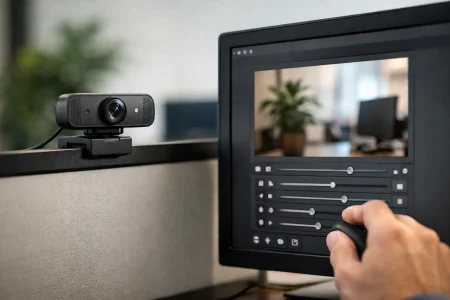

A USB2 camera module can look interchangeable on a purchase order and perform very differently once it enters a finished device. This USB2 camera module comparison focuses on the factors that determine whether a module will deliver usable images, integrate cleanly with the host platform, and remain manufacturable through volume production.
For embedded OEMs, the decision is rarely just about selecting the highest resolution at the lowest unit price. The correct module must match the available USB bandwidth, enclosure depth, working distance, lighting conditions, software environment, and expected product life cycle. A 1080p module may be the right answer for one inspection terminal and the wrong answer for a compact diagnostic accessory.
USB2 Camera Module Comparison: Start With the Interface Limit
USB 2.0 provides a theoretical transfer rate of 480 Mbps. Actual usable bandwidth is lower after protocol overhead, host-controller behavior, cable quality, and concurrent USB traffic are considered. This limit shapes every camera decision, particularly resolution, frame rate, pixel format, and compression method.
For example, uncompressed YUY2 video consumes significantly more bandwidth than MJPEG. A USB2 module may provide 1920 x 1080 output at 30 frames per second using MJPEG, while an uncompressed format at the same setting may require a lower frame rate or resolution. Neither approach is automatically better. MJPEG preserves USB bandwidth and can be practical for preview, conferencing, access control, and general documentation. Uncompressed output can be preferable when the host has enough bandwidth and image-processing consistency matters more than transport efficiency.
This is why a specification sheet should be reviewed as a complete operating condition, not as a collection of maximum values. Ask which pixel format is used at the advertised resolution and frame rate. Confirm whether the host processor can decode compressed video without creating latency or excessive CPU load.
Compare the Image Sensor Before Comparing Resolution
Resolution is visible and easy to market, but sensor selection has a stronger effect on image quality under real operating conditions. Sensor size, pixel size, sensitivity, dynamic range, shutter type, and signal-to-noise performance should be evaluated against the application.
A 2 MP sensor is often sufficient for barcode scanning, face capture, video calling, basic machine monitoring, and many compact medical accessories. It can also provide better low-light behavior than a small, higher-resolution sensor when pixel dimensions and optical design are favorable. A 5 MP or 8 MP module is more appropriate when the system must preserve fine surface detail, support digital cropping, inspect labels, or capture higher-resolution still images.
Rolling Shutter vs. Global Shutter
Most cost-effective USB2 camera modules use rolling shutter sensors. They are well suited to static scenes, moderate movement, document cameras, kiosks, smart appliances, and many security applications. Their limitations become apparent when objects move quickly or when the camera is mounted on a vibrating platform. Vertical edges can lean, and fast motion can appear distorted.
Global shutter sensors expose all pixels at the same time. They are a stronger choice for robotics, industrial automation, motion analysis, high-speed sorting, and handheld devices that capture moving targets. The trade-off is typically higher module cost and, depending on the sensor, different sensitivity or resolution options. For a production system, eliminating motion artifacts can be worth far more than the added camera cost.
Low-Light Performance Is an Optical System Question
Do not judge low-light performance from sensor specifications alone. Lens aperture, lens transmittance, focal length, infrared filter configuration, exposure settings, and the application’s illumination all influence the final image. A module with a larger-aperture lens may produce more useful images than a nominally higher-specification camera using an unsuitable lens.
For near-infrared illumination, confirm whether the module needs a standard IR-cut filter, a fixed no-IR filter, or a day-and-night switching design. Security, crop monitoring, and certain industrial applications may require sensitivity beyond visible light, while natural color reproduction generally requires IR filtering.
Lens and Field of View Determine Whether the Image Is Usable
A camera sensor cannot compensate for a poorly selected lens. In a USB2 camera module comparison, field of view should be connected directly to the working distance and inspection area. A wide-angle lens can capture more of a small enclosure or room, but it may introduce distortion and reduce pixel density on the target. A narrower field of view provides more detail at distance but requires tighter alignment.
Fixed-focus lenses are economical and reliable when the object distance is controlled. They are common in industrial readers, access terminals, smart lockers, and fixed-position monitoring systems. Auto-focus modules are better for products that capture subjects across changing distances, such as portable diagnostic tools, handheld scanners, and consumer-facing terminals. Auto-focus adds mechanical and software considerations, so it should solve a real user need rather than appear as a default feature.
Depth of field also deserves attention. If a camera must read codes on objects at varying heights, a lens optimized only for a single focal plane can cause downstream recognition failures. Validate focus performance using real targets, real lighting, and the full expected distance range.
UVC Compatibility Reduces Integration Risk
UVC, or USB Video Class, allows many USB camera modules to operate with standard operating-system camera drivers. For product teams using Windows, Linux, Android, or embedded x86 platforms, UVC support can reduce driver-development time and simplify early prototypes.
However, UVC compatibility does not remove all integration work. Teams should verify supported operating systems, resolution and frame-rate combinations, control availability, and behavior after repeated power cycles. Exposure, gain, white balance, focus, mirroring, and image orientation controls may differ between host environments. A prototype that displays video on a desktop computer is not yet proof that it will behave predictably on a production embedded board.
For Linux-based systems, validate the module through the intended V4L2 pipeline. For Android products, check USB host capability, available power, camera application behavior, and whether the selected format is accepted by the software stack. These practical checks catch issues earlier than a paper-only comparison.
Form Factor, Cable Design, and Power Are Production Requirements
The physical module must fit the mechanical design without compromising image quality or assembly yield. Board dimensions, lens height, mounting-hole position, connector orientation, cable length, and shielding all deserve review before tooling is frozen.
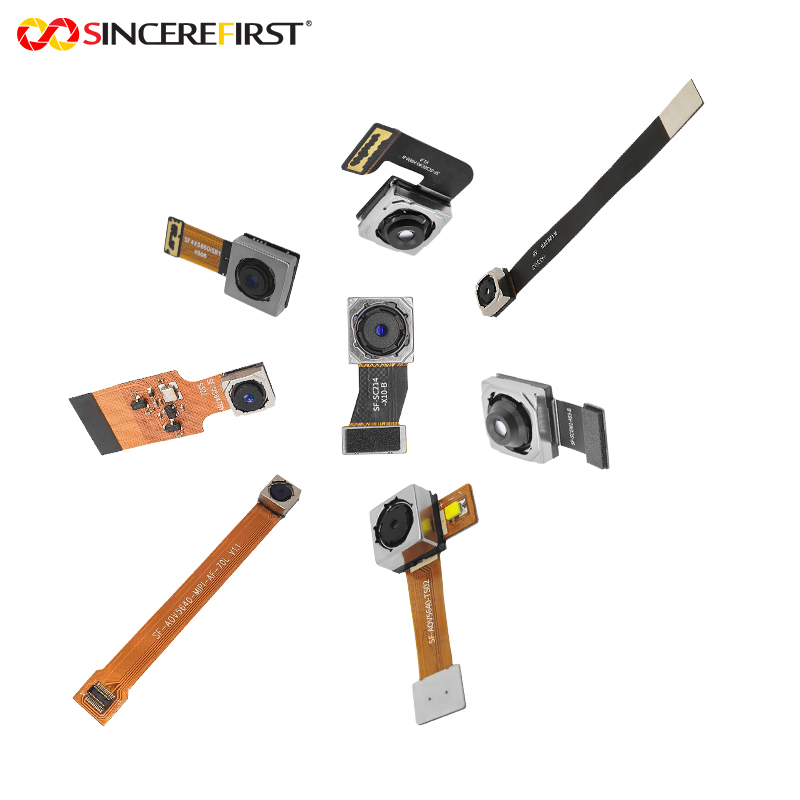
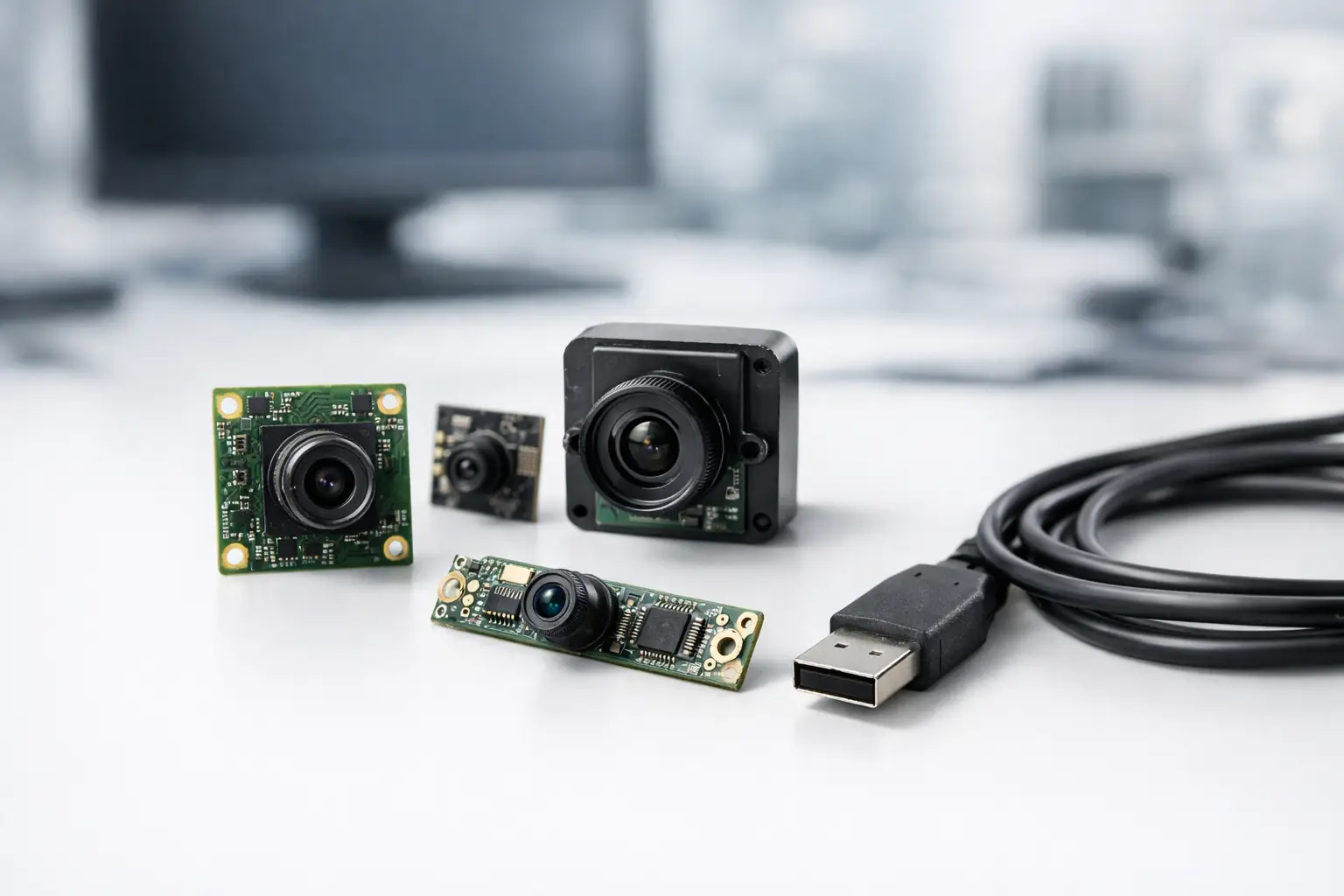
USB2 modules may be delivered as compact board cameras, housed cameras, or modules with custom FPC and USB cable assemblies. A board-level design supports compact integration, while a housed module can simplify mounting and protection in external equipment. Cable routing is especially relevant in industrial devices, where long unshielded runs and nearby motors can introduce electromagnetic interference.
Power behavior also matters. Confirm startup current, average operating current, standby consumption, and whether the host port can reliably power the module under worst-case conditions. If LEDs, autofocus, or auxiliary processing are included, test the complete current profile rather than relying on a nominal value.
Use Application Criteria, Not a Universal Ranking
The best USB2 camera module depends on what the product must see and how it must operate. A practical evaluation should prioritize the application’s failure points.
For a kiosk or access-control terminal, stable 1080p video, wide dynamic range, UVC support, and face-friendly color performance may take priority. For a production-line inspection fixture, global shutter, fixed focus, controlled illumination, and consistent exposure are more relevant. For a compact medical or endoscopic accessory, module dimensions, color fidelity, thermal management, cable flexibility, and controlled optical assembly may outweigh high frame rate.
Procurement teams should also look beyond the approved sample. A suitable supplier can control sensor sourcing, lens consistency, firmware configuration, cable assemblies, and quality inspection across production lots. When a product requires a custom field of view, board outline, connector, infrared response, or tuning profile, early engineering communication prevents costly redesign after mechanical and electrical decisions have already been made.
SincereFirst supports this process with standard USB camera modules and custom imaging development for OEM programs that need defined optical, mechanical, and manufacturing requirements. The objective is not merely to deliver a camera board, but to supply an imaging component that can be qualified, repeated, and scaled.
Before releasing a camera selection for mass production, run a pilot build using the final host board, cable route, enclosure, illumination, and software version. That test will reveal the differences a datasheet cannot: whether focus holds at the required distance, whether frame timing remains stable, and whether every unit produces the image your product actually depends on.