
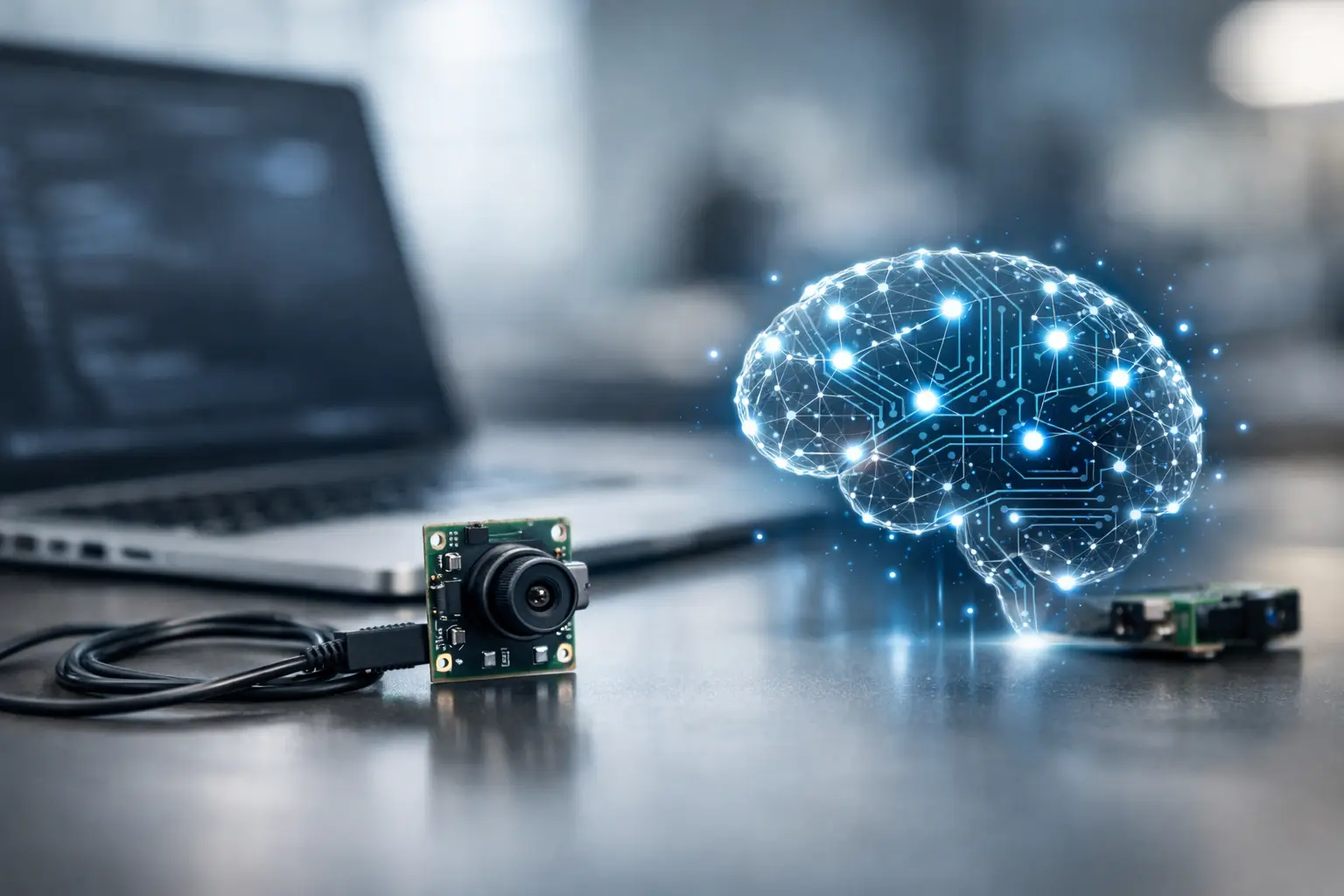
A USB camera is often the fastest way to move an AI vision concept from bench testing into a commercial device. But can USB camera modules support AI? Yes – with one critical distinction: most USB camera modules capture and transmit image data, while an external host processor performs AI inference. Whether that architecture is sufficient depends on latency, bandwidth, image quality, power limits, and the model your application must run.
For OEMs building industrial equipment, robots, medical devices, smart retail terminals, or security products, the question is not simply whether a USB camera works with AI. The real question is where the image processing and neural-network workload should run, and whether the complete imaging chain can deliver dependable results at production scale.
Can USB Camera Modules Support AI in Real Products?
USB camera modules can support AI vision systems very effectively when paired with an appropriate computing platform. A UVC USB camera module may connect directly to an industrial PC, embedded Linux board, edge AI box, or processor platform with an integrated neural processing unit. The camera provides frames; the host runs object detection, classification, optical character recognition, pose estimation, defect inspection, or other AI models.
This separation is often an advantage. It lets the product team select the sensor, lens, interface, and AI processor independently. A single camera design can also be qualified with several host platforms as product requirements evolve.
The camera module itself does not need an AI accelerator to contribute to AI accuracy. It needs to provide stable, usable image data. Sensor sensitivity, dynamic range, frame rate, lens selection, fixed-focus or autofocus behavior, color consistency, exposure control, and mechanical repeatability all affect the model’s input quality. An accurate model cannot compensate fully for motion blur, poor low-light performance, unstable white balance, or a lens field of view that misses the target feature.
Where AI Processing Actually Happens
There are three common system architectures. The right choice depends on product volume, operating environment, data privacy, and the required response time.
USB camera plus host-side AI inference
This is the most common configuration. The USB camera streams video to an embedded computer or industrial PC, and the host uses its CPU, GPU, NPU, or dedicated accelerator to run the AI model. It is practical for factory inspection stations, access-control terminals, smart kiosks, laboratory equipment, and many robotics platforms.
The main benefit is flexibility. Teams can update the model without changing the camera hardware, test multiple models during development, and use standard UVC support to reduce driver effort. USB 3.0 is generally the preferred interface for higher-resolution or higher-frame-rate AI workloads because it offers much more transport capacity than USB 2.0.
USB camera with an AI-enabled edge device
In a compact edge system, the camera connects through USB to a purpose-built AI compute board. The board may handle image preprocessing, inference, decision logic, storage, and network communication locally. This approach reduces dependence on cloud connectivity and can protect sensitive image data in medical, workplace, and access-control applications.
It also creates a clear engineering boundary: the camera module is optimized for imaging, while the edge processor is optimized for AI. For many commercial products, this is a more serviceable and scalable design than placing all functions in a highly customized camera assembly.
Camera module with onboard intelligence
Some cameras or vision modules include an image signal processor, microcontroller, FPGA, or AI accelerator within the camera-side assembly. These products can send metadata, events, or reduced image data instead of a full video stream. They are useful when host resources are limited, power must be tightly controlled, or an immediate local response is required.
However, onboard AI adds cost, thermal design work, firmware complexity, and longer validation cycles. It can also restrict model choice and future upgrades. For a high-volume OEM program, an integrated AI camera makes sense only when its reduced latency, bandwidth, or host-compute requirement justifies those trade-offs.
USB 2.0 vs. USB 3.0 for AI Vision
USB interface selection has a direct effect on the image data available to the AI model. USB 2.0 modules remain suitable for lower-resolution video, moderate frame rates, barcode reading, simple presence detection, document capture, and other controlled-light applications. They are cost-effective and widely compatible.
The limitation is bandwidth. A high-resolution uncompressed stream can quickly exceed USB 2.0 capacity. Compression can reduce data transfer requirements, but it introduces another decision: compressed video may save bandwidth while adding encoding latency or image artifacts that reduce performance for fine inspection and small-object detection.
USB 3.0 camera modules are better suited to applications requiring 1080p at high frame rates, 4K capture, larger sensors, multi-camera systems, or low-latency analysis. The interface does not make AI smarter by itself. It preserves more image data and gives the host more room to process frames quickly.
When specifying a module, evaluate the complete path rather than quoting a maximum resolution alone. A 4K sensor may be unnecessary if the model runs at 640 x 640 input and the application only needs to identify large packages on a conveyor. Conversely, a defect-inspection system may require high native resolution because a small scratch or missing component occupies only a few pixels after resizing.
Image Quality Is an AI Requirement, Not a Cosmetic Feature
AI project delays frequently begin with data that looked acceptable to the human eye but was inconsistent for the model. Camera selection should start with the inspection task, working distance, target size, motion speed, illumination, and acceptable false-positive and false-negative rates.
For example, a warehouse robot may need wide-angle coverage, strong low-light performance, and controlled distortion. A medical imaging device may prioritize color reproduction, low noise, compact mechanics, and repeatable focus. An industrial inspection camera may need global shutter performance to prevent motion distortion, along with a lens and illumination geometry designed around the defect being detected.
Useful specifications to define early include sensor format, shutter type, pixel size, resolution, frame rate, lens field of view, focus method, output format, USB connector type, cable length, operating temperature, and housing constraints. These choices should be validated with real production samples, not only demonstration images.
Latency, Power, and Multi-Camera Design Trade-Offs
An AI system reacts only as quickly as its slowest stage. Exposure time, image readout, USB transfer, frame buffering, preprocessing, inference, and output control all contribute to end-to-end latency. A system designed for people counting may tolerate a delay of several hundred milliseconds. A pick-and-place robot or safety function may not.
Power is equally important in compact devices. Higher frame rates, larger sensors, USB 3.0 operation, onboard processing, and active illumination increase thermal load. Thermal behavior can alter sensor noise and long-term reliability, particularly in sealed enclosures. Engineering teams should measure sustained performance under actual ambient temperatures rather than relying on short desktop demonstrations.
Multi-camera products need additional planning. Several USB cameras can compete for bandwidth through the same host controller, while cable routing and connector retention become mechanical risks. Synchronization is another concern. If stereo depth, 3D measurement, or fast-moving-object analysis is required, independent USB streams may not provide the timing precision needed without dedicated synchronization support.
A Practical Specification Path for OEM Teams
Before selecting a USB camera module for an AI product, align the camera supplier, algorithm team, and hardware team around four decisions:
- Define the scene: target size, distance, lighting variation, motion, field of view, and required detection accuracy.
- Define the AI workload: model input resolution, inference rate, allowable latency, and whether processing runs on a CPU, GPU, NPU, or accelerator.
- Define the image transport: USB 2.0 or USB 3.0, raw or compressed output, cable length, connector type, and number of simultaneous cameras.
- Define production requirements: mechanical dimensions, module orientation, lens locking, firmware configuration, quality controls, sample schedule, and forecast volume.
This process prevents a common mistake: selecting a camera by megapixel count before confirming that its lens, interface, and host platform support the actual AI task.
For customized programs, SincereFirst can help align sensor selection, optical design, USB interface configuration, and manufacturing requirements with the intended intelligent vision workflow. Early prototype testing is especially valuable when the application has difficult lighting, tight space limits, or strict repeatability requirements.
A USB camera module can be a strong foundation for AI, but it should be treated as part of an engineered imaging system rather than a standalone commodity. Start with the decision the device must make, test the image data under real operating conditions, and select the camera and compute architecture that can keep making that decision accurately after the product leaves the lab.