
A USB camera module review should not begin with megapixels. For OEM teams, the real question is whether a module can deliver the required image quality, frame rate, thermal stability, mechanical fit, and supply continuity inside a finished product. A camera that performs well on a development bench can still create costly problems when cable length, processor load, low-light behavior, enclosure heat, or production variation are introduced.
USB camera modules remain a practical choice for industrial equipment, medical devices, robotics, kiosks, smart retail systems, security terminals, and laboratory instruments. They reduce interface complexity, work with many host platforms, and can support rapid prototyping. The best choice, however, depends on the complete imaging system rather than a single headline specification.
USB Camera Module Review: What OEM Teams Should Evaluate
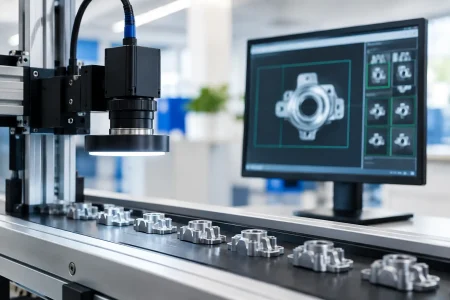
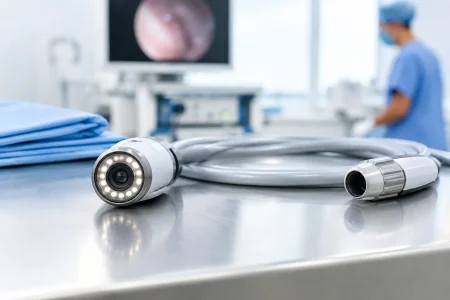
A meaningful review starts by defining the image the device must capture and the decision that image must support. A barcode reader, for example, may prioritize motion handling, depth of field, and controlled illumination. A telemedicine device may need natural color, low noise, dependable exposure behavior, and a compact housing. An industrial inspection system may require high frame rates, low distortion, fixed-focus repeatability, or trigger synchronization.
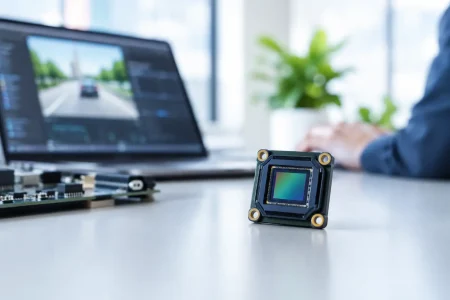
The sensor is central, but it is only one part of the result. Lens selection, image signal processing, USB bandwidth, firmware configuration, cable design, and mechanical assembly all affect the final image. For this reason, OEM buyers should request evaluation samples that reflect their intended use case, not merely a generic desktop test.
Resolution is not the same as usable detail
Higher resolution can improve inspection coverage, digital zoom capability, and recorded-image value. It can also increase bandwidth demand, host processing requirements, storage consumption, and heat. A 4K module is not automatically a better fit than a 1080p module if the application needs real-time analysis on a modest embedded processor.
Usable detail depends on pixel size, lens quality, focus distance, field of view, lighting, compression, and the contrast of the target. Check the image at the working distance and under the lighting conditions expected in production. Review center and corner sharpness separately, especially when the camera is used for measurement, document capture, or edge inspection.
USB 2.0 versus USB 3.0 is an application decision
USB 2.0 UVC camera modules are widely used because they are compatible, cost-effective, and sufficient for many 720p or 1080p applications. They are a sensible option for access-control terminals, basic video communication, compact diagnostic devices, and products where moderate frame rate is acceptable.
USB 3.0 offers substantially greater throughput. It is generally the stronger option for high-resolution uncompressed video, higher frame rates, machine vision capture, and systems where compression artifacts could interfere with analysis. The trade-off is that the host platform, cable quality, connector design, electromagnetic compatibility planning, and power budget require more careful engineering.
Do not select USB 3.0 solely for its theoretical speed. Confirm the host controller capability, operating system support, actual cable routing, and sustained throughput under full system load. A module that reaches its target frame rate with a short lab cable may behave differently in a deployed device with a longer harness and multiple connected peripherals.
UVC Support Reduces Integration Time, but Not All Risk
UVC, or USB Video Class, allows a camera to operate with standard drivers on many Windows, Linux, Android, and embedded platforms. This can shorten early development and simplify deployment when the host only needs standard video functions. For many OEM programs, UVC is the fastest route from sample evaluation to working prototype.
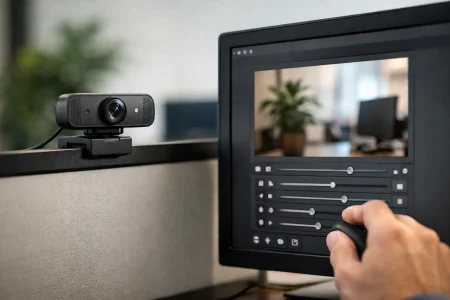
Still, UVC support does not eliminate the need for integration testing. Teams should verify which controls are exposed through the selected host environment, including exposure, gain, white balance, focus, frame rate, image flip, and resolution modes. Automatic settings can be useful in consumer-like environments, but an automated inspection station may need fixed and repeatable controls instead.
Compression format matters as well. MJPEG can reduce USB bandwidth pressure and make higher resolutions possible over USB 2.0, but it may introduce artifacts and processor overhead during decoding. YUY2 and other uncompressed formats preserve more direct image data but consume bandwidth quickly. The correct format depends on whether the output is intended for live viewing, recording, AI inference, measurement, or image-based pass/fail decisions.
Image Quality Must Be Tested Under Real Conditions
A supplier specification sheet may state resolution, frame rate, and field of view, but those figures do not fully describe low-light noise, color consistency, dynamic range, rolling-shutter distortion, or lens shading. These factors determine whether the image remains useful once the module reaches the field.
For moving targets, compare rolling shutter and global shutter options. Rolling shutter sensors are often cost-efficient and suitable for static scenes or moderate motion. Global shutter sensors can capture fast-moving objects with less geometric distortion, making them valuable for industrial automation, sports analysis, robotic guidance, and high-speed inspection. They may require a larger budget or different sensor availability, so the performance benefit should be tied to a real application need.
Low-light testing should include the lowest expected illumination, not only a well-lit office environment. Observe noise patterns, color shift, exposure response, and frame-rate stability. If supplementary LEDs are planned, test the camera with the actual illumination geometry. The lens and lighting system should be evaluated together because glare, reflections, shadows, and flicker often originate outside the sensor.
Mechanical Design and Thermal Behavior Deserve Equal Attention
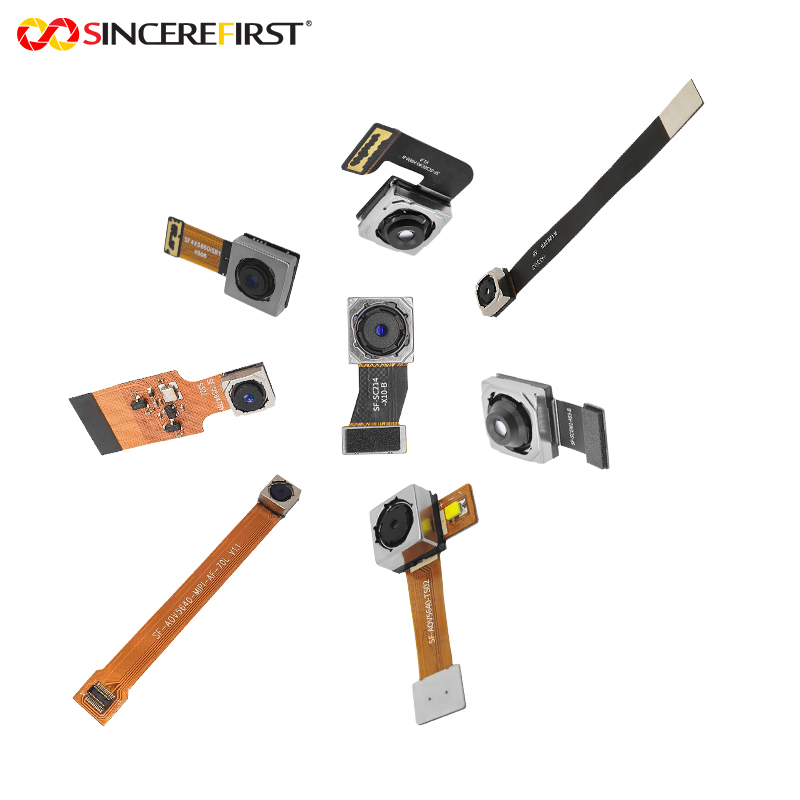
A USB camera module must fit the available volume while maintaining stable optical alignment. Board dimensions, connector location, lens height, mounting holes, cable exit direction, and shielding requirements can determine whether a standard module is viable. In tight products, a customized PCB outline, flexible cable arrangement, lens holder, or connector orientation may avoid a costly enclosure redesign.
Thermal behavior is equally practical. Continuous high-resolution video can raise sensor and processor temperatures, which may increase noise or affect long-duration stability. Test the module inside a representative enclosure at expected ambient temperatures. A camera evaluated in open air may not represent the thermal conditions of a sealed industrial terminal or compact medical device.
Manufacturing requirements should be discussed early. Fixed-focus lenses need a focus strategy that is repeatable at volume. If the target distance varies, consider whether autofocus, extended depth of field, or a specific fixed-focus setting is appropriate. For applications that depend on consistent image geometry, define lens distortion limits, focus acceptance criteria, and image test methods before production begins.
Questions That Expose Supplier Readiness
A camera module is not just a component purchase. It is a supply and engineering relationship that can affect product launch timing. During qualification, OEM teams should ask for specific answers on four areas:
- Sensor lifecycle and alternatives if the preferred sensor becomes constrained or discontinued.
- Sample lead time, customization scope, and the engineering process for optics, PCB layout, firmware, and mechanics.
- Production controls, including incoming inspection, cleanroom assembly, optical testing, aging procedures, and traceability.
- Change-notification policy for sensors, lenses, firmware, connectors, and manufacturing processes.
The supplier should also be able to explain what can be customized without compromising schedule or production consistency. A different lens field of view may be straightforward. A new board shape, unusual connector, specialized illumination, tuned image parameters, or medical-use requirements may need a more formal engineering validation path.
A Practical Evaluation Process Before Volume Purchase
Start with a short technical requirement document. Include target resolution, frame rate, field of view, working distance, illumination range, operating temperature, host platform, cable length, enclosure constraints, and expected annual volume. This prevents the evaluation from becoming a comparison of unrelated sample modules.
Next, run samples through the actual host hardware and application software. Measure frame drops, latency, CPU load, color consistency, image noise, and recovery behavior after disconnect or power cycling. If the product will operate continuously, conduct extended testing rather than relying on a short demonstration.
Then define acceptance criteria that can be checked by both parties. A useful specification may cover optical appearance, focus range, frame rate, power consumption, module dimensions, connector retention, image artifacts, and test conditions. Clear criteria protect the OEM and give the manufacturer a stable target for scaled production.
For programs that require specialized optics, compact board design, or controlled image tuning, SincereFirst can support the transition from standard USB camera module samples to customized imaging assemblies. The value of that process is not simply changing a specification. It is aligning sensor, lens, interface, mechanical design, and production testing with the device’s commercial requirements.
The strongest camera choice is the one that produces dependable images after thousands of operating hours, fits the product without compromise, and remains manufacturable as demand grows. Treat the sample as the start of qualification, not the finish line.