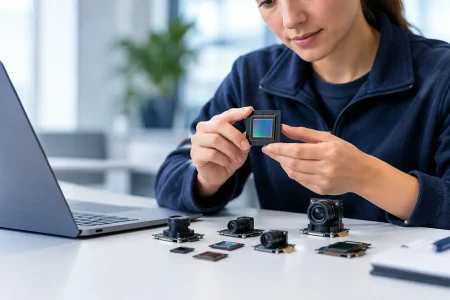

A camera module can become the limiting component in an AI terminal long before the inference processor reaches its rated TOPS. The best USB3 modules for AI terminals deliver usable image data at the right frame rate, with stable power behavior, predictable Linux or Windows compatibility, and optics matched to the scene. For product teams building commercial edge devices, selecting a USB3 camera is not simply a resolution decision. It is a system integration decision.
USB3 camera modules are especially practical for terminals that need a high-bandwidth external or internally routed camera connection without the board-level complexity of a direct MIPI CSI-2 design. They fit AI kiosks, smart retail terminals, access-control devices, autonomous robots, industrial inspection stations, healthcare equipment, and portable diagnostic platforms. The correct module depends on what the terminal must recognize, how far the target is from the lens, and how reliably the finished product must operate at scale.
What Makes the Best USB3 Modules for AI Terminals?
The strongest candidate is rarely the camera with the highest advertised pixel count. A useful AI image pipeline begins with sensor performance, continues through USB bandwidth and image processing, and ends with the model input format. If any part is mismatched, more resolution can add cost, latency, heat, and storage load without improving detection accuracy.
For most AI terminals, a USB 3.0 or USB 3.1 Gen 1 interface provides a theoretical 5 Gbps link. Actual available throughput is lower after protocol overhead, host-controller behavior, cable quality, and competing peripherals are considered. This makes uncompressed 1080p and 4K workflows possible, but the final frame rate depends heavily on pixel format. A 4K stream in YUY2 consumes far more bandwidth than an MJPEG stream, while compressed video shifts processing demand to the host.
A practical evaluation should begin with four questions: What object or feature must the model identify? At what working distance? Under what lighting conditions? And what image format can the AI compute platform ingest without creating latency? Those answers define the appropriate module class.
Four USB3 Camera Module Profiles That Fit AI Terminals
1. 1080p USB3 modules for real-time recognition
A 2MP 1080p USB3 module is often the most commercially efficient choice for face detection, barcode reading, gesture control, occupancy counting, entry terminals, and basic object classification. It provides enough detail for many models while keeping bandwidth, ISP requirements, and memory use under control.
This category works particularly well when a terminal needs high frame rates for moving subjects. A 60 fps configuration can improve tracking continuity and reduce motion blur, provided the sensor supports the required exposure time and the lighting is sufficient. For low-light access control or indoor retail deployments, prioritize sensor sensitivity and dynamic range over headline resolution.
The trade-off is target detail. A 1080p image may not provide enough pixels on a small distant label, a fine surface defect, or a face captured several meters from the terminal. In these cases, lens selection or a higher-resolution sensor may matter more than increasing the inference rate.
2. 4K USB3 modules for detail-critical analytics
4K USB3 modules are a strong fit for smart checkout, document capture, high-value asset monitoring, telemedicine peripherals, and inspection terminals where image cropping is part of the AI workflow. The additional pixels give the model more information and allow one camera to cover a wider scene while retaining useful detail in regions of interest.
However, 4K should be specified with a full pipeline calculation. Confirm the sensor output, supported pixel formats, USB transfer mode, host decoding capability, GPU or NPU preprocessing load, and required sustained frame rate. An AI terminal that only needs 15 to 30 fps may benefit from 4K. A fast-moving industrial process may require a lower resolution with higher frame rate and shorter exposure instead.
For commercial products, test sustained operation rather than relying on a short desktop preview. Thermal conditions inside a compact terminal, USB cable length, and host-controller sharing can expose issues that are not visible during early prototyping.
3. HDR USB3 modules for difficult lighting
Lighting is one of the most common reasons an AI model performs well in a lab and poorly in deployment. HDR USB3 modules are designed for scenes that contain bright highlights and dark shadow areas at the same time, such as building entrances, vehicle cabins, storefronts, and outdoor payment terminals.
A wide dynamic range sensor can retain facial features against a backlit doorway or preserve a barcode under reflective packaging. This can reduce false rejects and improve model consistency without changing the neural network. The result still depends on the sensor’s HDR implementation, exposure strategy, lens flare control, and image signal processing.
HDR can introduce artifacts when subjects move quickly or when multi-exposure methods are used. Evaluate the camera in the actual lighting pattern of the terminal, including LED illumination, sunlight transitions, and display reflections. Ask for sample captures, not only specification tables.
4. Global shutter USB3 modules for moving targets
Global shutter modules capture all pixels at the same moment, avoiding the skew and distortion associated with rolling-shutter sensors during motion. They are appropriate for robotic guidance, conveyor inspection, automated optical inspection, handheld scanning, and machine vision terminals that track fast objects.
A rolling shutter camera may remain the right option for a static AI kiosk because it can offer higher resolution or better low-light performance at a given cost. But for motion-sensitive tasks, distorted edges and unreadable codes can reduce model confidence. The selection should follow the speed of the scene, not a general preference for one shutter type.
Specify the Sensor and Lens as One Imaging System
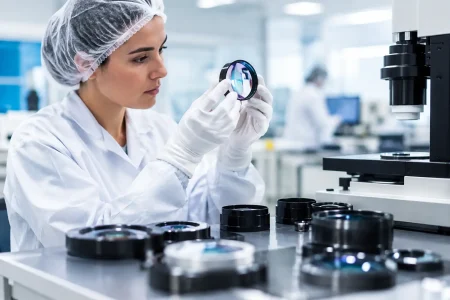
The sensor establishes resolution, frame rate, dynamic range, sensitivity, and shutter behavior. The lens determines what portion of the scene reaches that sensor and whether the image remains sharp where the AI model needs detail. Treating these as separate procurement items often creates avoidable rework.
Start with field of view and working distance. A wide-angle lens may cover an entire kiosk interaction area, but it can make a face or product occupy too few pixels. A narrower lens increases pixels on target but reduces coverage and demands more precise mechanical alignment. For a fixed terminal, calculate the required pixels per target feature before choosing the lens focal length.
Lens distortion also deserves attention. AI models can tolerate some distortion when trained on representative images, but extreme barrel distortion near the frame edge can affect geometry-based measurement, OCR, and barcode performance. If the terminal uses near-infrared LEDs for face authentication or low-light imaging, verify the lens and sensor response at the selected wavelength.
Focus method is another commercial decision. Fixed-focus modules are compact, stable, and cost-effective when working distance is controlled. Autofocus modules help when users present documents, packages, or objects at varying distances, but they add moving parts, software behavior, and validation requirements. For industrial or medical devices, a fixed optical setup is often preferred when the application allows it.
UVC, Driver Support, and AI Platform Integration
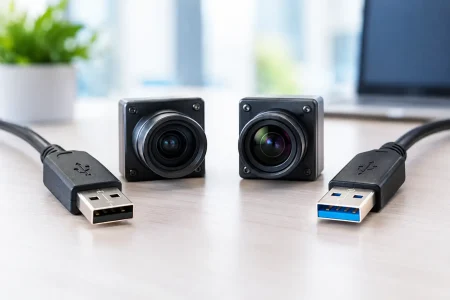
UVC compatibility can shorten development time because the camera appears as a standard USB video device on many operating systems. For teams using Linux-based NVIDIA, Intel, Qualcomm, Rockchip, or x86 platforms, standard UVC behavior can simplify initial capture and application development.
Still, UVC is not a complete integration specification. Confirm supported resolutions, frame rates, pixel formats, extension-unit controls, auto exposure behavior, white balance, and whether parameters persist after power cycling. A module may enumerate correctly yet fail to provide the manual controls needed for consistent production images.
The host platform matters as much as the camera. Verify that the target terminal has a native USB 3.x port, adequate power delivery, and sufficient CPU, GPU, or dedicated media-engine capacity for the selected stream. Do not assume every USB-C connector provides SuperSpeed data. Some designs expose USB 2.0 data only, which will constrain a USB3 module immediately.
Cable design is equally relevant. Longer cables, repeated flexing, tight routing, and noisy industrial enclosures can degrade signal integrity. For embedded terminals, validate the entire cable and connector assembly through expected vibration, bend, ESD, and temperature conditions.
Manufacturing Questions That Prevent Late-Stage Risk
For an AI terminal moving beyond prototype quantities, the camera module supplier should be evaluated as an engineering and manufacturing partner. Ask whether the module can be customized for lens field of view, cable length, connector orientation, housing geometry, firmware parameters, IR-cut configuration, and logo or labeling requirements. A catalog module may prove the concept, but production hardware often needs mechanical or optical changes.
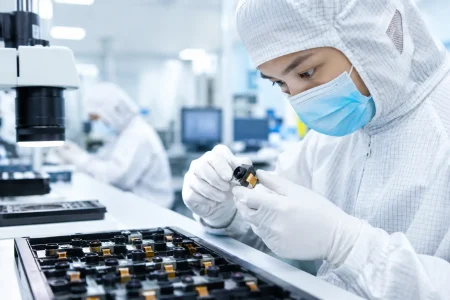
Quality control should cover more than a functional image test. Buyers should discuss incoming sensor traceability, cleanroom assembly, active alignment where applicable, optical inspection, electrical testing, aging or burn-in requirements, and control of firmware versions. Consistent image characteristics are particularly valuable when AI models are trained against a defined camera configuration.
Supply continuity also requires early discussion. Confirm sensor lifecycle status, acceptable alternate components, minimum order quantities, sample lead times, validation lots, and change-notification procedures. A low unit price has limited value if an unannounced sensor or lens substitution forces model revalidation after launch.
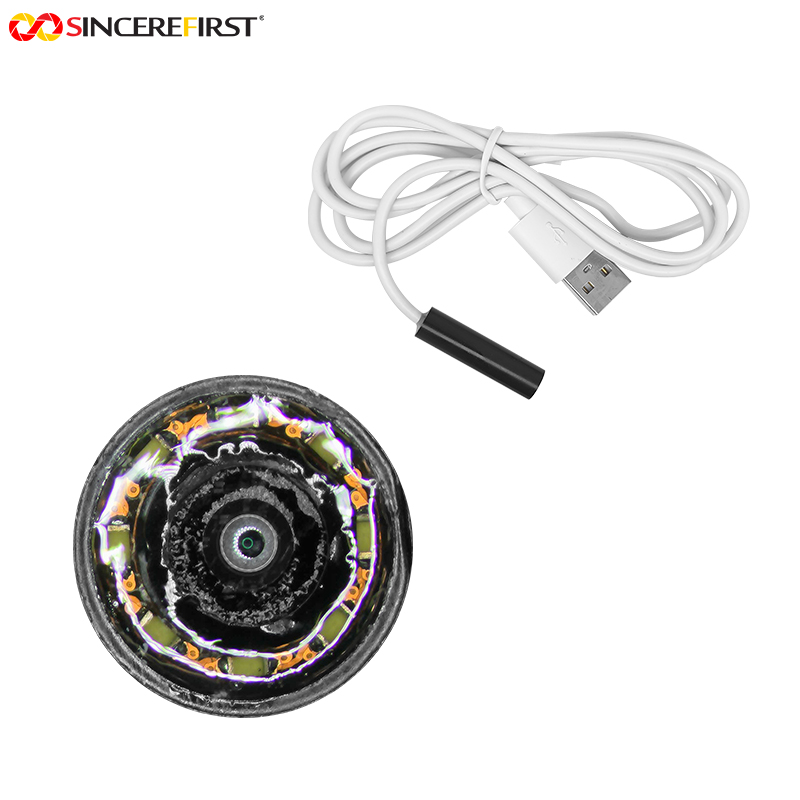
SincereFirst supports this type of evaluation with standard USB camera modules and custom imaging development, combining module engineering with scaled manufacturing capability. For OEM and system-integrator programs, the useful starting point is a clear application brief rather than a generic request for the highest resolution camera.
Build the Evaluation Around Real Images
The most reliable way to select a USB3 module is to test candidate cameras with representative scenes, actual terminal hardware, and the deployed AI model. Measure detection performance across lighting, distance, subject movement, skin tones or material finishes, and expected user behavior. Record CPU load, end-to-end latency, dropped frames, camera temperature, and startup consistency alongside model accuracy.
Choose the module that gives the terminal dependable image data under real operating conditions, not the one that produces the most impressive specification sheet. That discipline turns a camera selection into a durable product decision.